Semi-finishedproduct : No
Battery Included : Yes
High-concerned chemical : none
Is Smart Device : no
Origin : Mainland China
Certification : NONE
Temperature Data Logger : USB Temperature Recorder
Temperature Record Instrument : USB Data Logger
Material : plastic
Type : disposable
Log interval : 10 minutes
Accuracy : 0.5 (- 20 ~+40 )
Out of range : 1
Data capacity : 10000
Alarm temperature range : <2 or>8 (<35.6 or>46.4 )
Start delay : 30 minutes
Working ambient temperature : - 30 ~+60
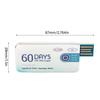
Size : about 90 * 45mm/3.54 * 1.77inch
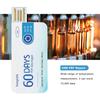
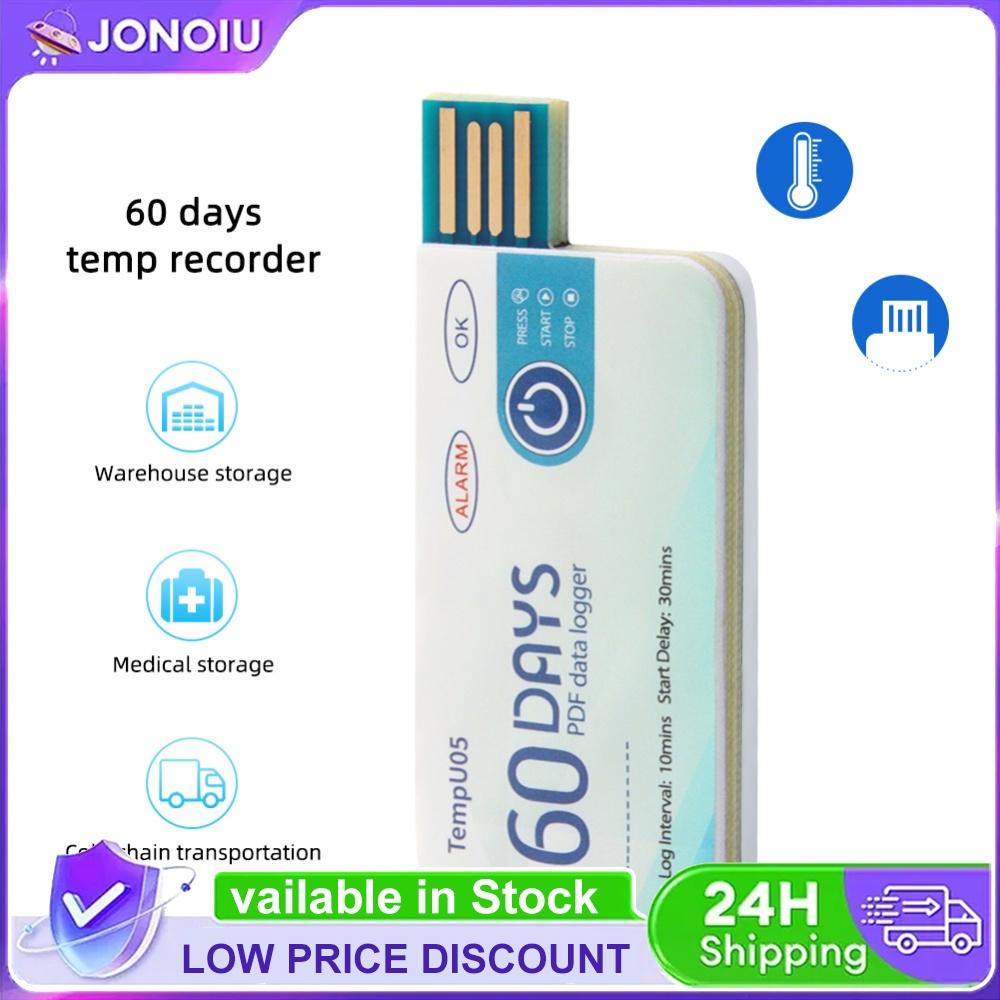
Portable Temperature Record Instrument 60 Days PDF Report Disposable Single Use Temperature Recorder High-precision Measurement
Feature:
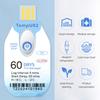
1. 60 Days PDF Report:After the record ends, you can directly insert the computer to get PDF report.
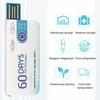
2. Easy to Use:Built in USB connector, directly connect PC or cellphone, no cable or reader required.
3. High-precision:With high precision ±0.5°C and high sensitivity. Wide range of temperature measurement, it can store 10,000 data.
4. Portable:The temperature record instrument has small and compact size, easy to carry.
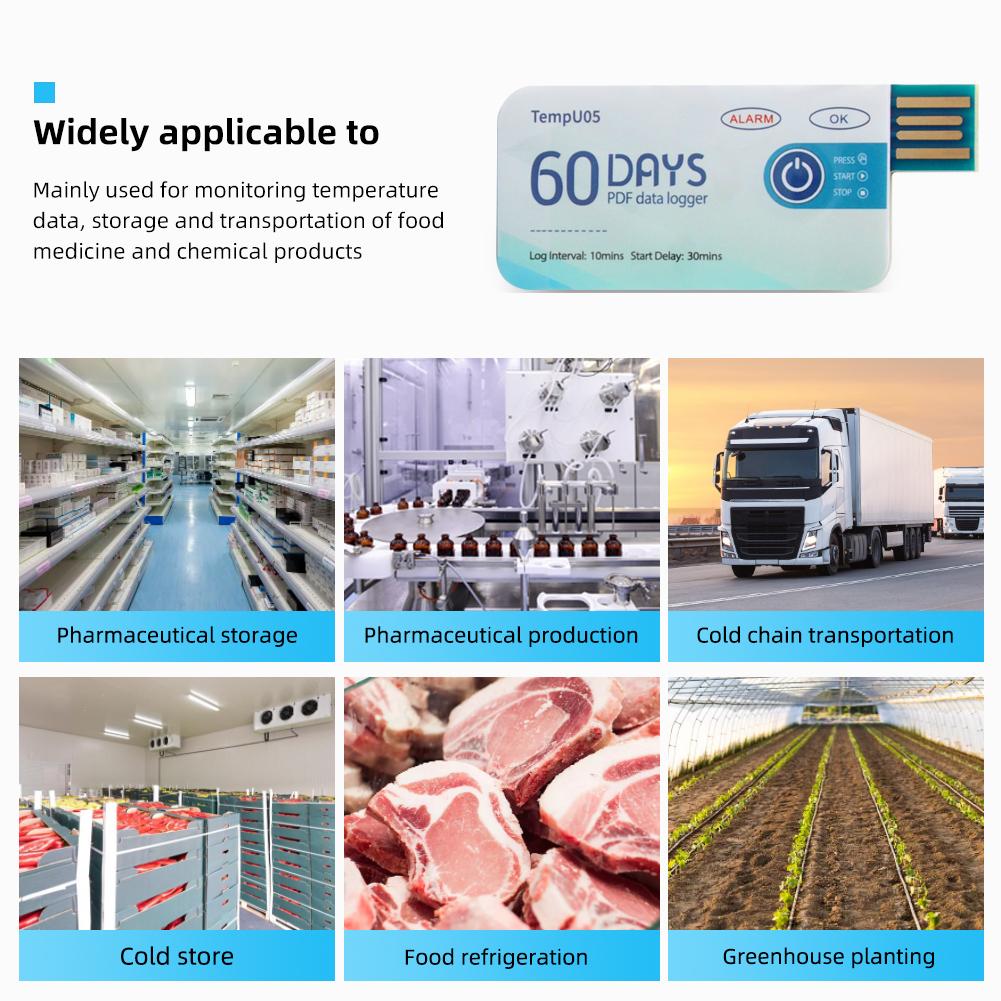
5. Wide Application:Widely used for monitoring food, products and other transport and storage process.
Specification:
Material: plastic
Type: disposable
Log interval: 10 minutes
Accuracy: ± 0.5 ℃ (- 20 ℃~+40 ℃)
Out of range: ± 1 ℃
Data capacity: 10000
Alarm temperature range:<2 ℃ or>8 ℃ (<35.6 ℉ or>46.4 ℉)
Start delay: 30 minutes
Working ambient temperature: - 30 ℃~+60 ℃
Size: about 90 * 45mm/3.54 * 1.77inch
Use Steps:
1. Press and hold the "Start/Stop" button for more than 3 seconds, and the "OK" indicator will be on for 3 seconds, indicating that the device starts recording, and then you can place the device in the environment that needs to be monitored.
2. During the recording process, the equipment will automatically light up once 10 seconds. If the normal indicator light (i.e. green light) is on 10 seconds, it means that the temperature of the device is not too high during recording. If the alarm indicator (i.e. red light) lights up 10 seconds, please indicate that the temperature is too high during recording. Note: As long as the temperature is found to be too high during recording, the green light will no longer light up.
3. Press and hold the "Start/Stop" button for more than 3 seconds, and the alarm indicator (i.e. red light) will be on for 3 seconds, indicating that the device stops recording. Recording will also stop automatically when the device is full. After the device stops recording, it will not flash automatically. If the temperature of the device is too high during recording, press the Start/Stop button. If the normal indicator light (green light) is on, it indicates that the temperature has not been over-recorded during recording; If the alarm is when the indicator light (i.e. red light) is on, it indicates that the temperature is too high during recording.
4. Remove the waterproof packaging bag and plug the device into the computer USB interface. During the PDF file generation process, the normal indicator (i.e. green light) and alarm indicator (e.g. red light) will light up. When the file is generated, the normal indicator will remain on until the recorder is removed from the computer.
Note:
Due to the different monitor and light effect, the actual color of the item might be slightly different from the color showed on the pictures. Thank you!
Please allow 1-2cm measuring deviation due to manual measurement.
1 x Temperature Data Logger
label:yes




 Rimborso per mancata consegna