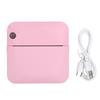
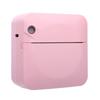
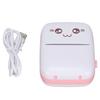
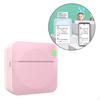
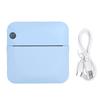
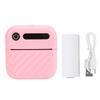
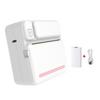
Feature:
1. Quick Paper Output: Mini printer adopts high performance print head, mature technology and reliable quality, rapid paper output, one key printing, saving time and effort, inkless and environmentally friendly printing.
2. Bluetooth Direct Connection Technology: Mini printer adopts Bluetooth direct connection technology, open the APP to connect to Bluetooth, so that it can be used and printed freely.
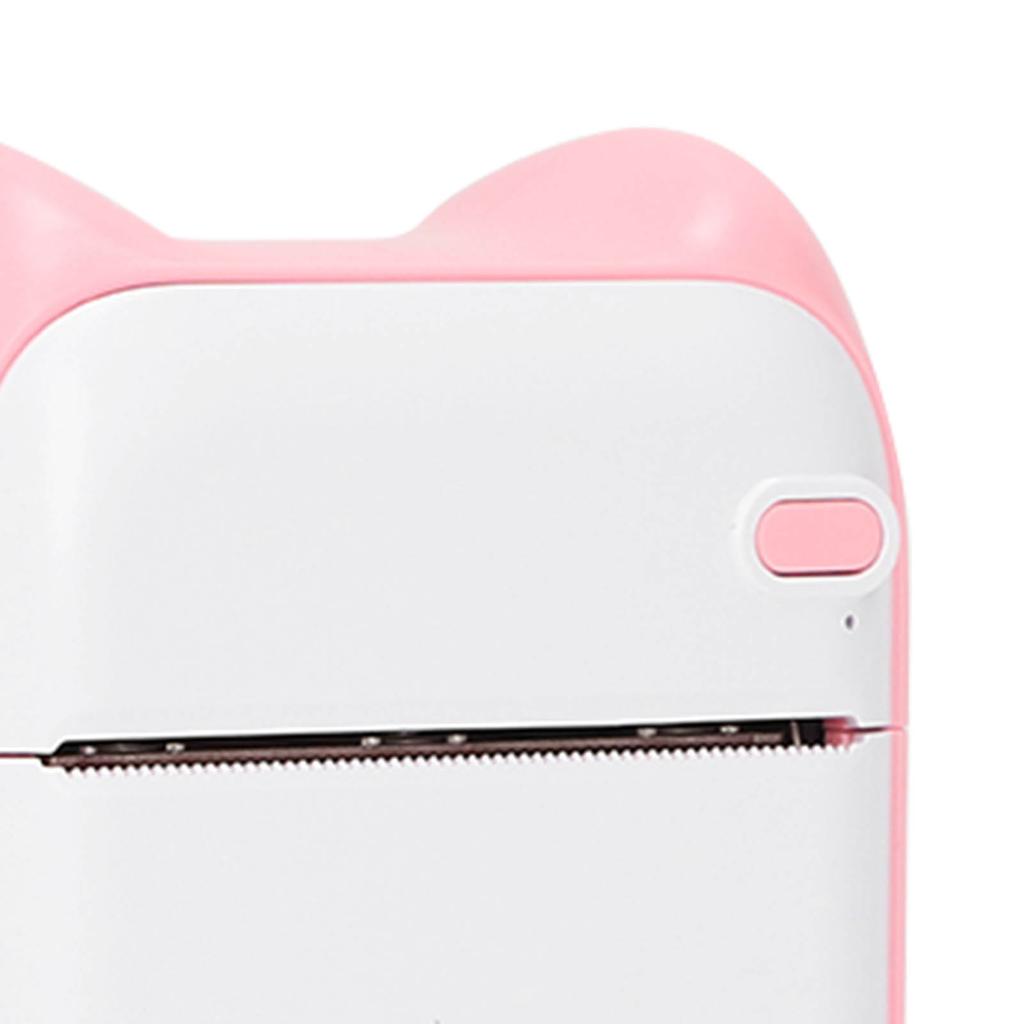
3. Humanized Design: 45 degree concave design, neat tearing, safe operation, one stop, smart pocket printer, high definition mini.
4. 1000mAh Capacity: Large capacity 1000mAh lithium battery, long battery life, reduce the learning time occupied by the number of charging times.
5. Scope of Application: Memos in the office, compatible work plans, to do lists, daily calendars, meeting minutes, easily done.
Specification:
Item Type: Thermal Printer
Material:ABS
Battery Type: Lithium Battery (Ship with Inbuilt Battery)
Battery Type:
Battery Capacity: 1000mAh
Printing Software: For iBleem
Resolution: 203DPI
Printing Color: Black
Applicable Paper Size: Approx. 5.7 x 2.5cm / 2.2 x 1.0in
Printer Size: 8.8 x 8 x 4.4cm / 3.5 x 3.1 x 1.7in
Networking Method: Bluetooth
Charging Method: USB
Use Time: More Than 8 Hours
How to Use:
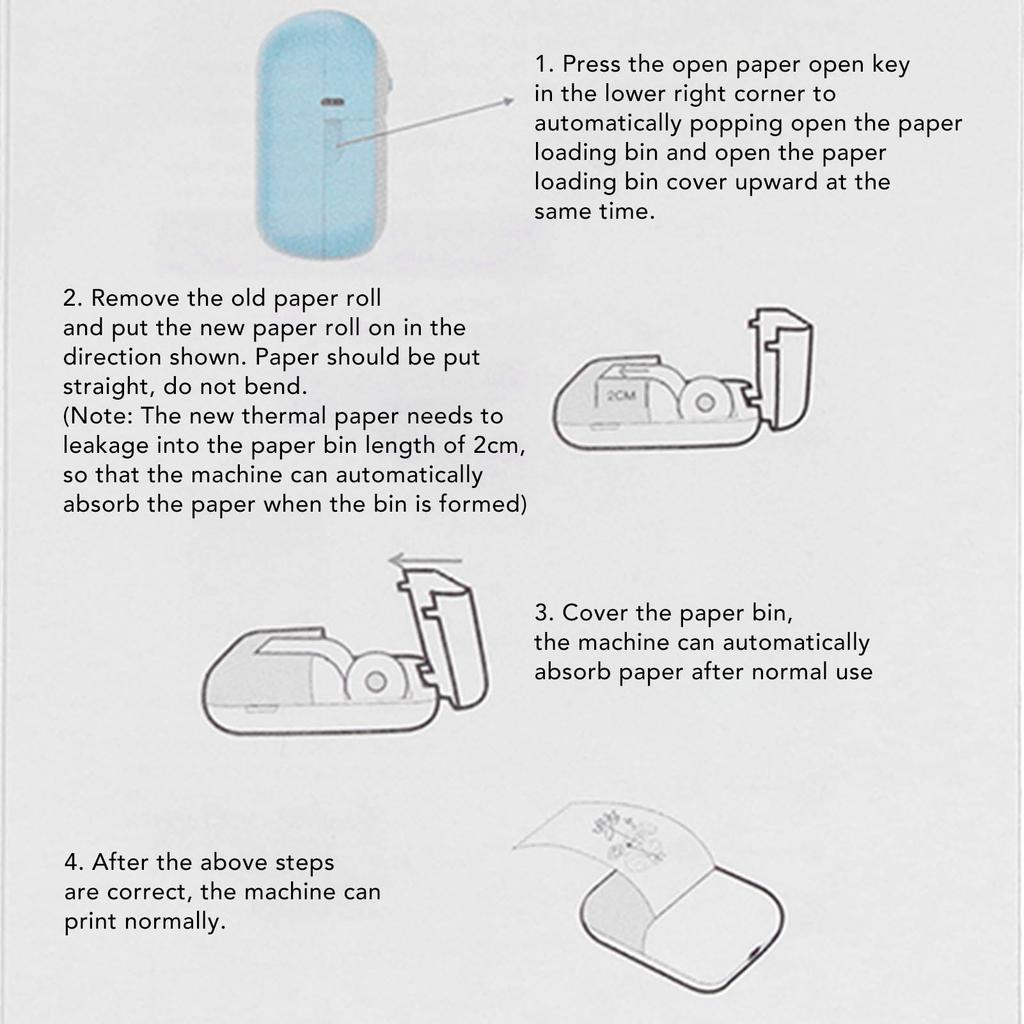
1. Press the open paper open key in the lower right corner to automatically popping open the paper loading bin and open the paper loading bin cover upward at the same time.2. Remove the old paper roll and put the new paper roll on in the direction shown. Paper should be put straight, do not bend. (Note: The new thermal paper needs to leakage into the paper bin length of 2cm, so that the machine can automatically absorb the paper when the bin is formed) 3. Cover the paper bin, the machine can automatically absorb paper after normal use 4. After the above steps are correct, the machine can print normally. Use guide. 1. Please charge before use, long press the power button for 3 seconds to turn on the machine. 2. Download for iBleem, install APP to use 3. After the phone Bluetooth is turned on, download the app with your cell phone, click the "Connect" button in the upper right corner of the "Print" tab to connect to the printer, and print the note after successful connection.
Package List:
1 x Printer
1 x USB Cable
1 x User Manual
6 x Roll Printing Paper (1 Roll Inside the Printer)






 Rimborso per mancata consegna