----------------------------------------------------------------------
【Voltage Compatibility】
When using electrical appliances, please note that they are designed for Japanese voltage specifications (90-110V), so if you use them with a different voltage, it may cause a malfunction.
【Plug Type】
Our products use Japanese plug types (A or B type).
Please use a conversion adapter if necessary.
【Important Note on Transformers and Adapters】
A transformer adjusts voltage to match your device’s requirements.
A conversion adapter only changes the plug shape and does not adjust voltage.
Using only a conversion adapter without a transformer may result in damage to the product.
【Liability】
We are not responsible for malfunctions or damages caused by improper use, such as operating the product without a transformer.
----------------------------------------------------------------------
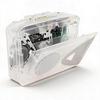
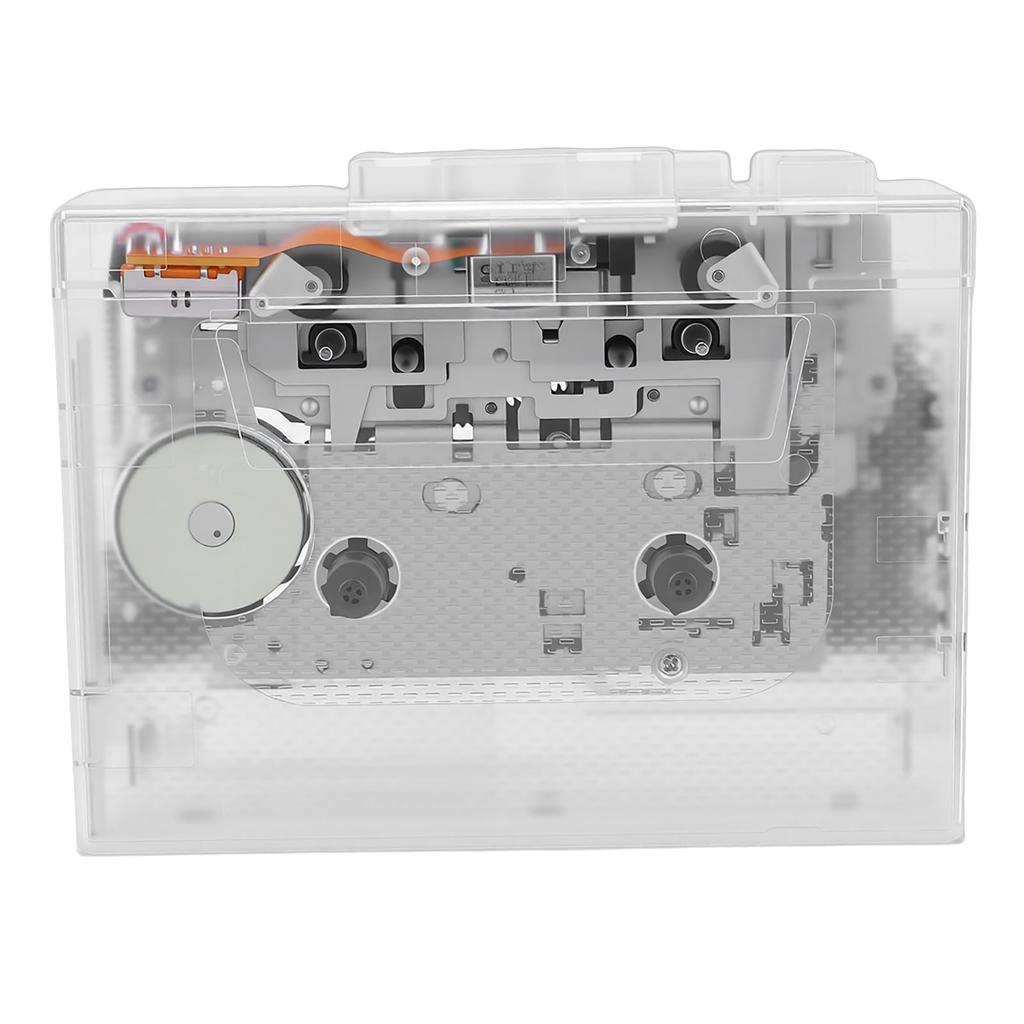
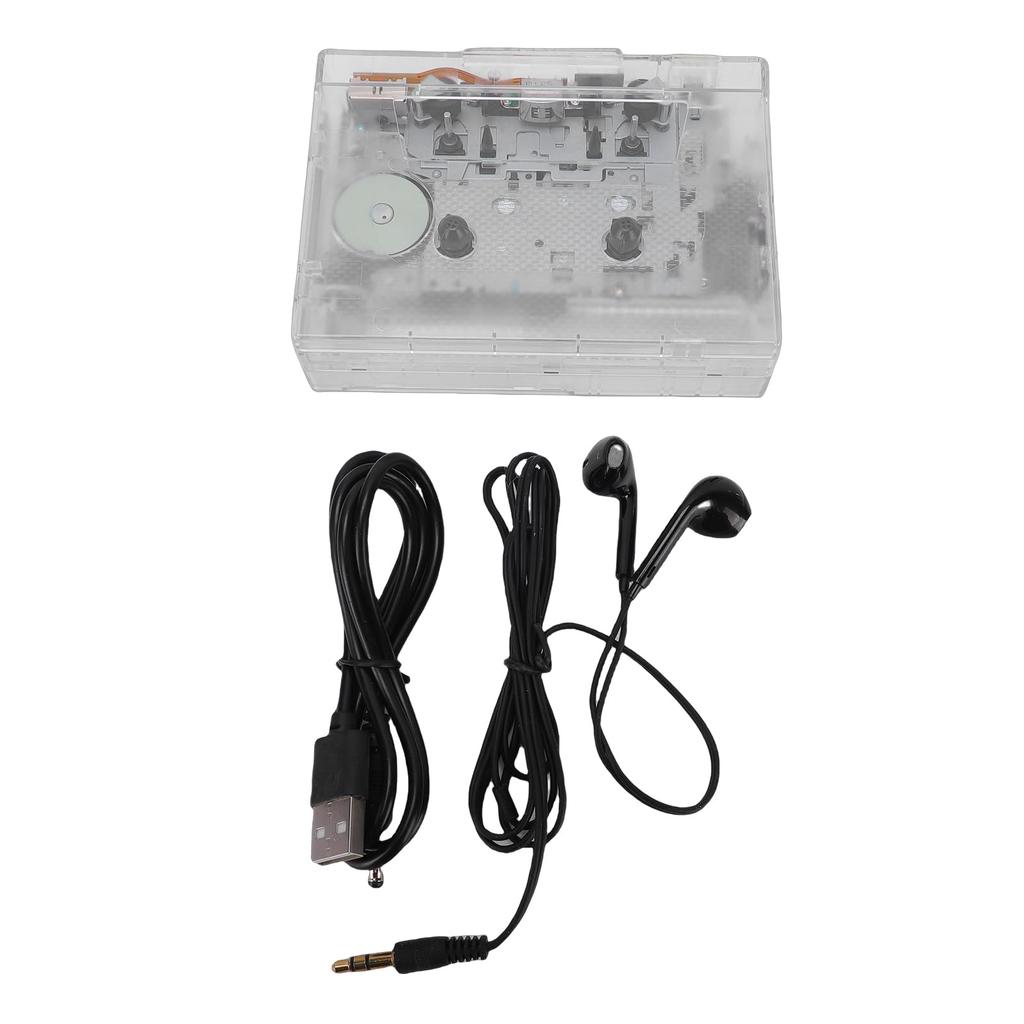
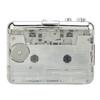
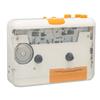
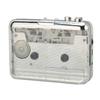
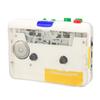
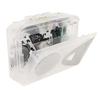
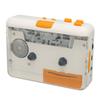
A fusion of vintage design and modern features: This cassette tape player features a stylish retro design that blends nostalgia with cutting-edge technology. Not only can you enjoy your favorite cassette tapes, but you can also play music from a USB drive.
Two Power Options: This cassette player operates on two AA batteries (not included) or the included USB cable, offering flexible power supply options. Choose the power option that best suits your needs for uninterrupted music listening.
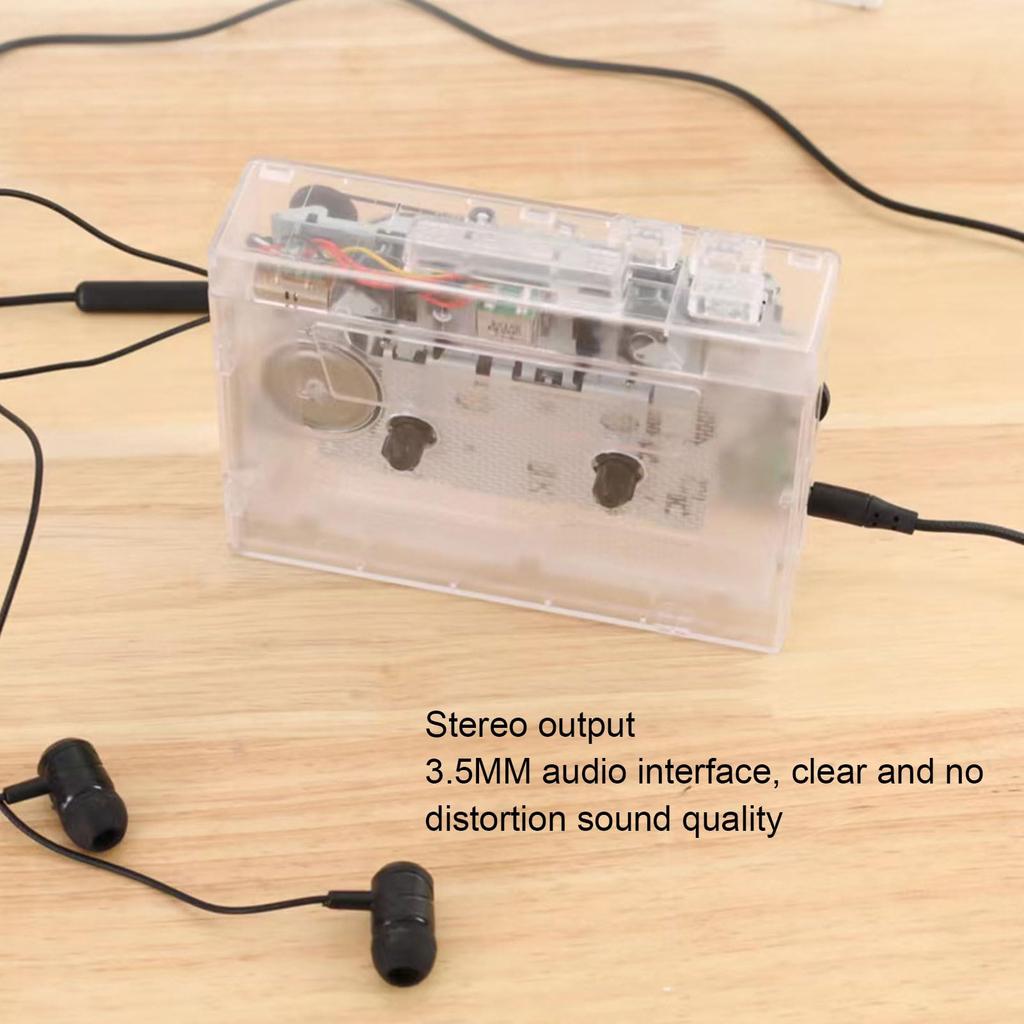
Experience an immersive listening experience with a 3.5mm AUX connection: The 3.5mm AUX jack allows you to enjoy music through compatible headphones, speakers, and car audio systems. Connect your favorite tapes directly to your modern audio equipment and enjoy a superior listening experience without any loss of sound quality.
Dual Tape Digital Converter: Easily convert your precious cassette tape music to MP3 format. This player allows you to digitize your sound tapes and save them to a USB drive, so you can preserve your cherished melodies in the latest format for easy playback and storage.
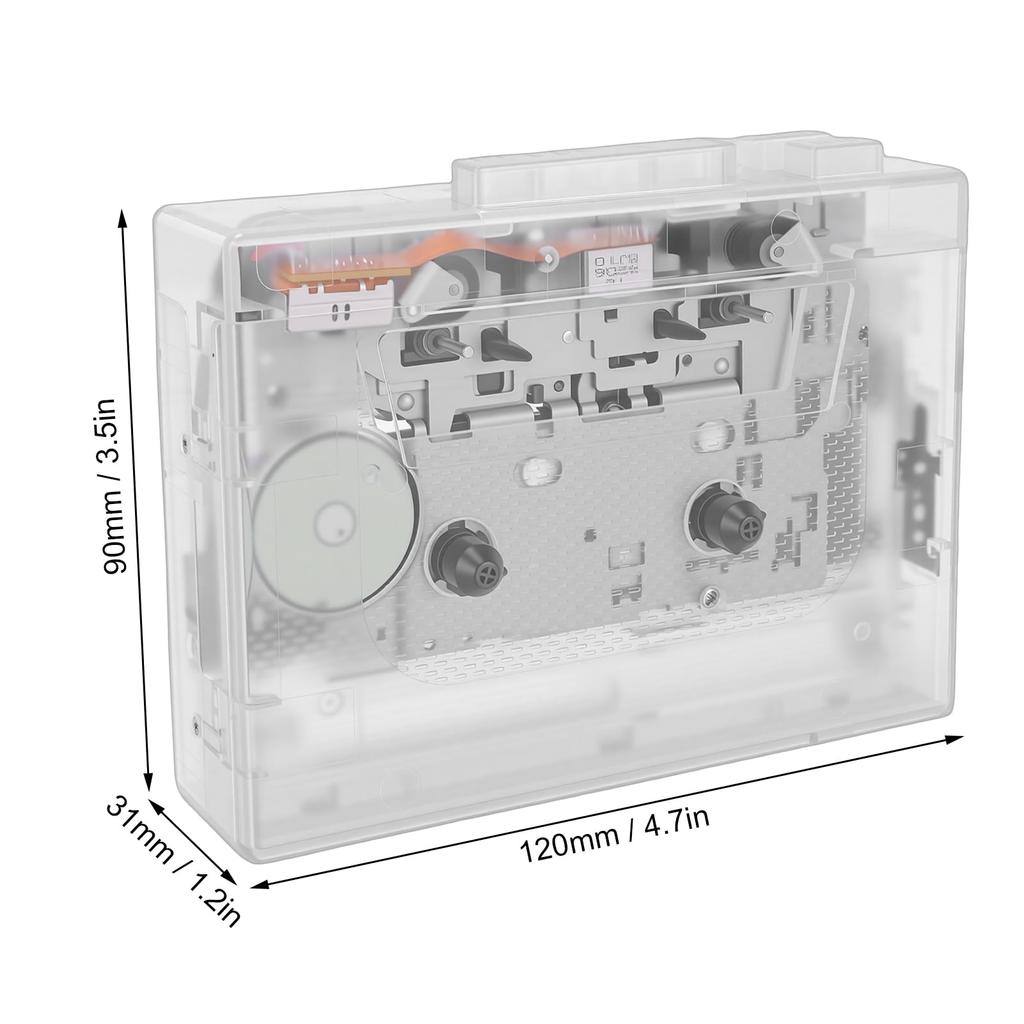
Lightweight and easy to carry: Measuring just 4.7 x 3.5 x 1.2 inches and weighing only 0.44 pounds, this portable cassette player easily fits into any bag. Suitable for both indoor and outdoor use, you can enjoy music wherever you are—while commuting, traveling, or relaxing outdoors.
Specifications: Item Type: Bluetooth Cassette Player Material: ABS Battery: 2 x AA batteries (not included) Output Current: 400mA (max) Output Power: 2W (max) Track Type: Dual Channel Stereo Tape Speed: Standard 4.76±5% Recording Rate: 128K/sec Data Protocol: USB2.0 Playback Modes: Tape Playback, USB Flash Drive Playback, Random Playback, Loop Playback USB Flash Drive Playback: Supports FAT32 and EXFAT file systems (NTFS not supported) Voice Transcription: Supported Tape Speed Adjustment: Supported Size: Approx. 4.7 x 3.5 x 1.2 inches / 12 x 9 x 3.1 cm
How to use: Ready to use right out of the box. How to record tapes in MP3 format?
1. Insert the tape you want to record into the player.
2. Insert the USB flash drive into the USB port. When the white indicator lights up, press the key once. The white indicator will blink slowly, indicating that recording has started. At the same time, press the tape playback key.
3. To pause recording, press the key once. The white indicator will remain lit.
4. To play the recorded file, press the key twice. The white indicator will turn blue, and the blue indicator will blink slowly as the MP3 file begins to play. To pause playback, press the key once. The blue indicator will remain lit.
5. During playback, pause the tape playback to prevent crosstalk. Press and hold the key to cyclically adjust the volume of the MP3 file.
6. To return to recording mode, press the key twice. The blue indicator will return to white.
How to play a tape
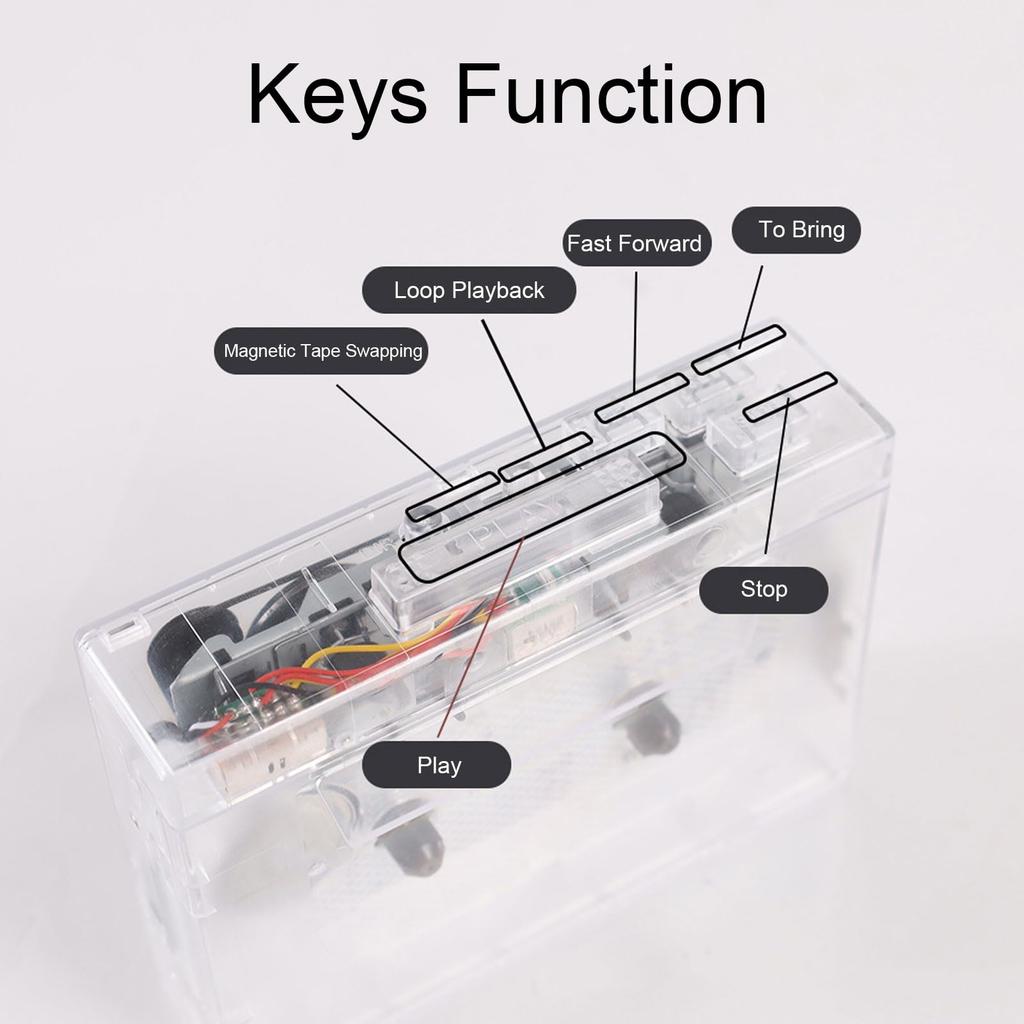
1. Headphone jack: Plug in your headphones and enjoy your music.
2. Adjust the volume using the volume control knob while playback is in progress.
3. Pressing the "DIR" key will automatically reverse the tape playback.
4. Press the "PLAY" key to start playback.
5. Playback Mode: Select the action to take when the tape reaches the end. In Loop mode, the tape will automatically play in reverse, with the opposite side being played. In Single mode, playback will stop.
6. Press the "F.F" key to fast-forward the tape.
7. Press the "REW" key to rewind the magnetic tape.
8. Press the "STOP" key to stop playback of the tape.




 Rimborso per mancata consegna

![Lettore di Cassette Portatile Alimentato a Batteria Include Nastro a Cassetta Compatto Cassetta USB Cassetta a Nastro life_mart Elegante [USB & Compatibile, Auricolari]](https://img.joomcdn.net/c38a3d2671d34ecdbce98cb4aab5a22c0bc11c26_100_100.jpeg)