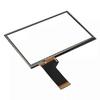
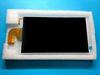
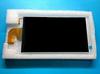
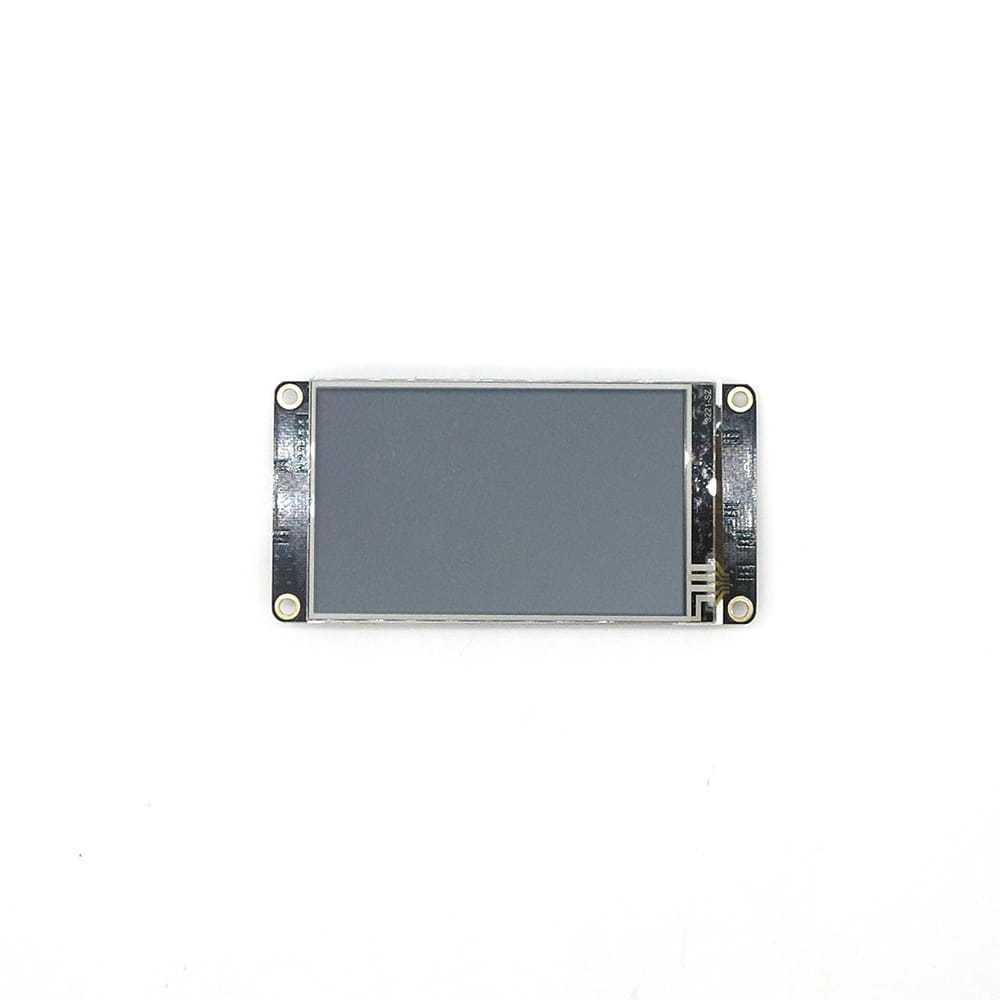
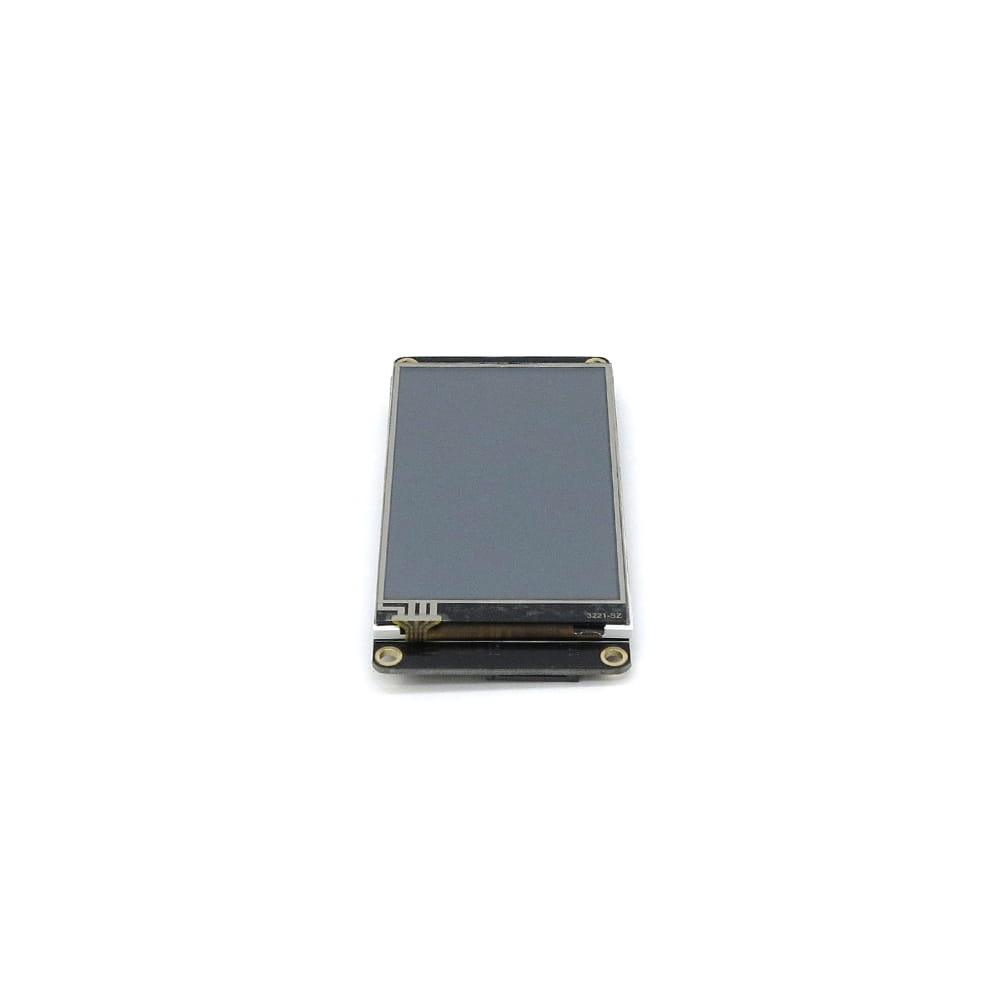
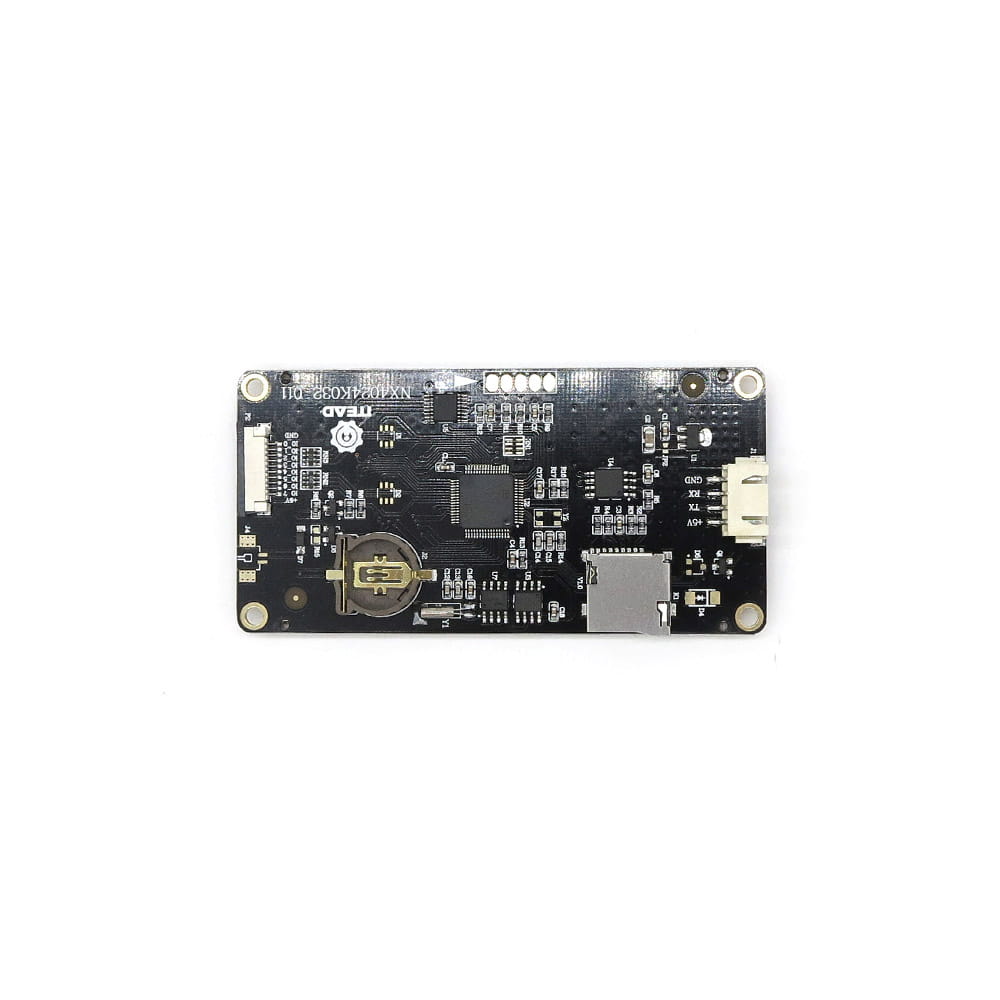
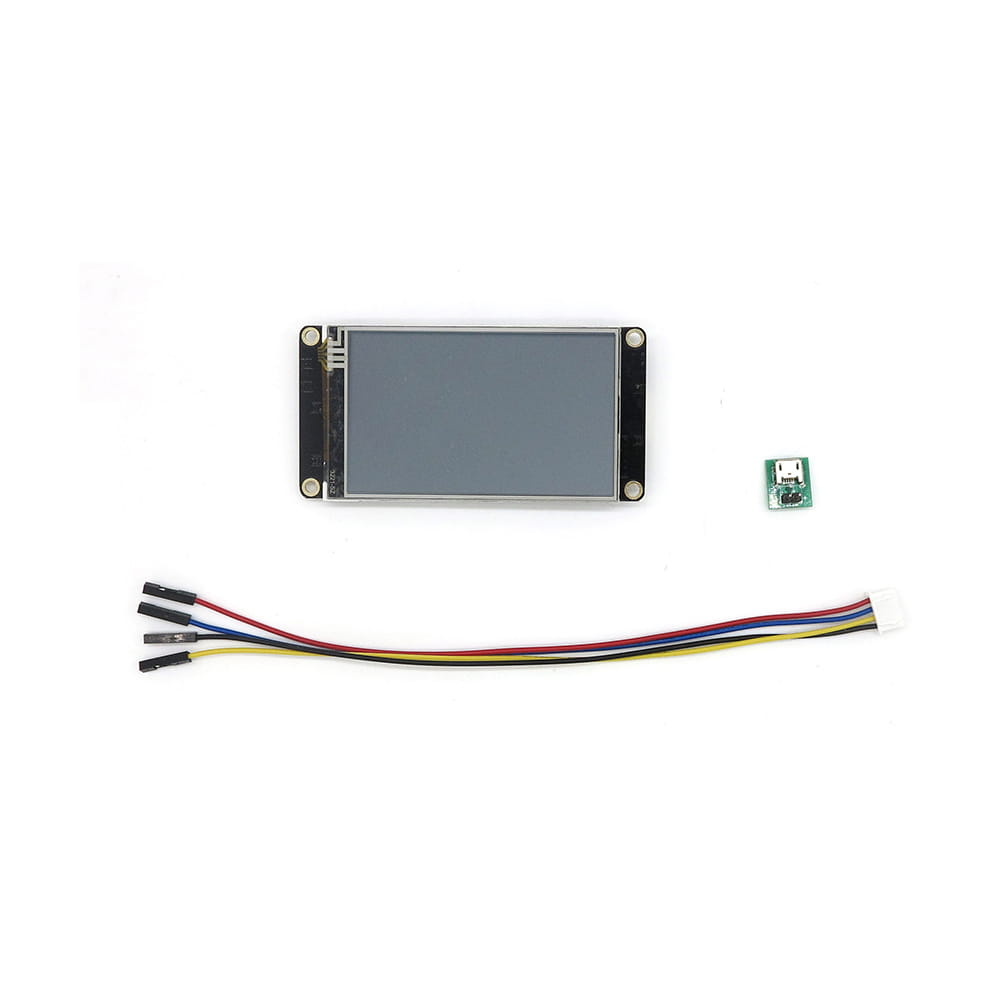
The Nextion Enhanced NX4024K032 is an excellent display for quick HMI projects using readily available tools. The display is controlled via a UART serial bus. It is recommended for Arduino, Raspberry PI, and systems with ESP8266 microcontrollers. If you need to quickly design an interface with buttons, graphs, various controls, and easy operator data entry, you'll find the answer in the Nextion series. Nextion displays are divided into three groups based on their level of advancement, hardware capabilities, and processing power: Basic - the entry-level version. Enhanced - compared to Basic, it includes EPROM memory, GPIO lines, and an RTC clock. Intelligent - compared to Enhanced, it includes many new, advanced graphical controls. Specifications of the presented Nextion Enhanced NX4024K032 display: Size: 3.2″ Resolution: 400*240 Touch panel: resistive Number of colors: 65536 Flash memory: 16 MB RAM memory: 3584 Byte MCU clock: 48 MHz EEPROM memory: 1024 Byte Number of GPIOs: 8 Real-time clock: YES Housing: NO Nextion Editor The screen's graphic layout and functional elements can be designed very easily and quickly thanks to a free computer program. Each screen can contain many functional elements, so-called widgets, which include: Text: a text field that can be modified during display operation. Number: a numerical field that can be modified both by the microcontroller and the interactive keyboard on the display. Button: a button. Both pressing and releasing the button are easily registered by the microcontroller. Progressbar: a progress bar. The value of this bar can be easily set with the appropriate command. Picture: allows you to create a screen background or insert image fragments anywhere on the screen. Gauge: an analog indicator with a single needle. Waveform: used to draw up to four graphs. Slider: a slider that allows you to set various parameters and program variables. Checkbox: a checkbox. Each touch changes its state. Using the mouse, you can insert the functional elements you need onto the screen and determine their size and position. A completed project prepared in the Nextion Editor software can be transferred to the display in two ways: Upload the appropriate project file to an SD card and insert it into the display. After applying power, the display automatically uploads the project to its Flash memory. This is a good way to transfer software updates via the internet. If the display is connected to a computer (using a USB-TTL converter), simply click the upload button and the program will automatically upload to the display via the USB port. How to connect Nextion displays to a microcontroller: The display communicates with the controlling microcontroller using a UART serial bus, so you only need to connect four pins: +5V: power supply TX: data output from the display (e.g., button 1 was pressed) should be connected to the microcontroller's RX. RX: input data to the display (e.g., displays the temperature) should be connected to the microcontroller's TX. GND: ground for power supply Nextion as a display for Arduino. If the microcontroller's software is based on the Arduino IDE, the manufacturer has also made many improvements. The manufacturer's library for Nextion displays allows for easy management of elements displayed on the screen. A software example is available on our blog. To power the display, we prefer to use a dedicated foca module or the following connection diagram. The following power supplies can be used: MP1584 module LM2596 module LM7805 module Technical support for Nextion displays. When you purchase a Nextion display, you immediately receive a range of technical support: An excellent video course in Polish, which takes you through each element of the display, lesson by lesson. This course provides a wealth of details about the display's software and the Arduino software. A popular electronics forum has a dedicated thread with a video tutorial where you can ask questions, present your broken code, and discuss any technical issues with Nextion displays. Contact us directly by phone or email. Libraries for Arduino and Raspberry Pi are available for download from the manufacturer's website. STL files for 3D-printable enclosures are available for download from the manufacturer's website. The kit includes: Nextion display, USB power adapter, connecting cables with plugs. Useful links: Visit our blog. Manufacturer's website: Enhanced displays, Nextion Editor interface editing software, Nextion Editor manual, and a description of commands supported by Nextion displays. Arduino Library Raspberry Pi Library STL Case Files for 3D Printing Video Tutorial Comparison of Nextion Enhanced Series Displays: Model Name NX3224K024 NX3224K028 NX4024K032 NX4832K035 NX4827K043 NX8048K050 NX8048K070 NX8048K070-011R/011C Size 2.4″ 2.8″ 3.2″ 3.5″ 4.3″ 5.0″ 7.0″ 7.0″ Resolution 320*240 320*240 400*240 480*320 480*272 800*480 800*480 800*480 Touch Panel RTP RTP RTP RTP RTP RTP RTP RTP/CTP Number of Colors 65536 65536 65536 65536 65536 65536 65536 65536 Flash 16 MB 16 MB 16 MB 32 MB 32 MB 32 MB 32 MB 32 MB RAM 3584 Byte 3584 Byte 3584 Byte 8192 Byte 8192 Byte 8192 Byte 8192 Byte MCU Clock 48 MHz 48 MHz 48 MHz 108 MHz 108 MHz 108 MHz 108 MHz 108 MHz Eeprom 1024 Byte 1024 Byte 1024 Byte 1024 Byte 1024 Byte 1024 Byte 1024 Byte 1024 Byte Number of GPIO Lines 8 8 8 8 8 8 8 8 RTC Yes Yes Yes Yes Yes Yes Yes Housing No No No No No No No Yes SKU IM160511002 IM160511003 IM160511004 IM160511005 IM160511006 IM160511007 IM160511008 IM170428001/IM170421001 Datasheet Click Click Click Click Click Click Click Recommended accessories for the display: Foca Max USB to TTL converter, designed to work with Nextion displays. With an external 8-26V DC power input, Foca Max provides a stable power source and the convenience of USB to TTL communication for all series and sizes of Nextion HMI display. An expansion module for Nextion Enhanced series displays. The module features six buttons: Esc, Enter, Left, Right, Up, Down, a buzzer, and LEDs. A simple adapter with a ribbon cable allows easy access to the expansion port on Nextion Enhanced series displays.



 Rimborso per mancata consegna