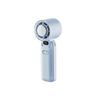
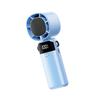
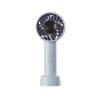
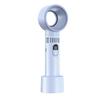
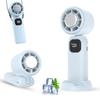
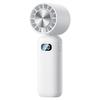
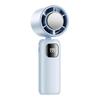
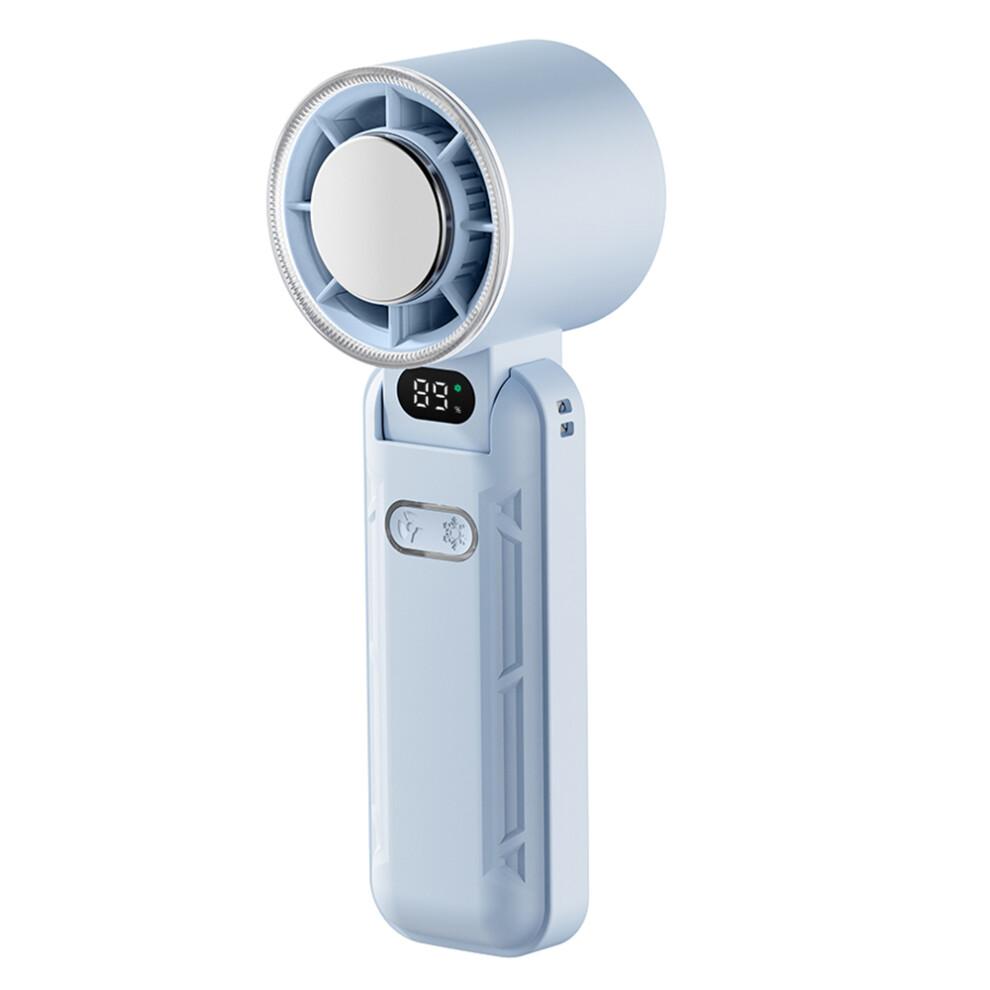
(Blue) RD21 USB Handheld Fan Rechargeable Turbo Folding Mini Fan Portable Desktop Cooling Fan Description
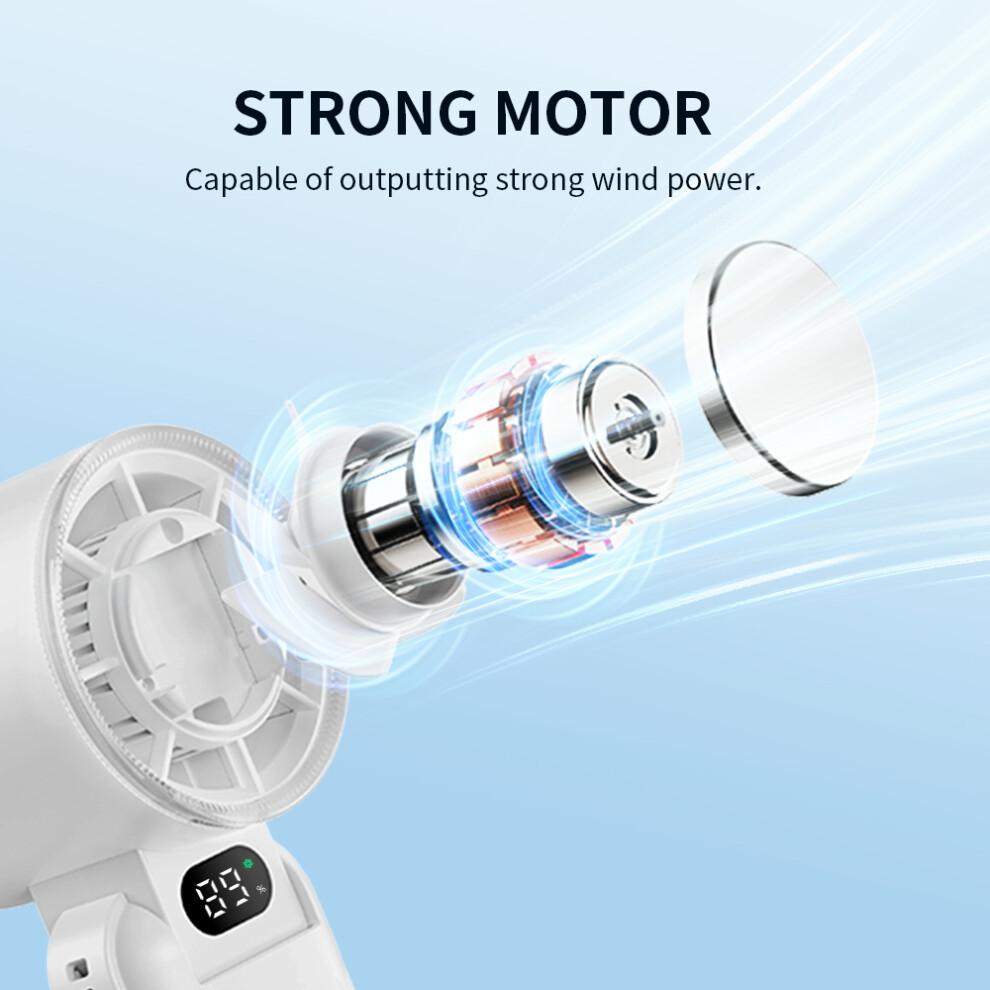
【High-Speed Fan】 Features 5 speed settings ranging from 7,300 to 13,800 rpm,providing adjustable airflow to suit various needs.
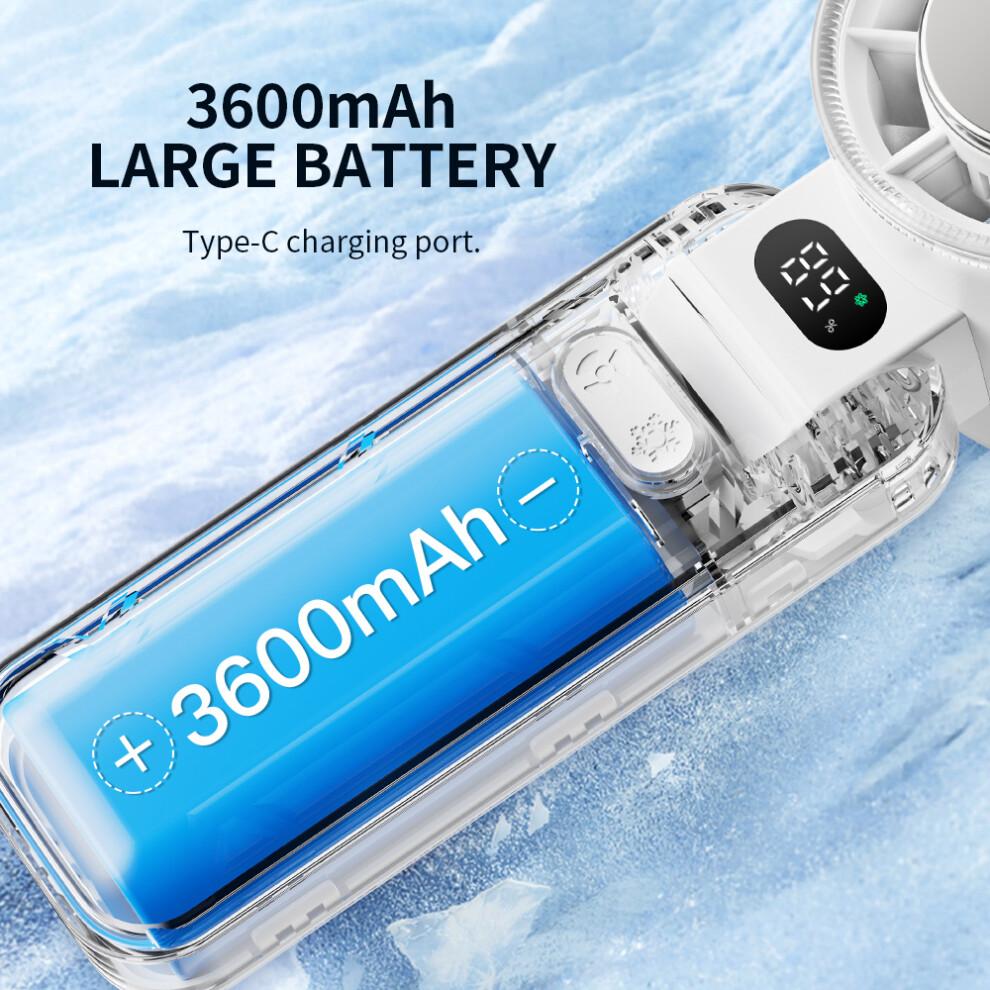
【Long Battery Life】 3600mAh battery capacity offers up to 9 hours of use at the lowest speed setting,ensuring extended cooling comfort.
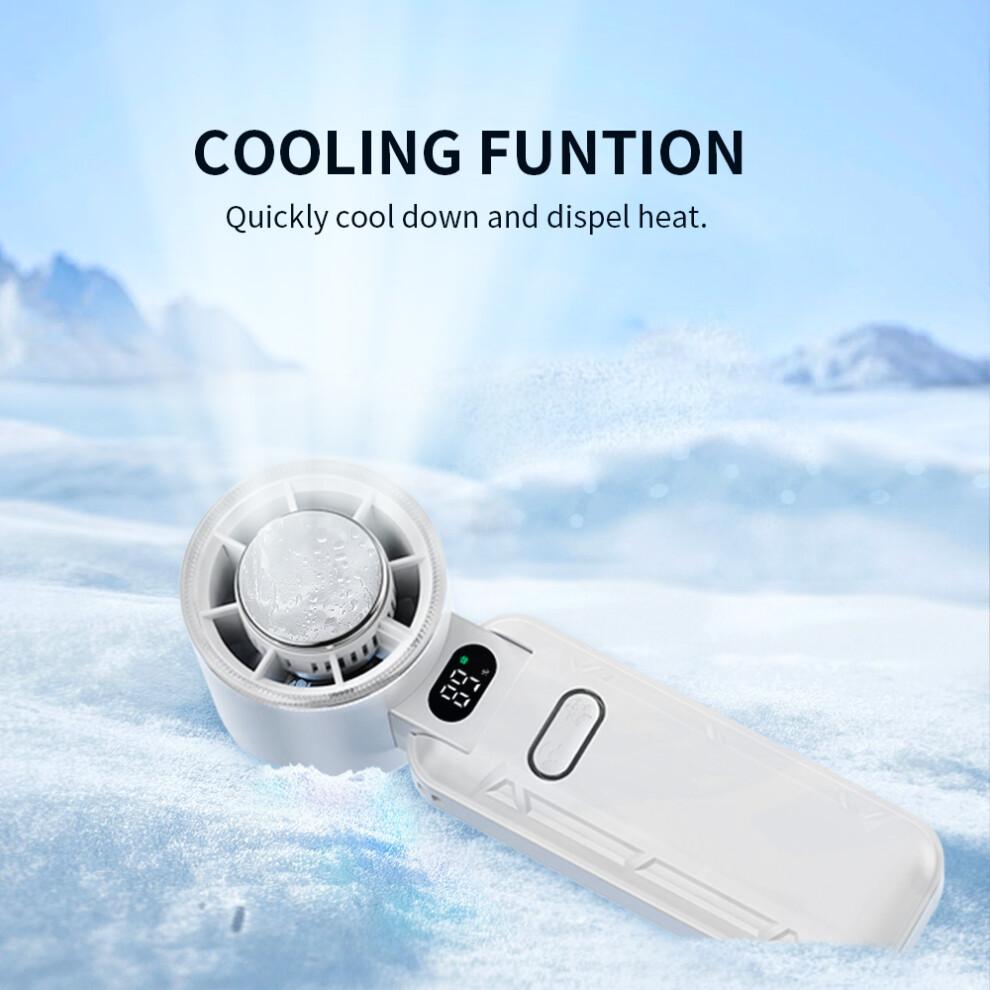
【Cooling Function】 Incorporates a cooling feature that can be activated separately,enhancing the overall cooling effect.
【Compact and Portable】 Foldable design with dimensions of 54.5 x 55 x 167mm and weighing only 250g,perfect for on-the-go use.
【Versatile Power Options】 USB rechargeable with the ability to use while charging,providing flexibility in various situations.
Specifications:
Model: RD21
Battery: 3600mAh 3.7V
Input Voltage: DC5V
Charging Current: 1.5A
Fan Working Current: 0.40A-1.30A (depending on speed)
Fan Working Power: 1.48W-4.81W (depending on speed)
Cooling Working Power: Approx. 3.8W
Usage Time: 2.7h-9h (fan only),1.2h-2.0h (fan+cooling)
Charging Time: Approx. 3 hours
Standby Current: 20uA
Fan Speed: 7300-13800 rpm
Wind Speed: 3.24-5.87 m/s
Noise Level: 51-64 dB
Materials: ABS/Aluminum Alloy/Stainless Steel
Fan Blade Diameter: 44mm (2 inches)
Dimensions: 54.5 x 55 x 167mm
Weight: 250g
Display: Digital screen showing speed and battery level
Fan Function:
Press the fan button once to turn on the fan at level 1; the display shows "20".
Press the fan button again to cycle through 20/40/60/80/100,then turn off.
Cooling Function (Only Works When the Fan is On):
Press the cooling button once to activate the cooling function; the green snowflake icon on the display lights up.
Press the cooling button again to turn off the cooling function; the green snowflake icon disappears.
Supports simultaneous charging and operation while plugged in.
Charging and Battery Display:
When the charging cable is inserted,the display lights up,and the "%" symbol blinks slowly,indicating normal charging.
When fully charged,the display shows "100%" with the "%" symbol remaining steady.
When a button is pressed,the display first shows the gear level,then returns to the battery display after 3 seconds,increasing by 5%.
When the battery level drops below 10%,the percentage on the display starts blinking slowly; at 0%,the device shuts down.
If the battery is at 0%,turning on the device will only display "00",blink slowly 5 times,and then shut down without activating any functions.
When charging and powered on,if a button is pressed,the display first shows the gear level,then returns to the battery display after 3 seconds.
Pac






 Rimborso per mancata consegna