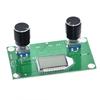
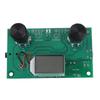
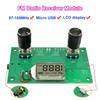
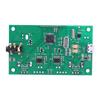
Label:Yes
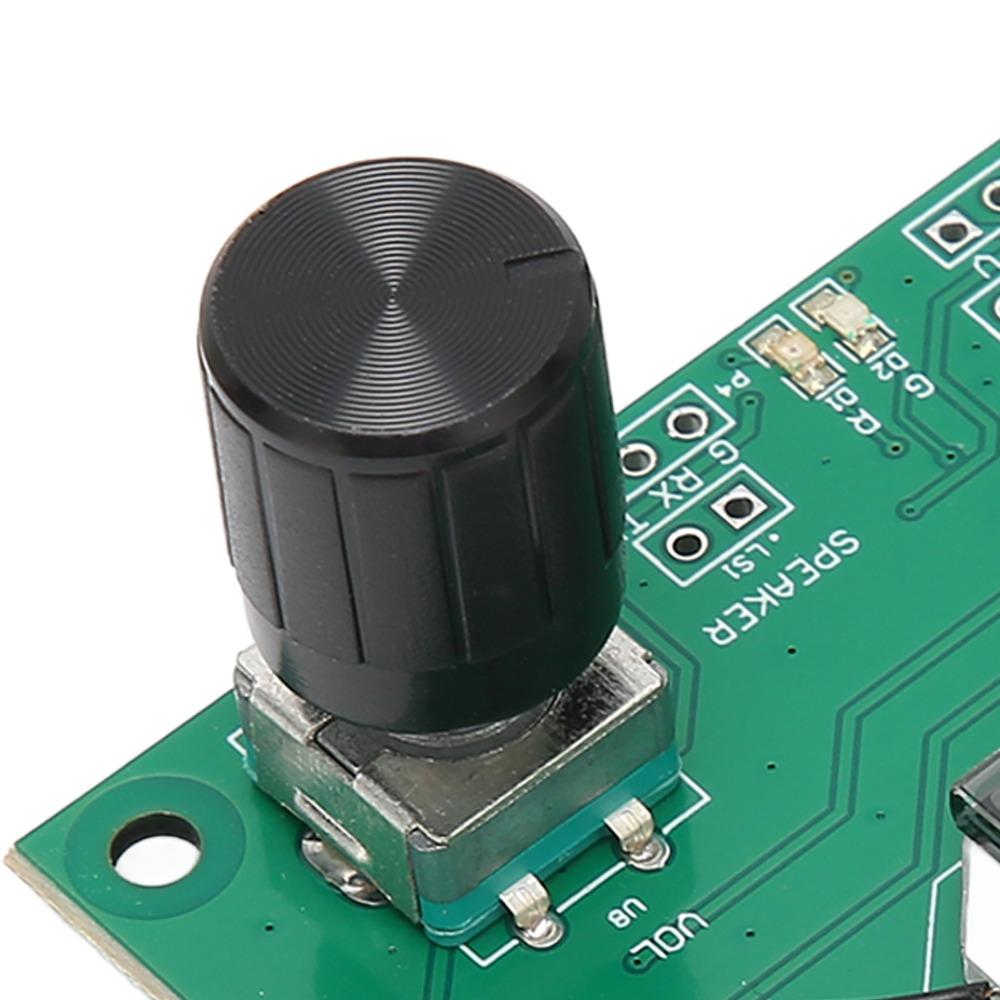
5.TURN ON OR OFF: Press and hold the VOL knob to switch the for FM radio module on or off, the LCD display shows the caption ON to turn on the automatic noise, OFF to turn off the automatic noise.
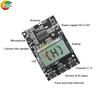
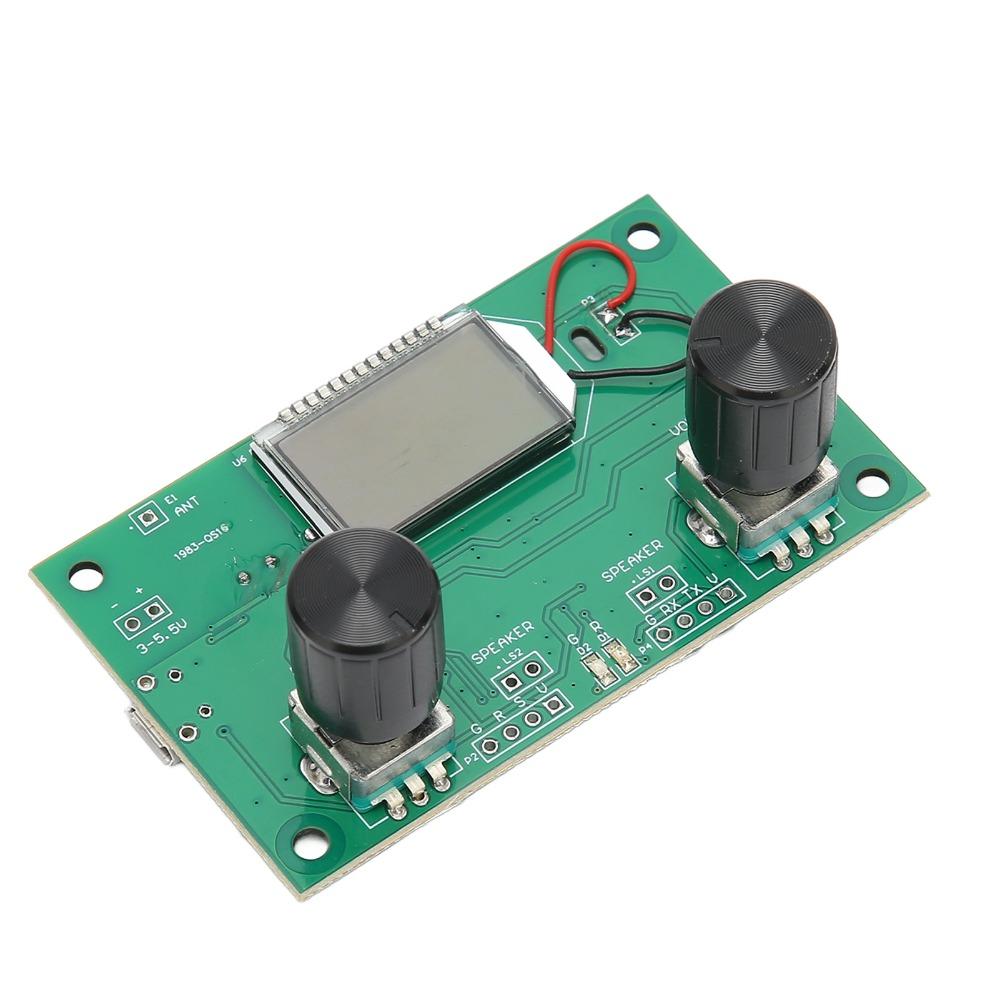
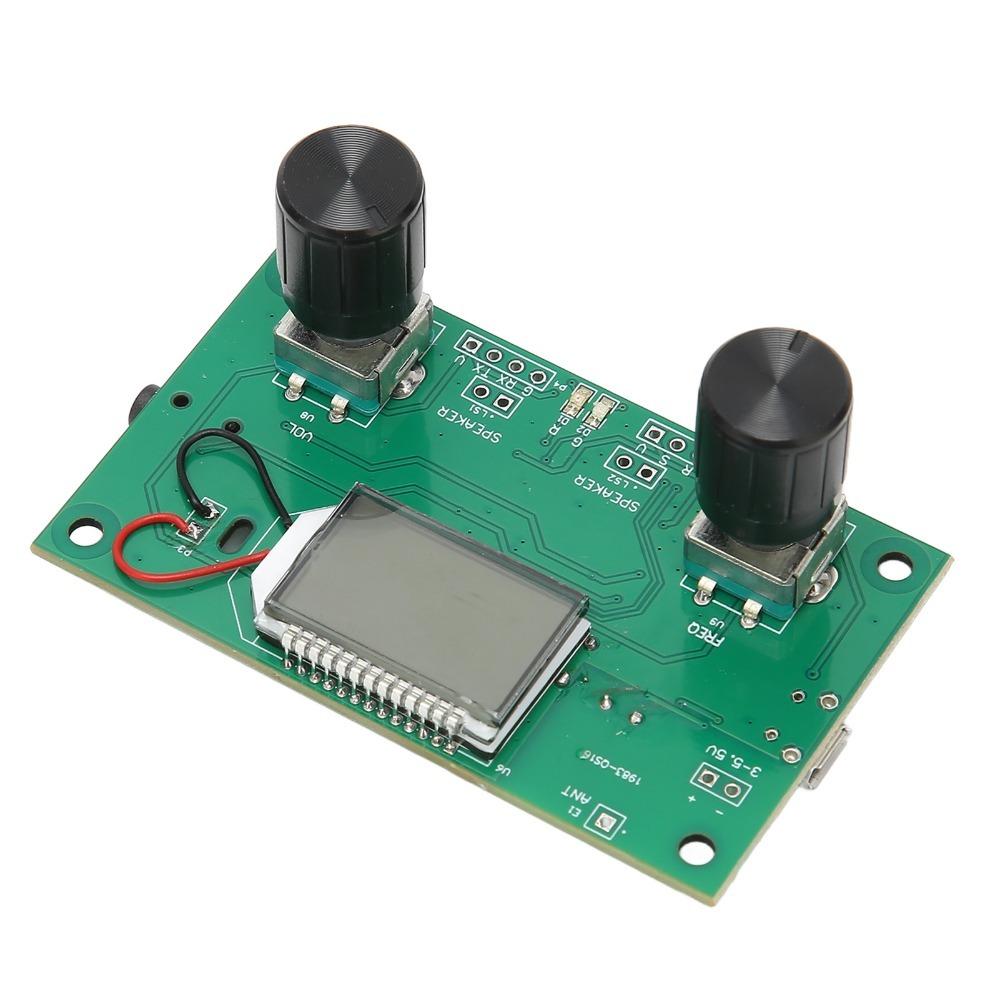
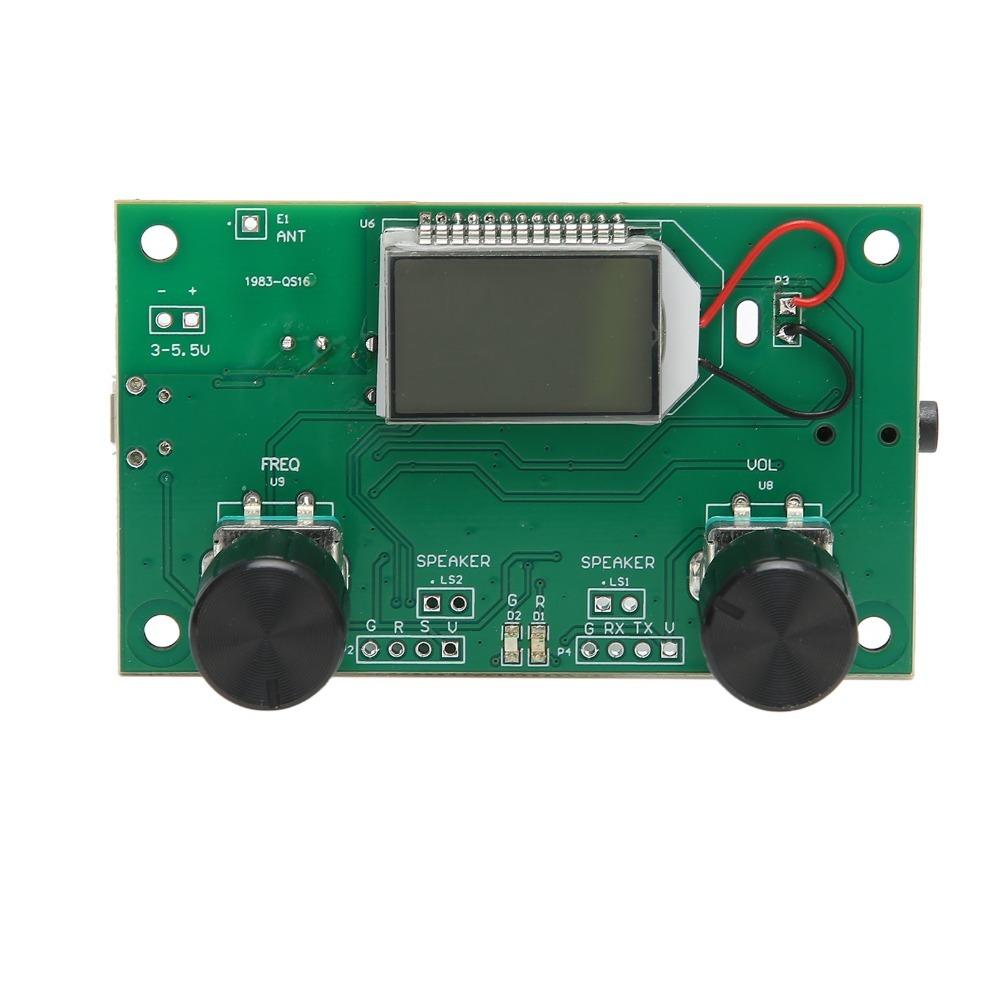
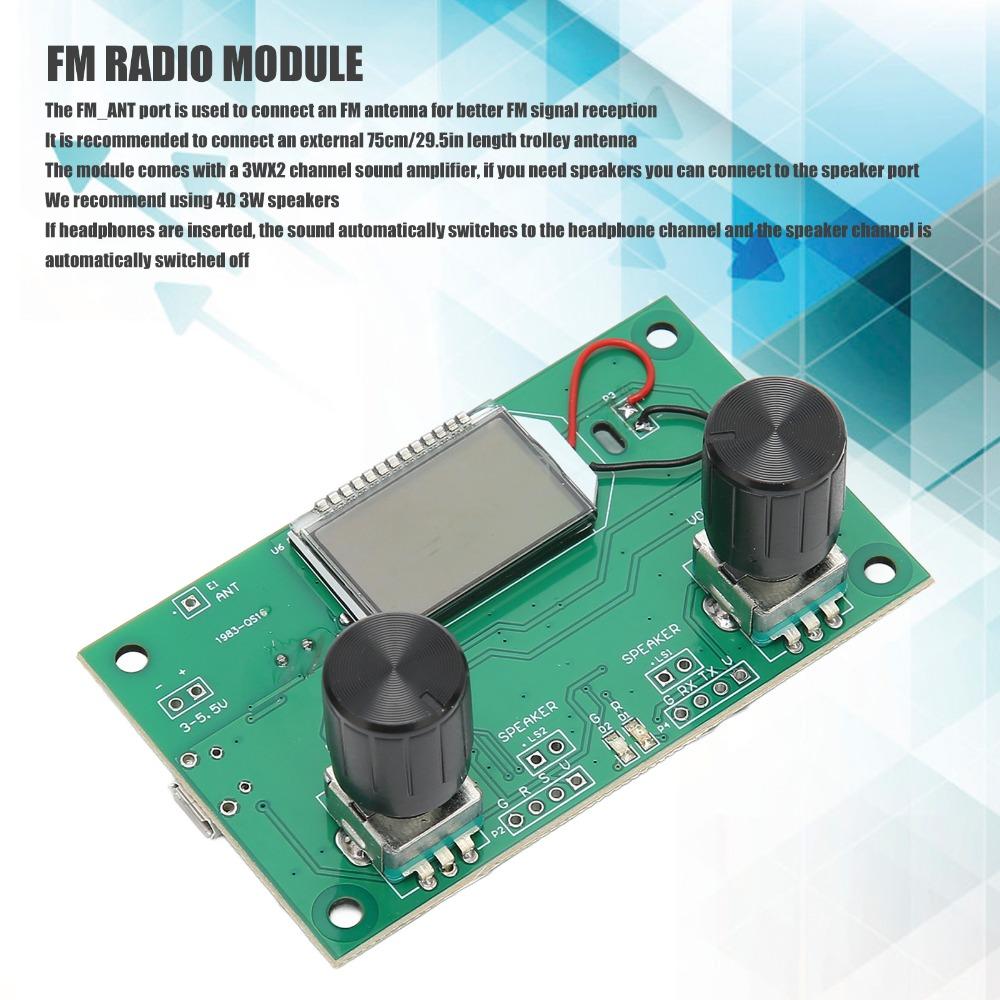
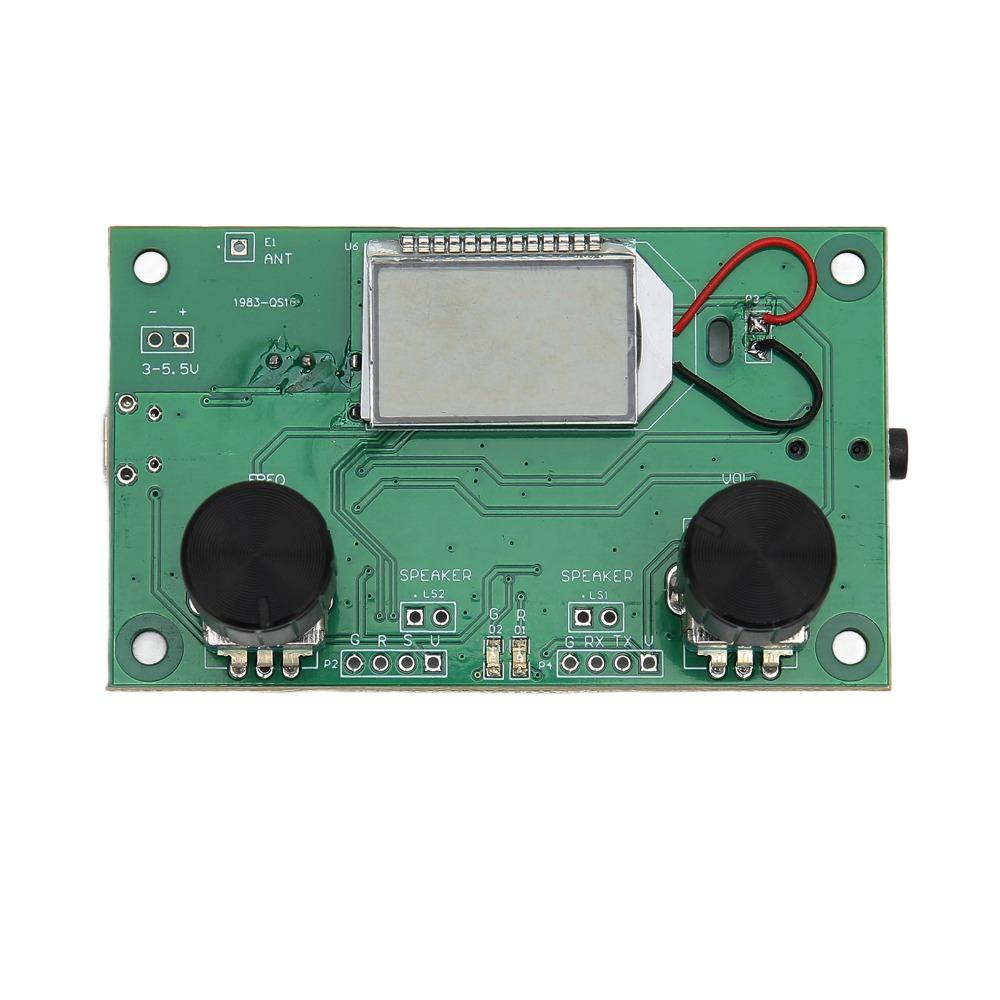
2.SPEAKER FUNCTION: The digital for FM radio module comes with a 3W x 2 channel sound amplifier, so if you need speakers, you can plug them into the speaker port. Practical and convenient.
3.HEADPHONE FUNCTION: The digital for FM receiver module automatically switches to the headphone channel if headphones are plugged in, and the speaker channel is automatically started up.
1.EASY TO USE: The for FM_ANT port of the for FM receiver module is used to connect the for FM antenna. For better reception of for FM signals, it is recommended to connect an external 75cm length trolley antenna.
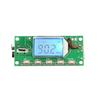
4.AUTOMATIC SEARCH: for FM for radio module is simple and short to operate, press the encoder to automatically search for local radio stations, adjust the receiving frequency, the LCD screen shows the current frequency, the search stops when a valid station is found.
Specification:
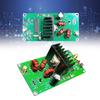
Item Type: for FM Receiver Module
Material: PCB
Color:Green
Size:75*45mm(2.95*1.77in)
Interface: For Android Interface
Operating Voltage: 3.0-5.0V
Package List:
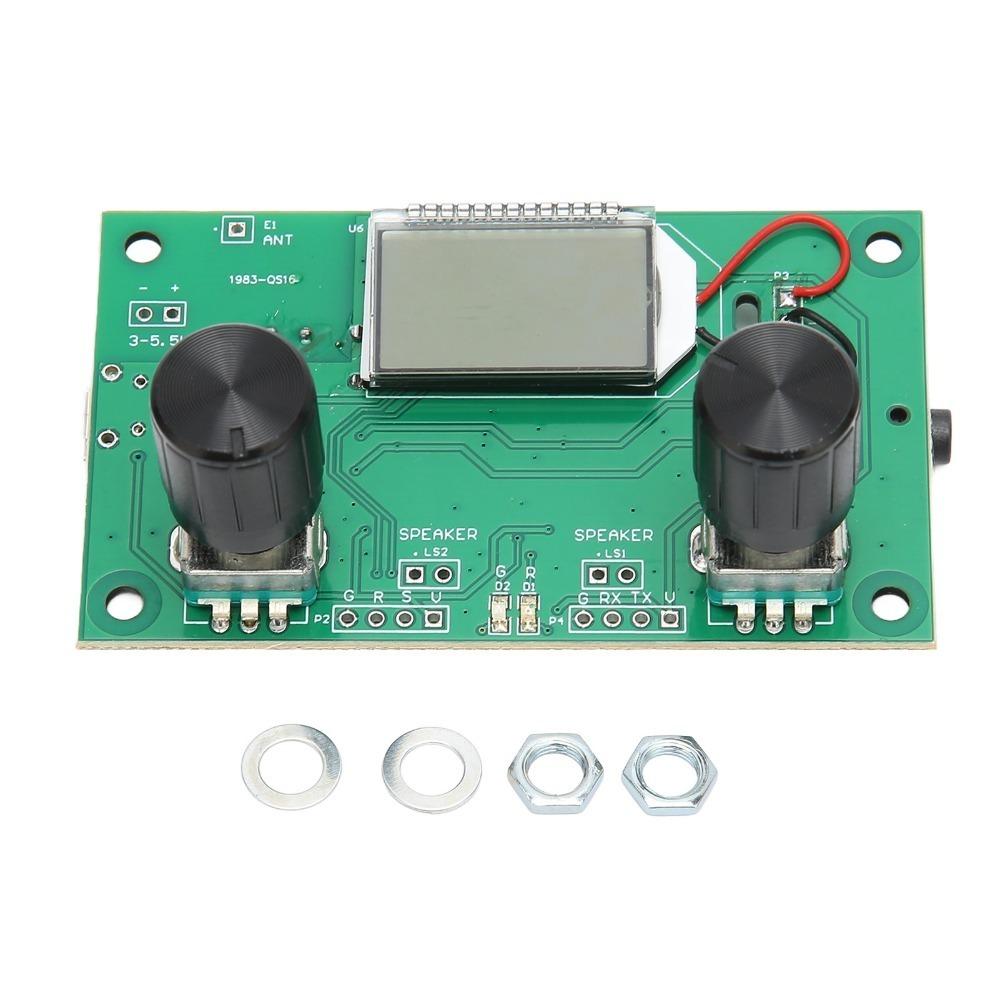
1 x for FM Receiver Module
2 x Washers
2 x Nuts
1. Mute
Short press VOL knob down to switch between mute, non mute
2. Automatic squelch switch
Press and hold the VOL knob down to toggle the Auto Squelch function on or off, the LCD display caption ON means Auto Squelch is on, OFF means Auto Squelch is off.
3. Self acting noise threshold (threshold) adjustment (valid when the switch is on)
Press and hold the knob downwards to enter the Auto Squelch threshold adjustment interface, rotate the VOL knob to adjust the action threshold of Auto Squelch according to the specific usage, the adjustment range is 0-31, the larger the value the higher the threshold, the easier the weak signal will be muted. The opposite is true.
4. Connected to the serial port (no need to connect without serial control)
The module is reserved for TTL level serial port control interface, TTL serial port communication with this module needs to connect the module's UART_RX, UART_TX and GND (marked on the corresponding position of PCB), you can use external MCU (microcontroller) or computer serial port to send commands to control the relevant functions of the module.
5. Automatic station search
Short press the encoder to automatically search for local stations, while the LCD screen displays the current frequency, and stops when a valid station is searched.






 Rimborso per mancata consegna