DJI
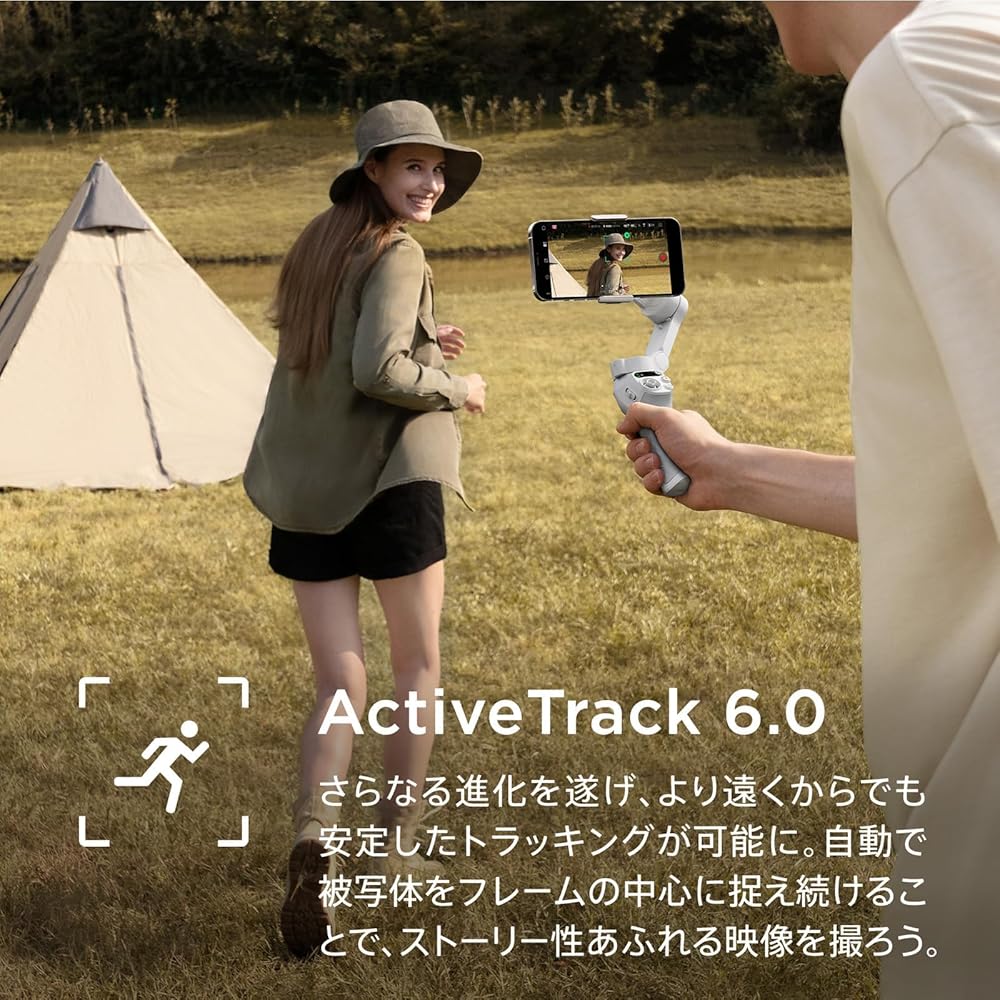
[Upgraded ActiveTrack 6.0 for Subject-Centered Tracking] With the latest tracking technology, the gimbal automatically tracks your subject once selected. Tracking continues even during fast, dynamic movements or when the subject is obstructed.
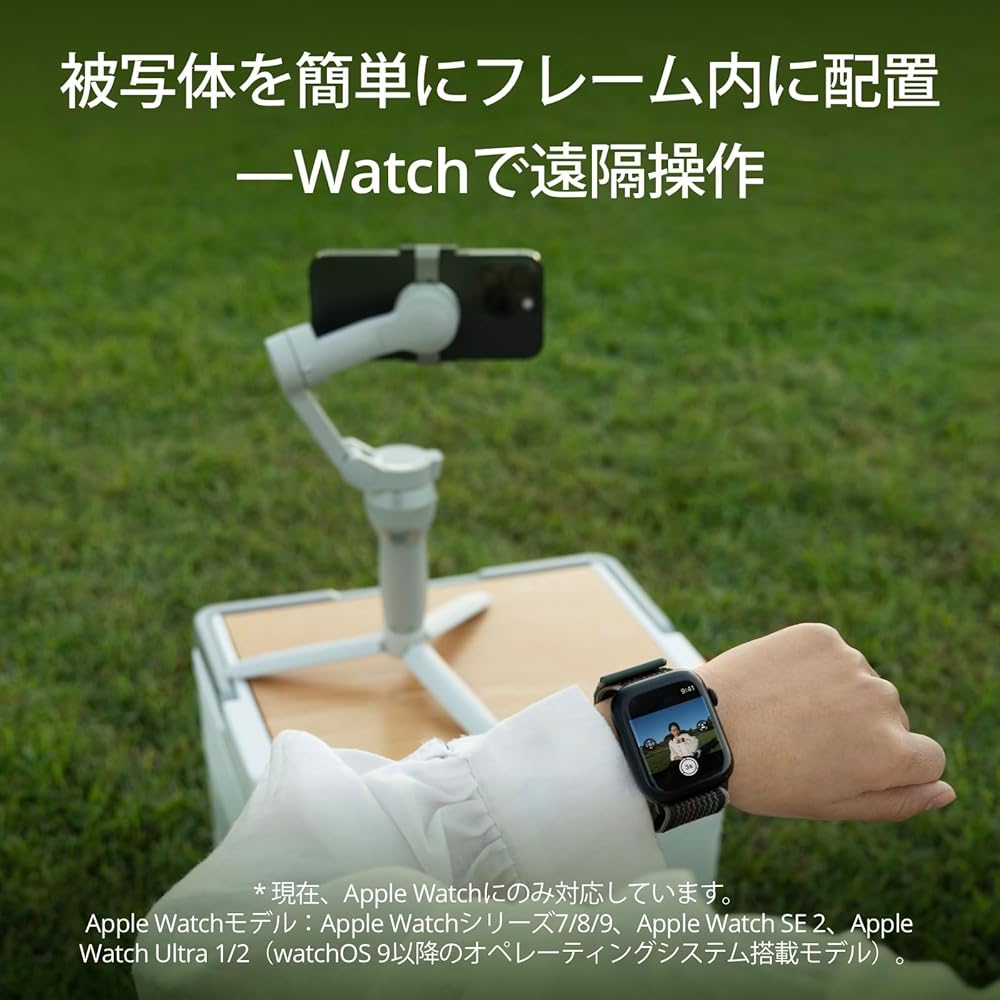
[Remote Control with Apple Watch] - Install the DJI Mimo app on your Apple Watch to use it as a smart transmitter for the Osmo Mobile SE. Remotely view camera footage, adjust gimbal angle, take photos, and record videos—all from your Watch.
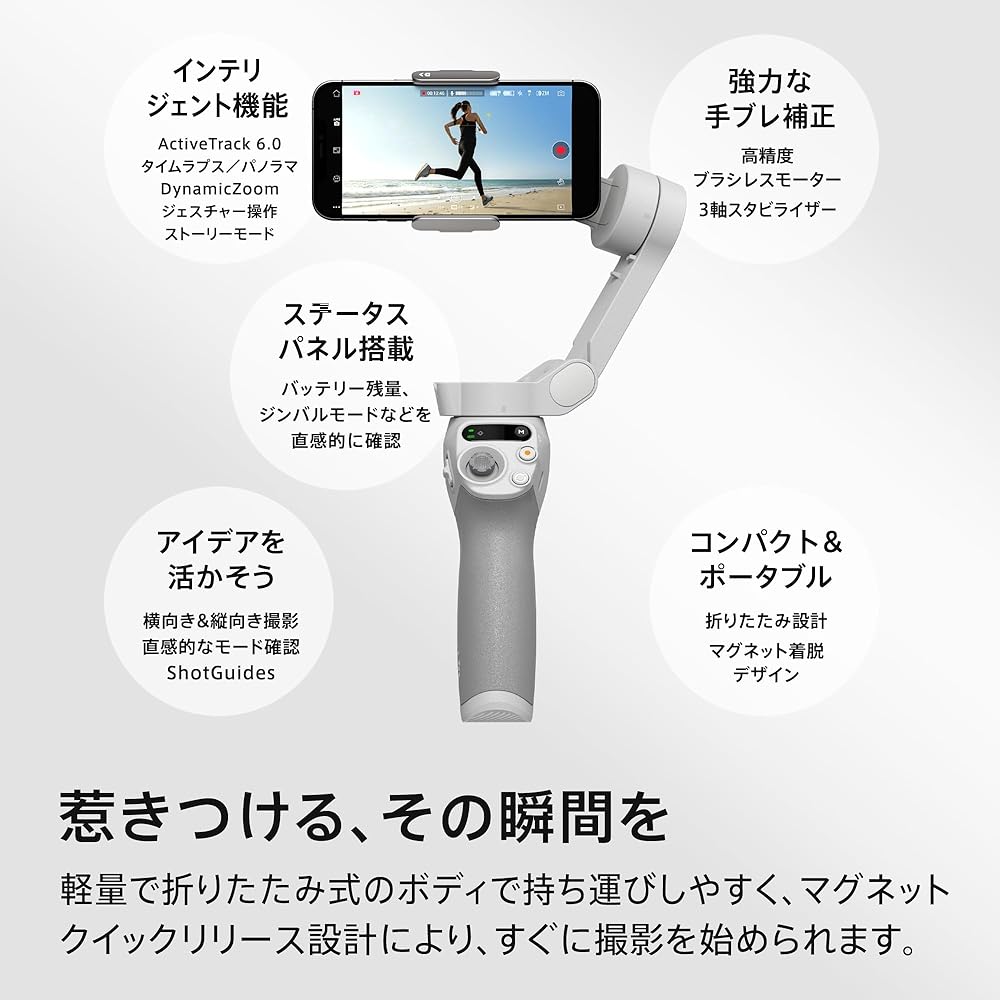
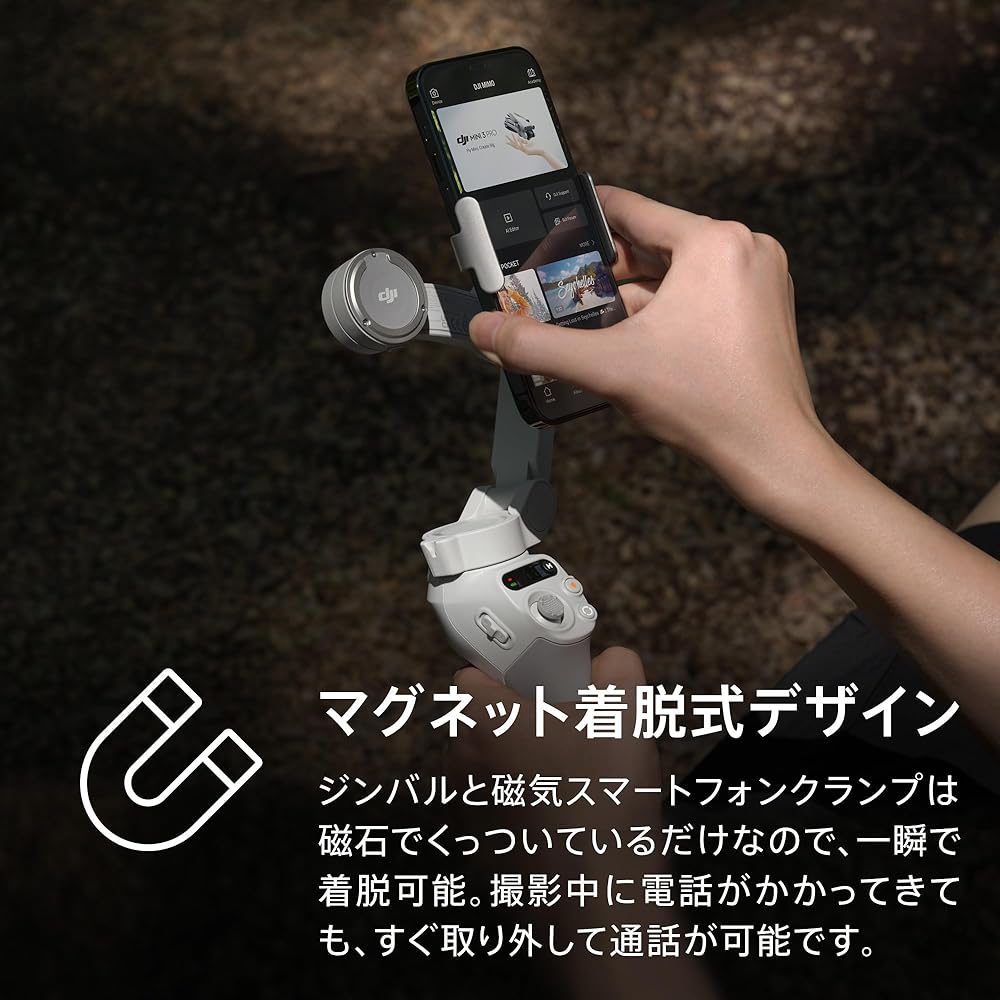
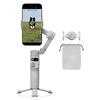
[Portable, Foldable, Magnetic Quick-Release Design] Take this compact gimbal with you on your adventures. The magnetic clamp allows for instant attachment, ensuring you never miss a moment.
[Easy Editing] DJI Mimo's ShotGuides feature guides you through shooting techniques every time, and LightCut allows for easy editing with its diverse templates. Enjoy not just editing clips, but creating inspiring edits.
[Smooth Footage] The 3-axis stabilizer delivers high-quality footage. With its next-generation control algorithm, the Osmo Mobile SE corrects camera shake in real time, allowing you to shoot incredibly smooth footage.
[Horizontal and Vertical Shooting] Easily switch between horizontal and vertical shooting modes for dramatic, cinematic footage and casual social media content creation.
[New Status Panel] Quickly and easily check battery level, system indicator status, and gimbal mode. Instantly switch gimbal modes (Follow, Tilt Lock, FPV, Spin Shot) with the toggle button to never miss a moment.
[Note] "We have not yet verified the behavior of models not on the compatibility list." Due to platform compatibility issues, the DJI Mimo app has been removed from Google Play. Therefore, you cannot search for DJI Mimo on Google Play. For a better product experience, please log in to the DJI official website and download the latest version of DJI Mimo.
[Manufacturer's Warranty Period] Product body & battery -- 12 months after purchase (36 months for some eligible products) *Telephone, email, Line, and online chat support available.



 Rimborso per mancata consegna


![Garanzia regolare zhi yun ZHIYUN Smartphone gimbal SMOOTH Q3 stabilizzatore luce LED Metodo di piegatura scorrevole Leggero 340g Grigio 086521 [Prodotto nazionale]](https://img.joomcdn.net/17f9c7d3cff67af33dd9801946c39fdffea220ac_100_100.jpeg)