Il sito non supporta il tuo browser. Aggiorna il tuo browser o scaricane un altro
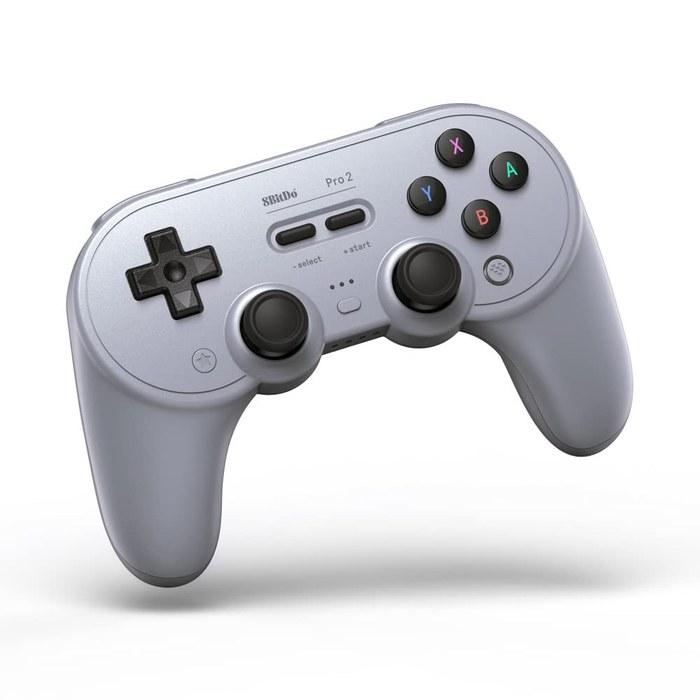
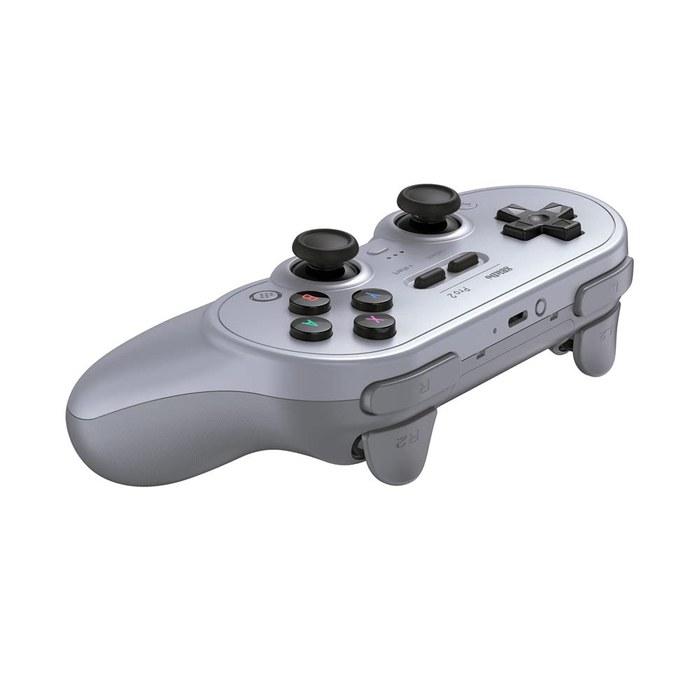

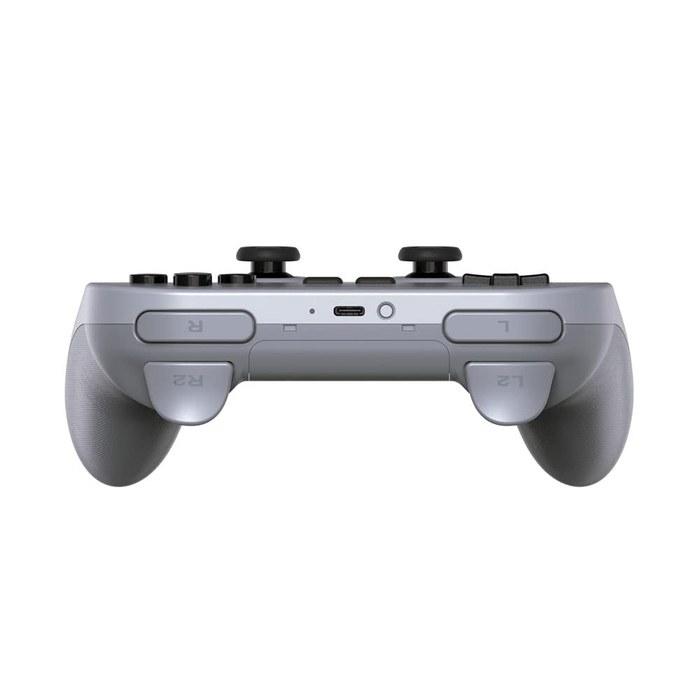
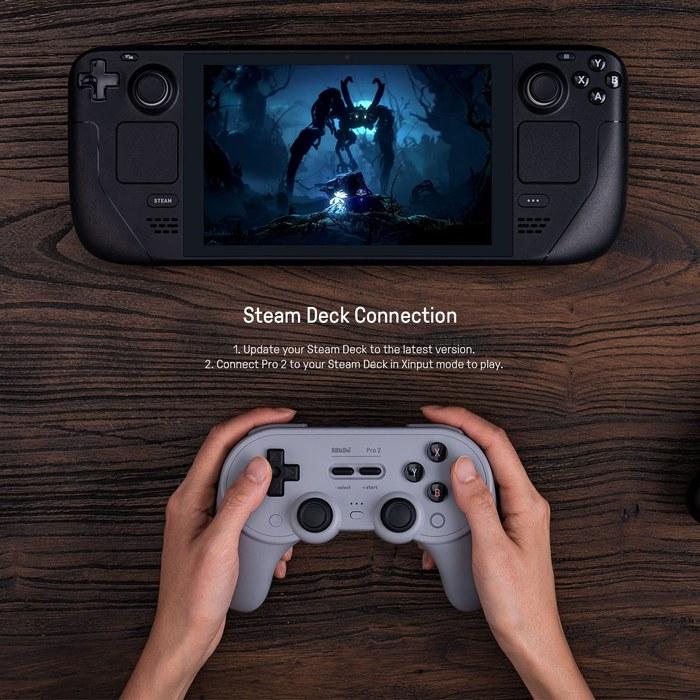
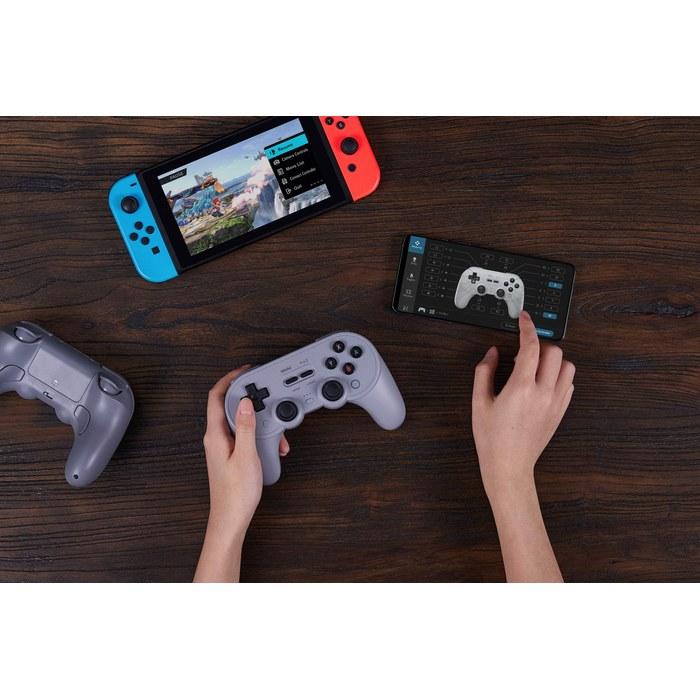
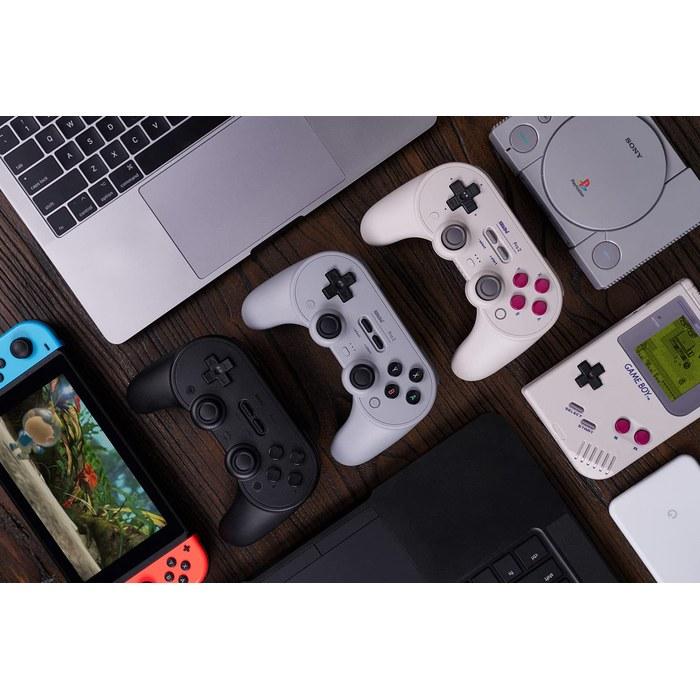

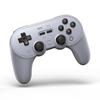
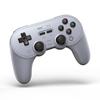
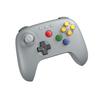
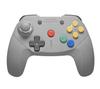
8Bitdo Pro 2 Gamepad (Gray) - NS Switch, PC, Android, macOS, Steam Deck, iOS, Apple TV, Raspberry Pi
Prezzo attuale
Prezzo 156 €IVA e dazi doganali inclusi
Caricamento in corso...
Caricamento in corso...
Caricamento in corso...
Caricamento in corso...
Caricamento in corso...
Caricamento in corso...
Caricamento in corso...
Caricamento in corso...
Caricamento in corso...
Caricamento in corso...
Caricamento in corso...
Caricamento in corso...
Caricamento in corso...
Caricamento in corso...
Caricamento in corso...

Consegne in Italia
0 giorni lavorativi — 5 € per ordine

I tuoi pagamenti e la tua privacy sono al sicuro


 Rimborso per mancata consegnaGaranzia di qualitàLogistica sicuraTutela della privacy
Sicurezza e conformità
Descrizione

Do Japan
Articoli simili