Features
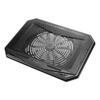
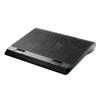
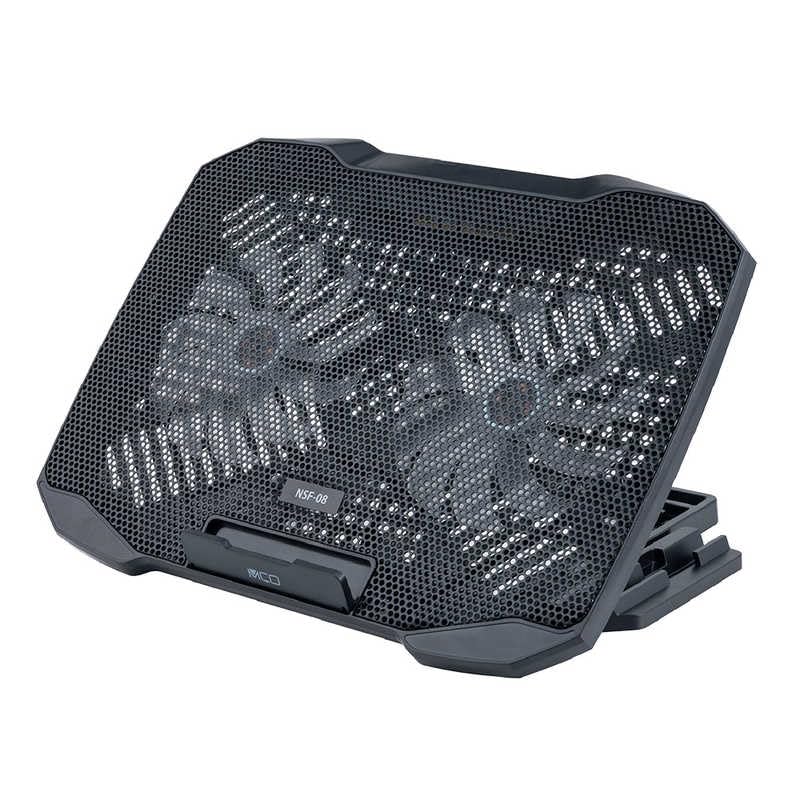
Compact and easy-to-use 2-way 2-fan laptop cooler
Laptop stand ideal for preventing laptop overheating
Equipped with two fans to effectively cool your laptop from the bottom.
The dial-type airflow control allows you to adjust the airflow to suit your work.
Convenient angle adjustment function
Features a laptop stand function that allows you to adjust the angle to suit your work.
Can be used with separately sold keyboards and mice, or adjusted to a comfortable viewing angle to suit your preference.
Convenient rotating and retractable smartphone stand
Equipped with a rotating and retractable stand function that allows you to quickly answer incoming calls on your smartphone while working on your laptop.
When not in use, it can be stored away, so it won't get in the way.
Two stand modes to choose from depending on your usage
Two ways to use it are available: "Cooling Pad Mode" and "Laptop Stand Mode".
In "Cooling Pad Mode," simply place your laptop on the stand and use it as is.
Even on desks with limited space, you can create space under the PC by adjusting the angle appropriately, allowing for even better heat dissipation.
In "Notebook Stand Mode," you can connect peripherals such as external keyboards and mice.
You can use your notebook PC screen like an LCD monitor, giving you the same feel as using a desktop PC.
Efficient use of USB ports with USB port (pass-through port)
This product has two USB A ports, so it does not reduce the number of USB ports on your notebook PC used to connect this product.
Furthermore, because the USB ports on this product are internally connected (pass-through ports), they can be used in the same way as the USB ports on the notebook PC itself.
*Devices requiring high current, such as portable HDDs or smartphone chargers, cannot be used with the USB ports on this unit.
Compatible devices: Mouse, keyboard, card reader, etc.
Dimensions: Approx. W333 x D250 x H36mm (when smartphone stand is stored)
Weight: 610g
Compatible notebook PC size: Approx. 10 inches to 14 inches
*The above size is an estimate. It may not be usable depending on the shape of the PC.


 Rimborso per mancata consegna