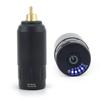
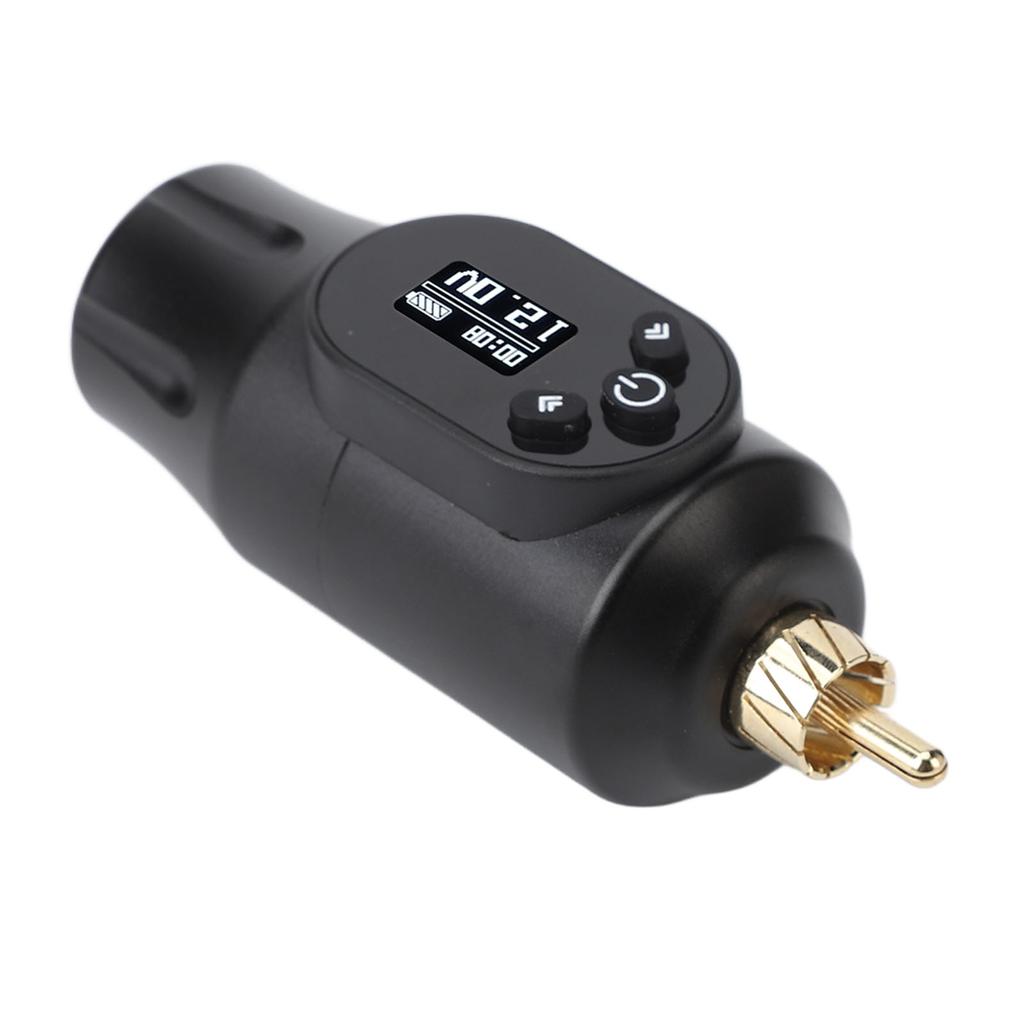
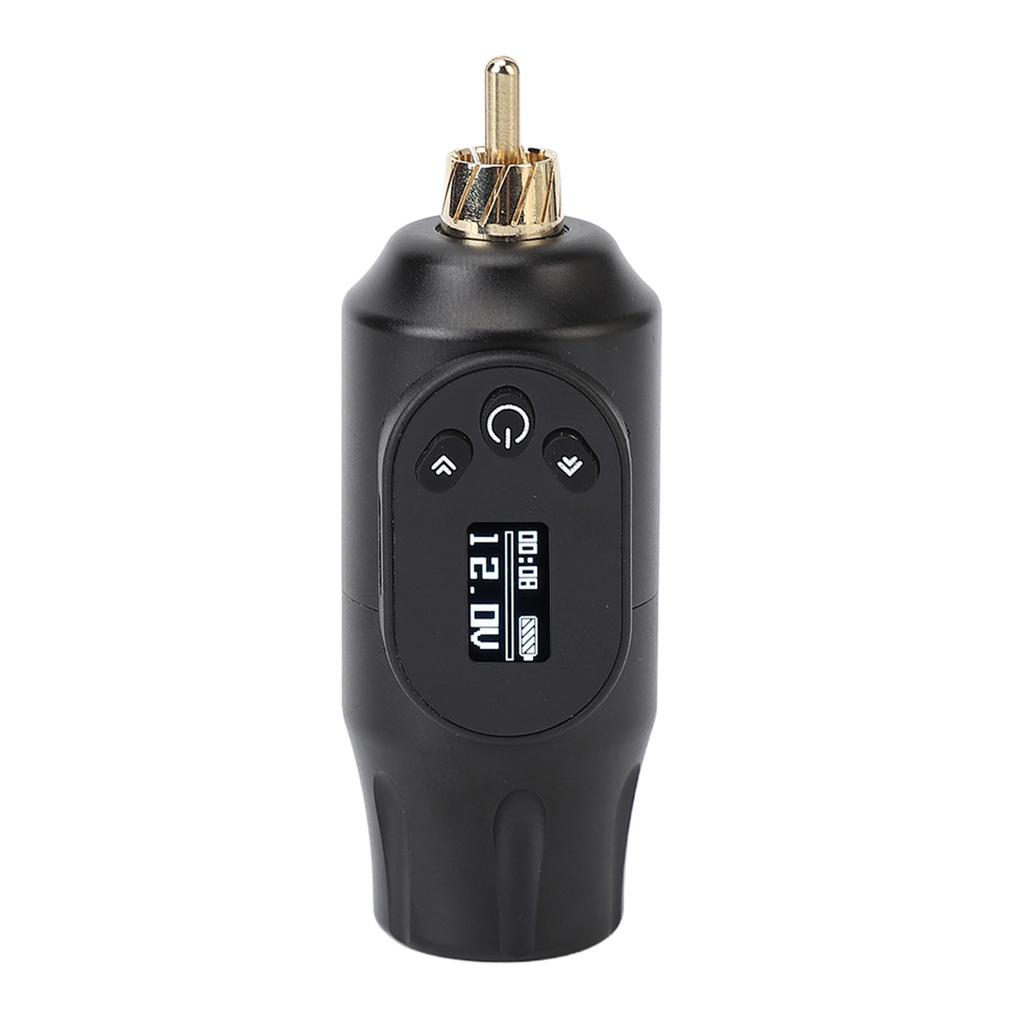
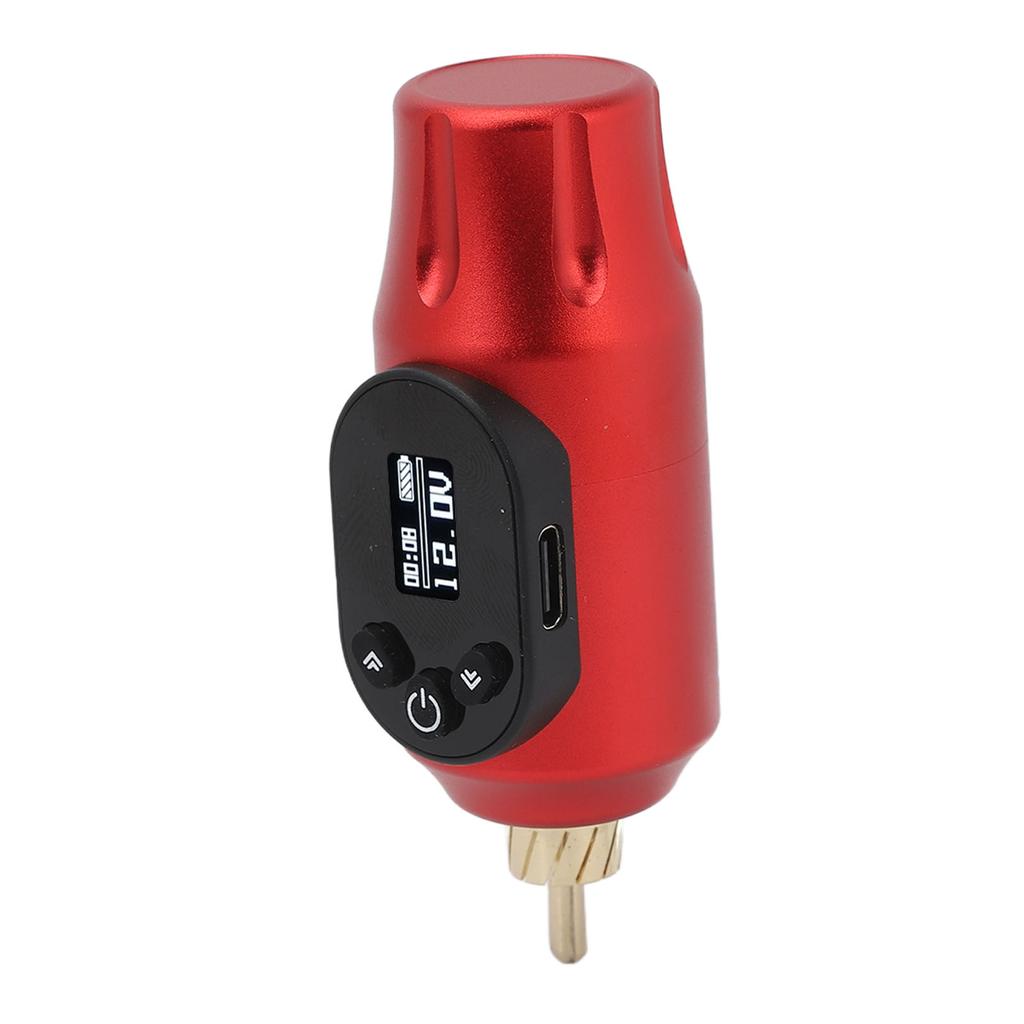
VOLTAGE: Tattoo power supply allows for voltage ranging from 412V, with an accuracy of 0.1V, satisfying the speed requirements of tattoo artists for different body parts.
STANDARD INTERFACE: Tattoo power supply is compatible with all standard tattoo NaMachines, ensuring a tight and secure connection without any loose connections.
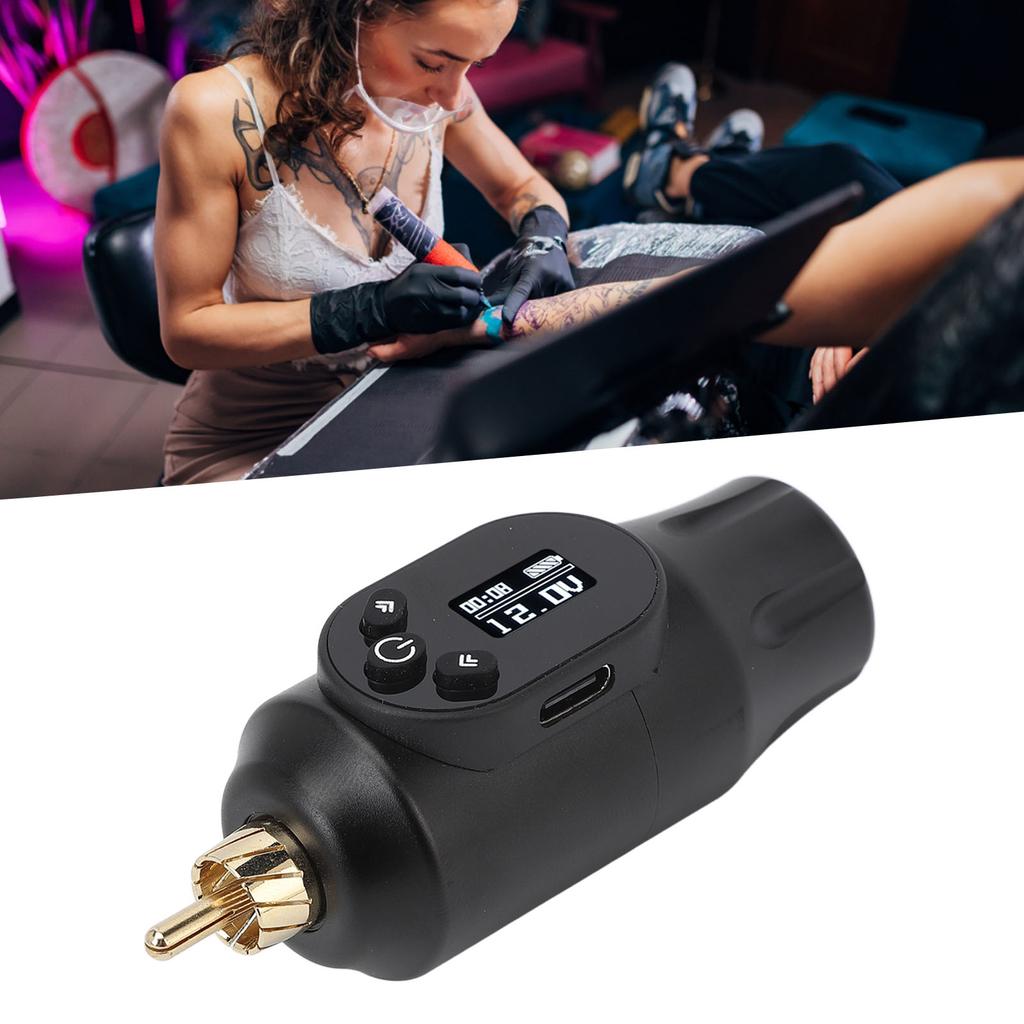
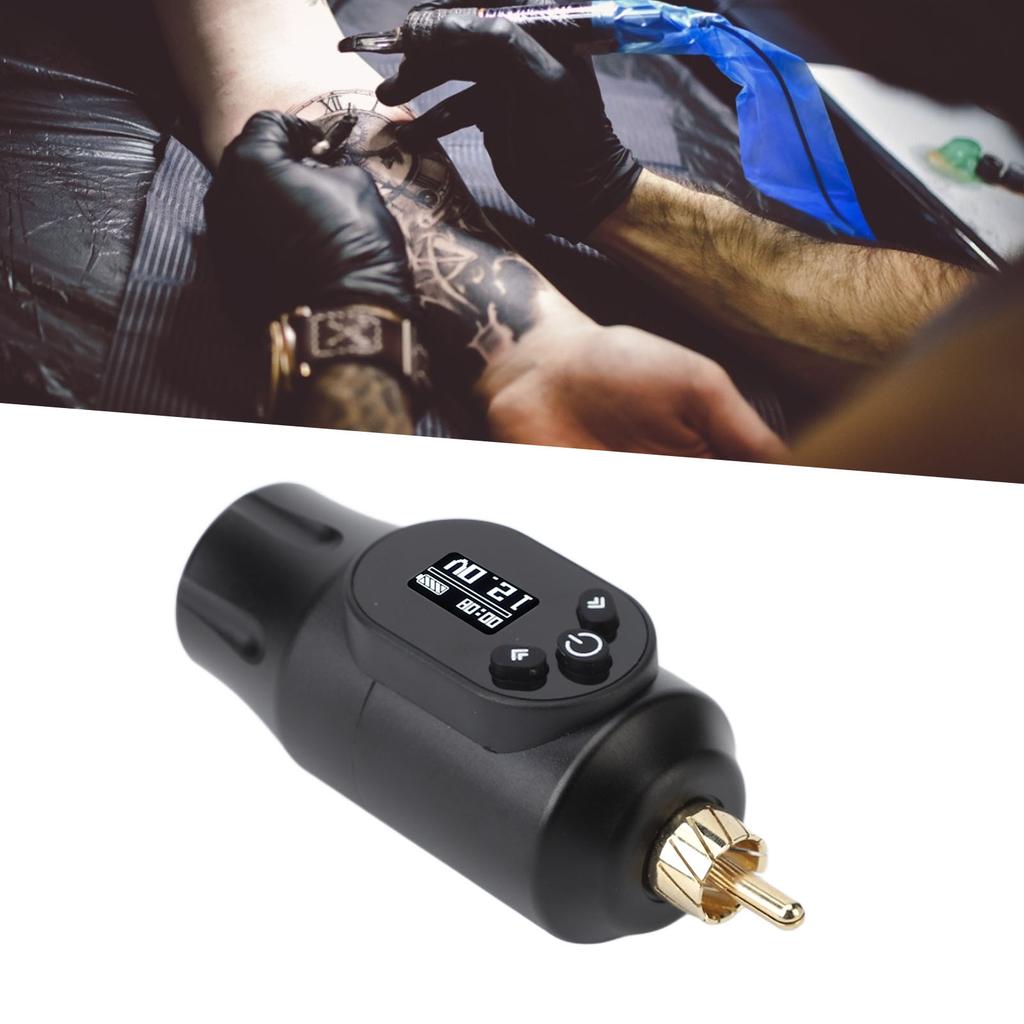
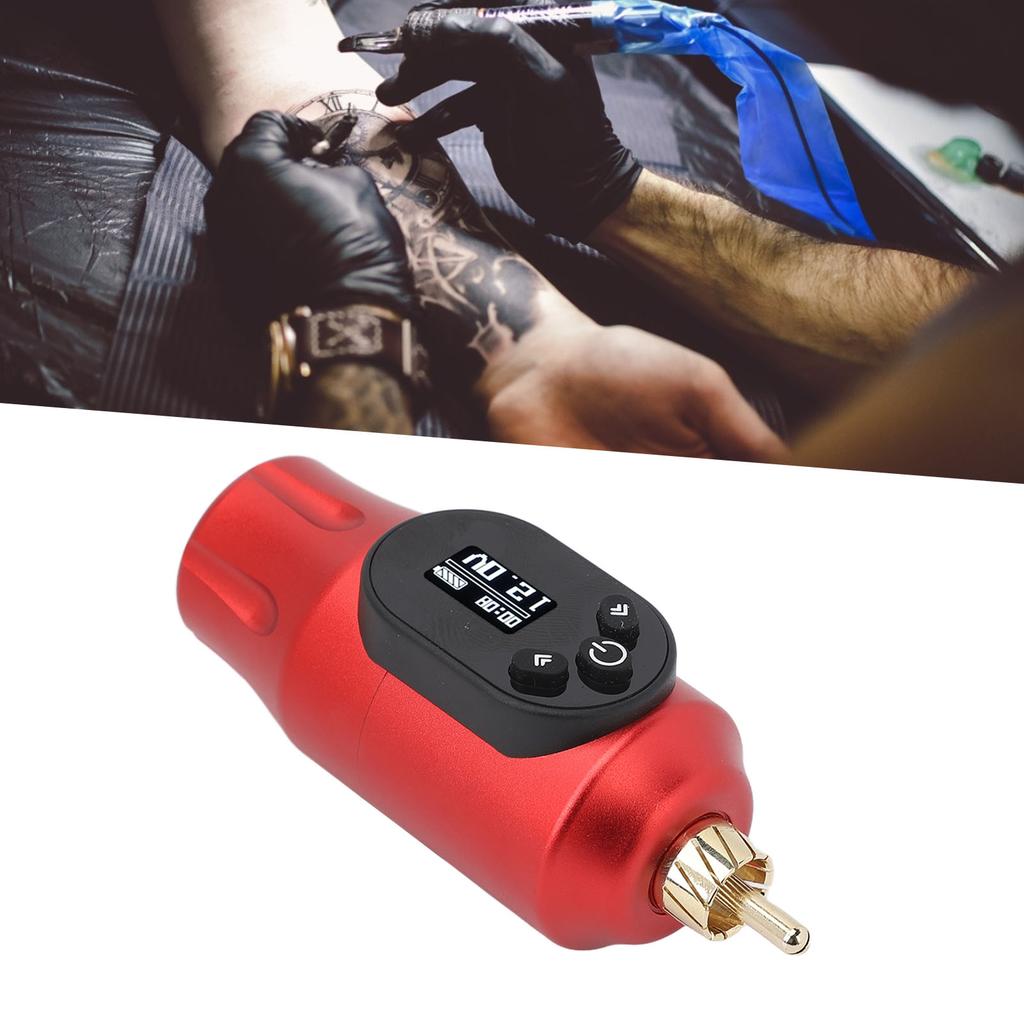
WIRELESS DESIGN: Wireless power supply eliminates the need for power cords, foot es, and clip cords, making it more convenient for tattoo artists to work.
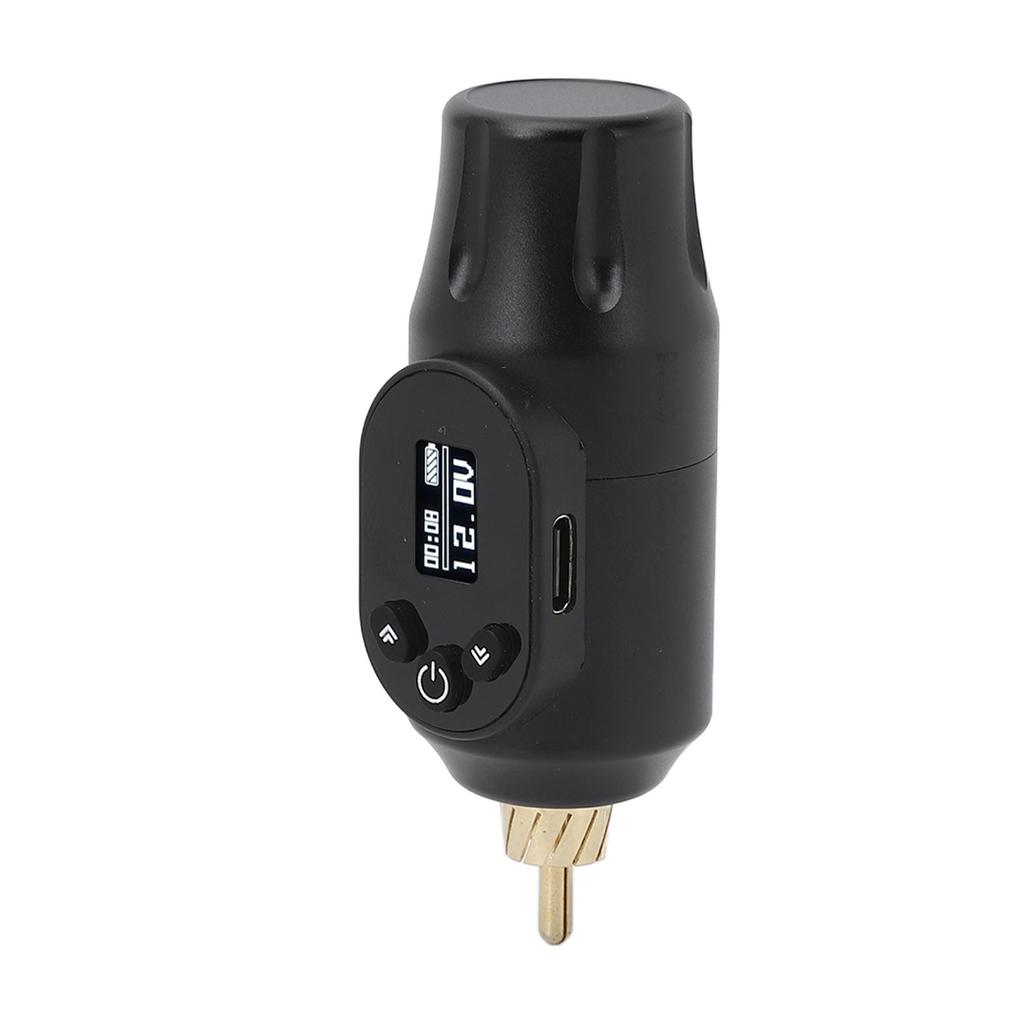
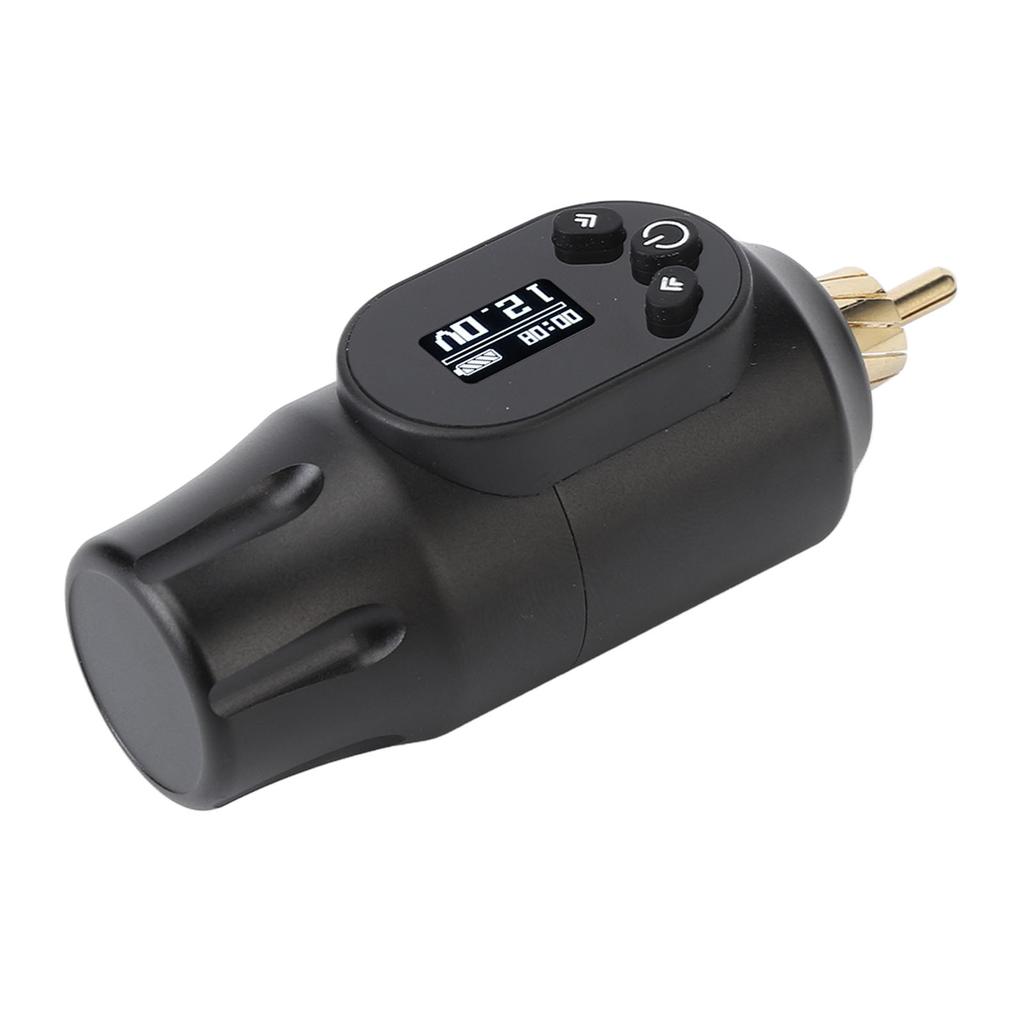
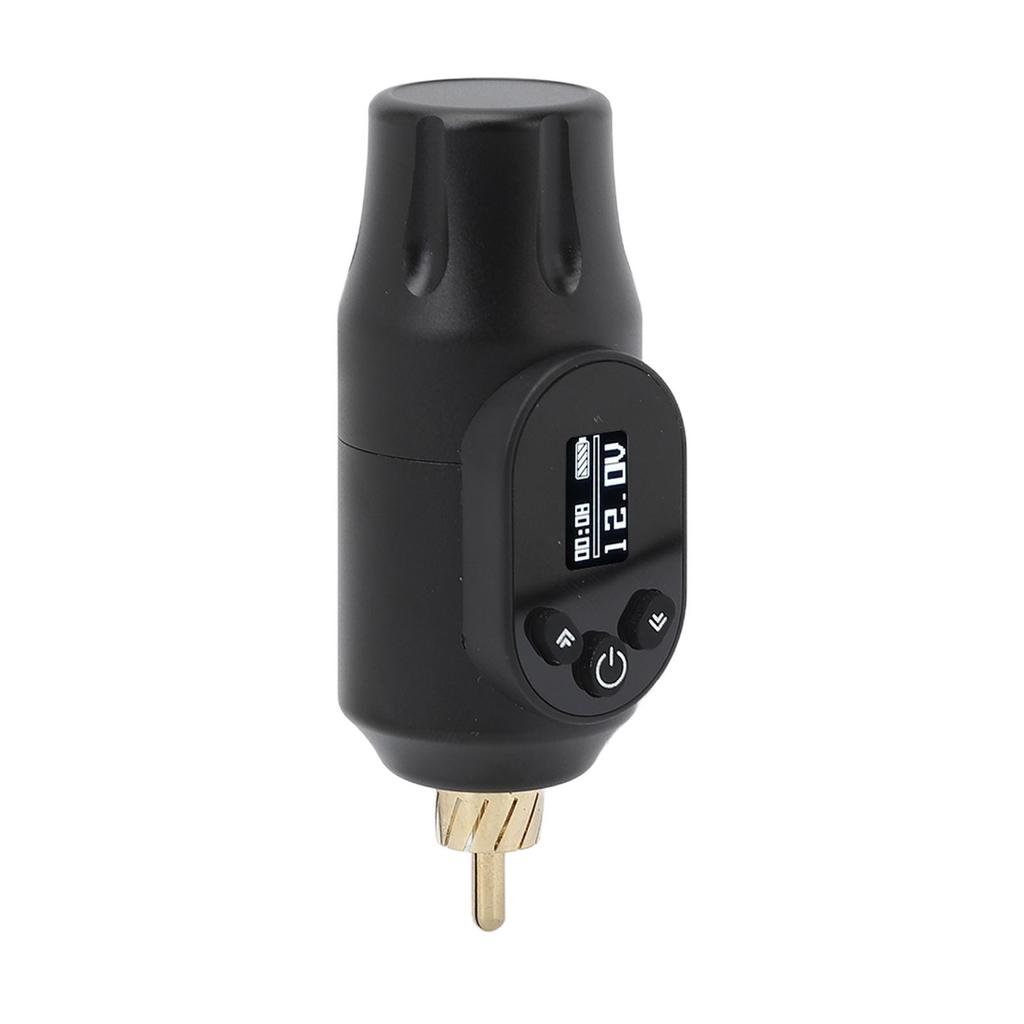
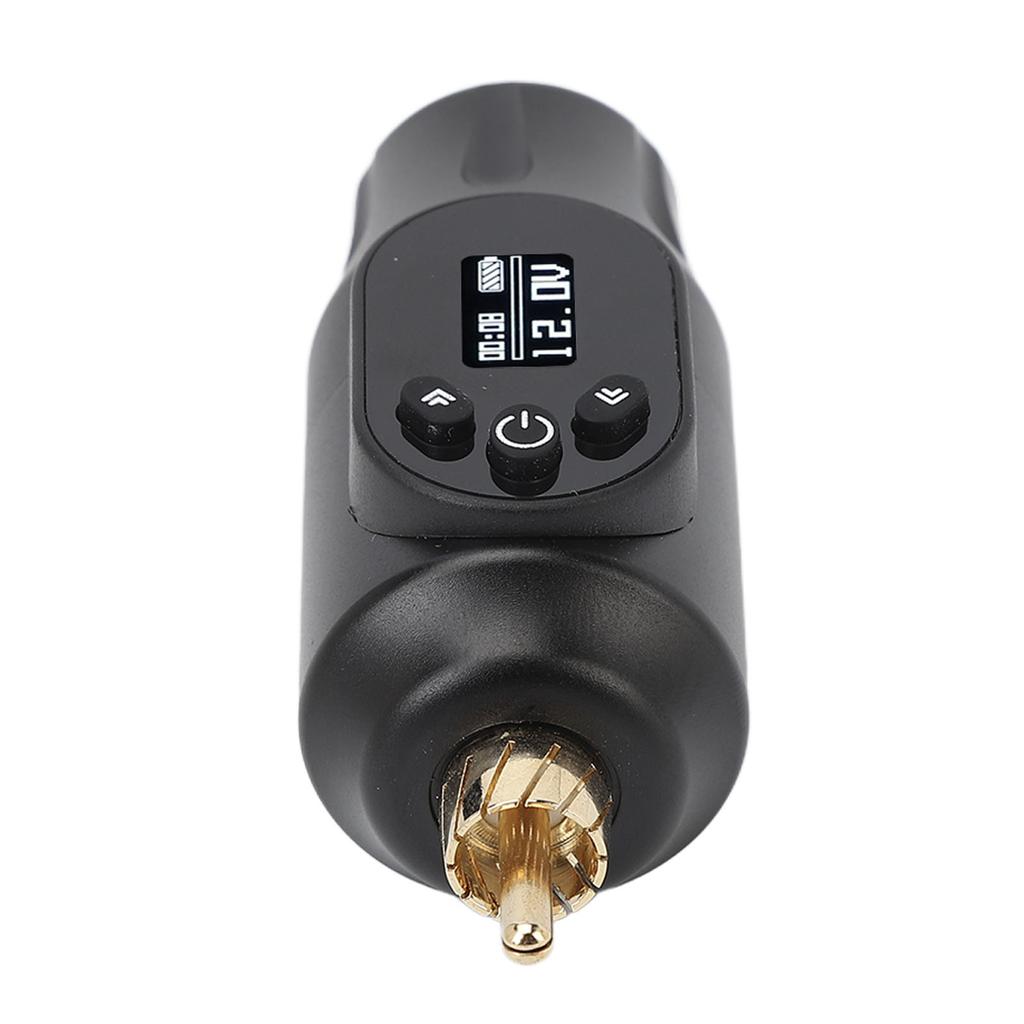
Item Type: Wireless Tattoo Power Supply
Interface: Interface
Material: Aluminum alloy, electronic components
Battery: Internal Lithium Battery 2000mAh
Power Supply Size: Approx. 28 x 80mm / 1.1 x 3.1in
Display:
Input: 5V 2A (Input voltage must not exceed 5V-2A)
Output: 4-12V
Output Voltage Adjustment Accuracy: 0.1V, press for quick adjustment
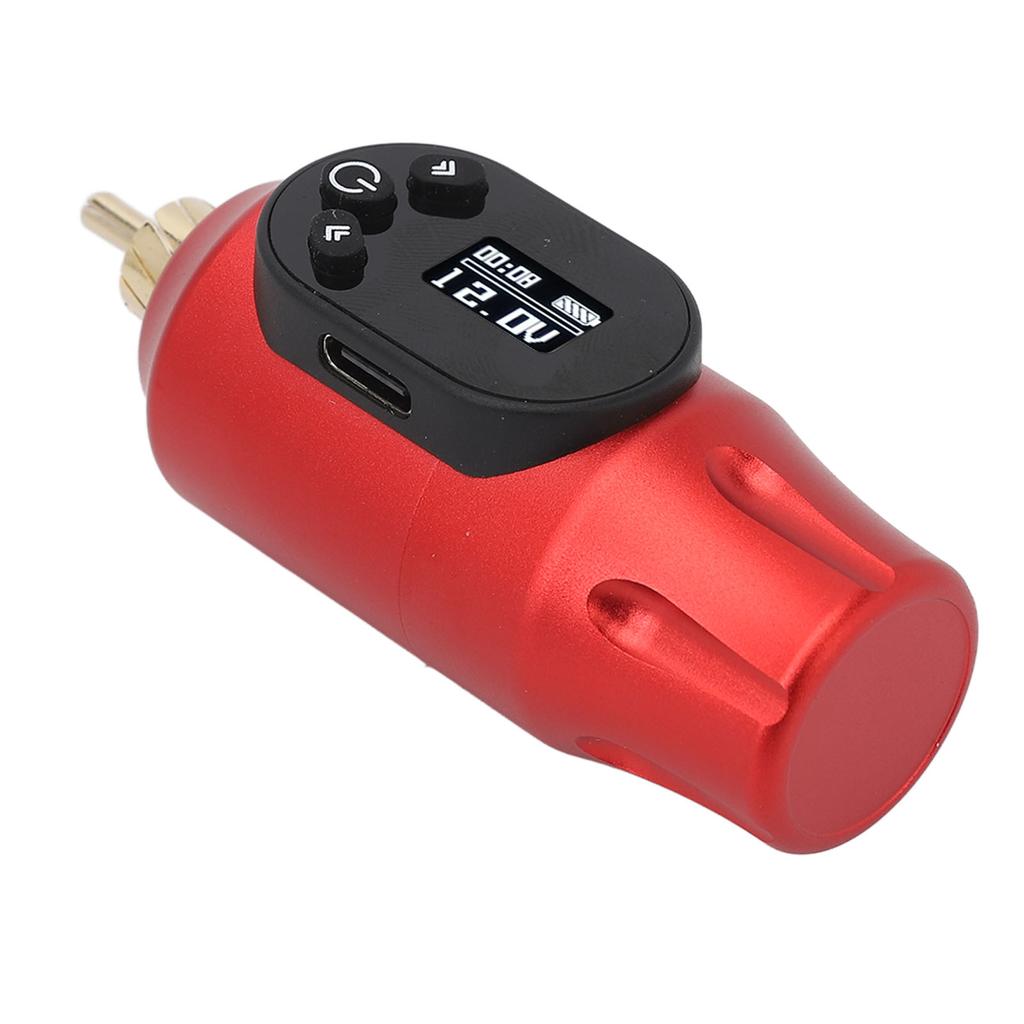
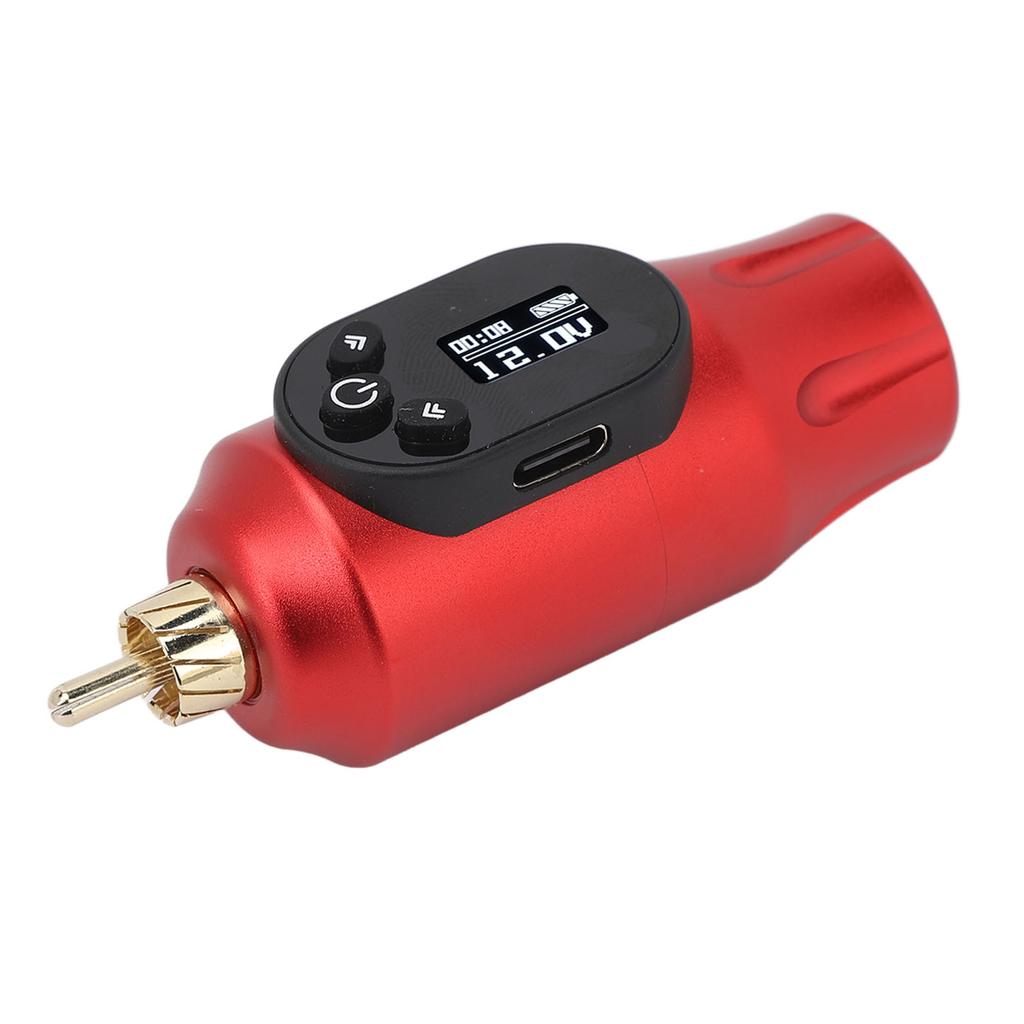
Display Screen: Displays current voltage, current, operating time, and remaining battery life
Charging Time: 3 hours (charging with voltage higher than 5V is strictly prohibited)
U Time: 5-7 hours of continuous use
Product Characteristics
1. Pre set 5 voltage levels
2. Screen display orientation can be adjusted left or right
3. Work timer function
4. Overcurrent can be toggled on or off as needed
5. Quick start default setting is on, can be toggled on or off as needed
6. Manual power off or auto power off when idle, default wait time before auto power off is 5 minutes, can be set to 15 or 30 minutes as needed
Function:
1. Output short circuit and overcurrent
2. Input overcharge and over discharge double (Battery self and control board )
How to Use:
Voltage Adjustment: Press or press the "+" button to incrse the voltage in 0.1V increments. Press or press the "-" button to decrse the voltage in 0.1V increments. Double click the "P" button to use pre set voltages.
Menu: The menu allows for and settings including: Timer reset, overcurrent detection , shutdown mode, screen orientation, quick start , and pre set voltages.
In idle state, press the "P" button to enter the menu. Then, use the "+" or "-" buttons to browse the menu, press the "P" button to set the option value, and press the "P" button to exit the menu and return to idle state.
Menu 1: Timer reset. In idle state, press the "P" button to enter the menu, NaSelect "WORK TIME" interface, press the "P" button to reset the timer and exit the menu to return to idle state.
Menu 2: Overcurrent detection . In idle state, press the "P" button to enter







 Rimborso per mancata consegna