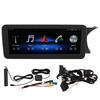
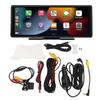
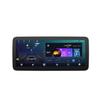
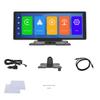
Feature:
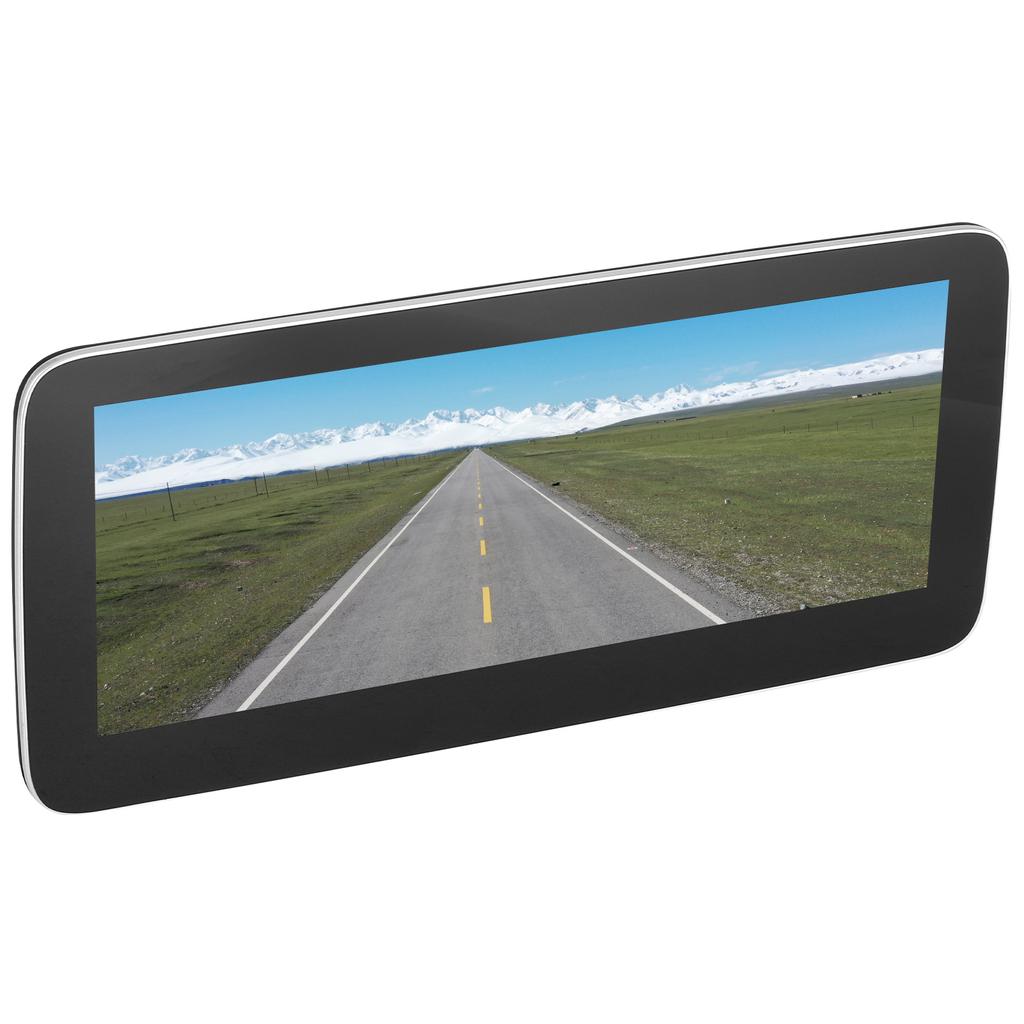
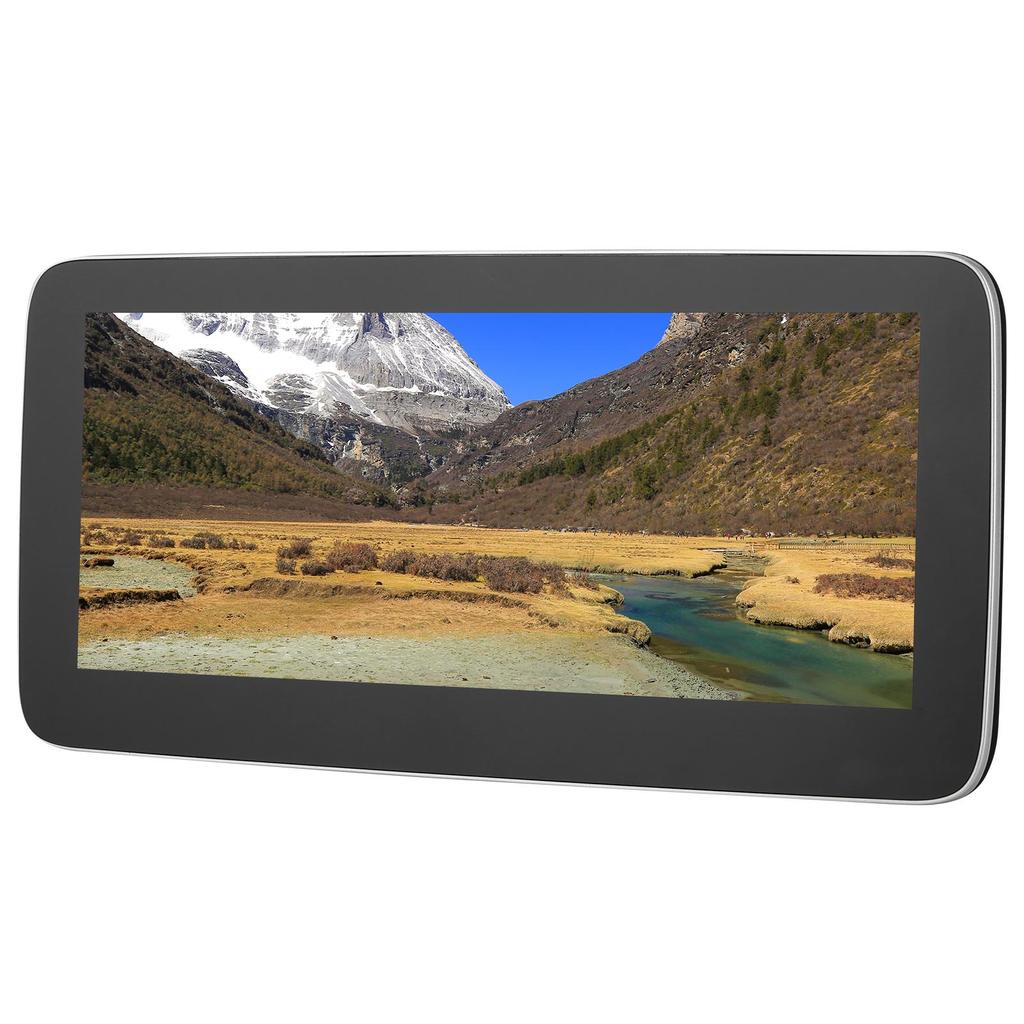
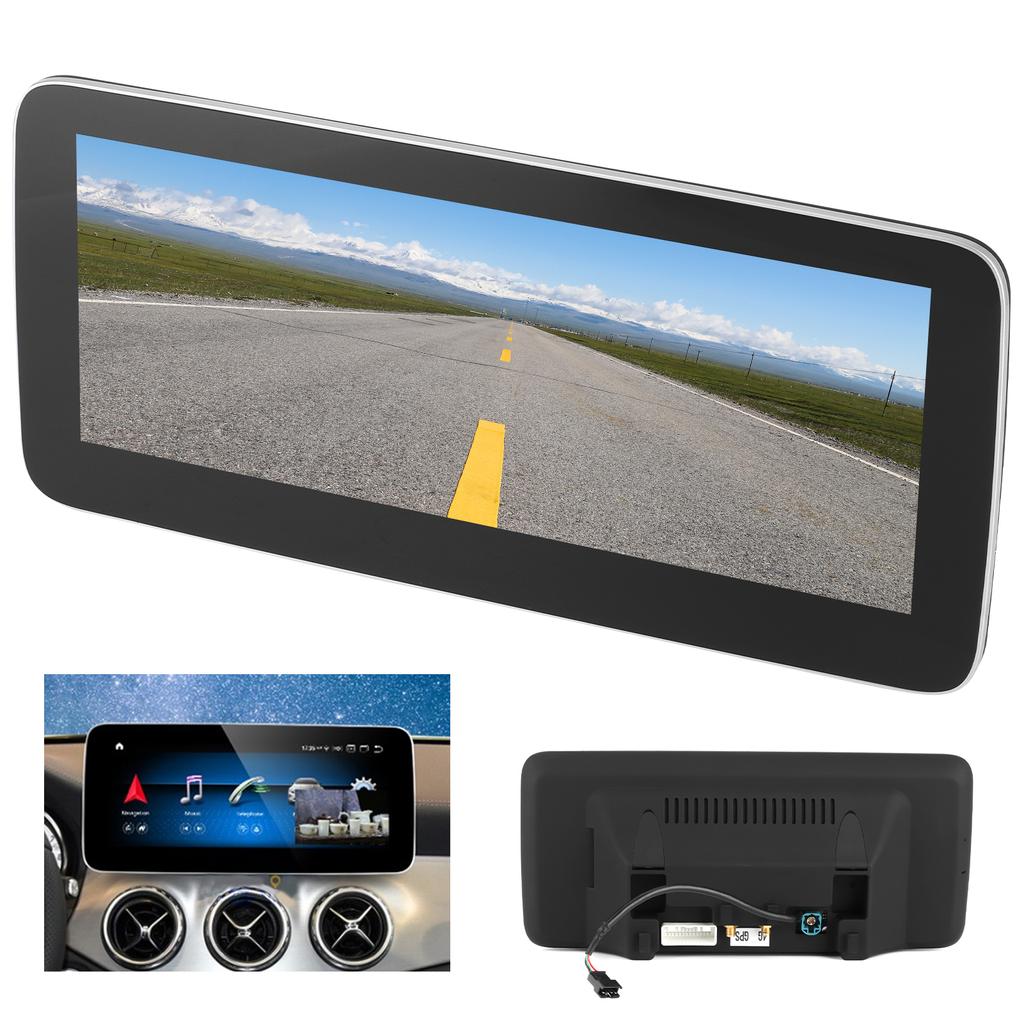
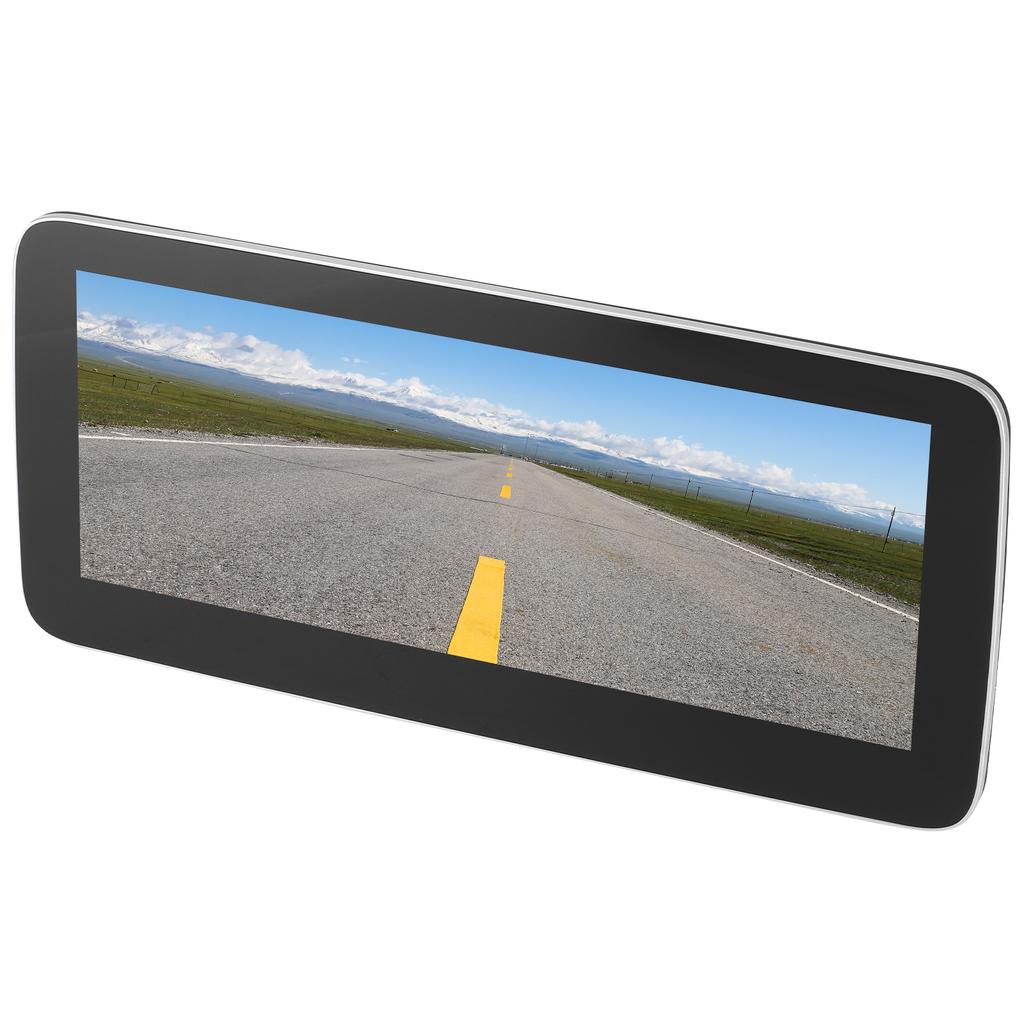
1. 10.25in capacitive touch screen, 1280 x 720 high resolution, provides you with clear and vivid images.
2. For Android 10.0 operating system, allows to install many applications: for Google Play Store, for Skype, for Facebook, for YouTube, for Twitter, etc.
3. Bluetooth 4.0, supports Bluetooth music, hands‑free calling and synchronized contact list, which brings much convenience for you.
4. With the function of for iOS Phone (for CARPlay) and for Android Phone (for Android Auto) mobile phone interconnection.
5. High speed CAN input, perfectly matched with the original CAN system. 1:1 luxurious style, retaining the original sound effects.
Specification:
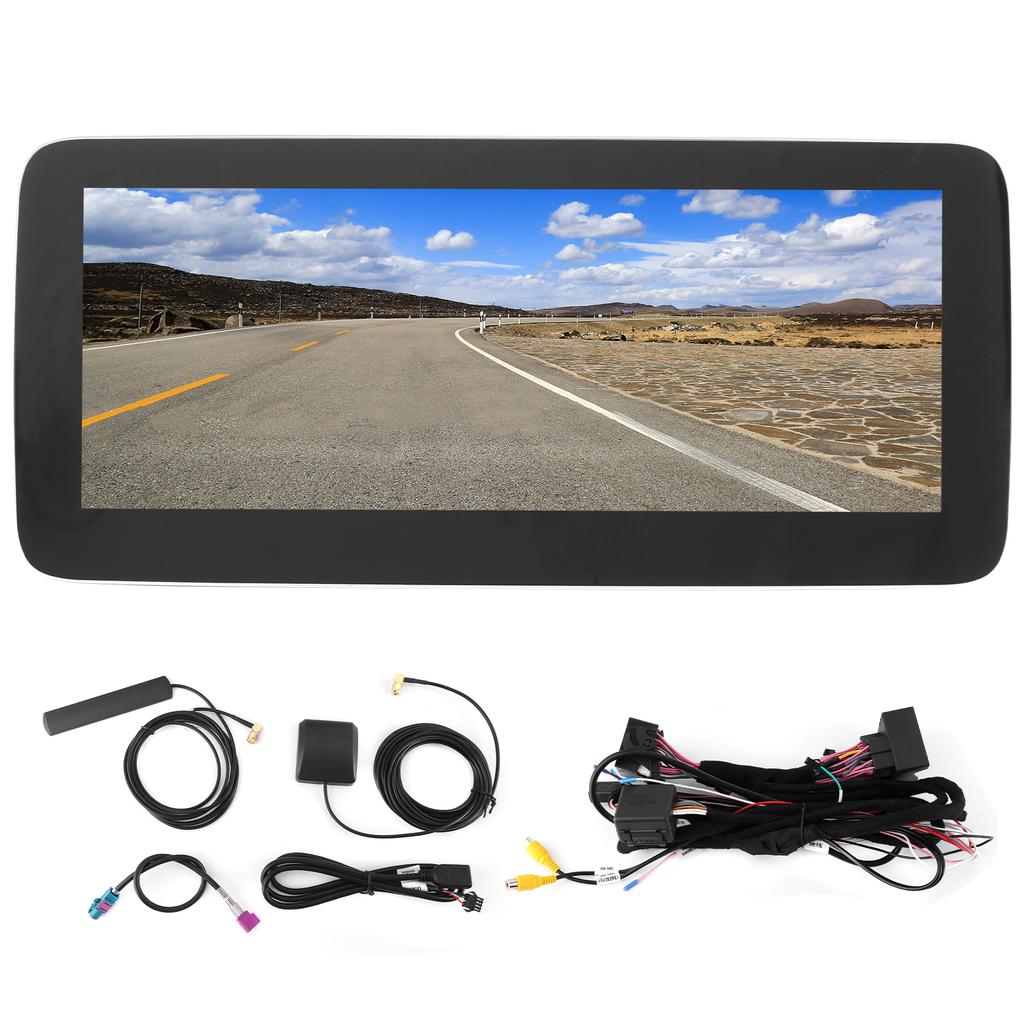
Item Type: Car Navigator
Material: ABS
Fitment: Fit for Mercedes Benz A CLASS GLA 2013 2015
Operating System: for Android 10.0
Screen Size: 10.25 inches
Screen Resolution: 1280 x 720
Configuration: GPS BT USB wireless CARPLAY AHD DSP
Decoding Chip: for Qualcomm MSM8953
Power Amplifier Chip: TDA7388
Mobile Phone Interconnection: for Android two way for IOS one way
GPS Navigation: Support
Radio Band: FM
Radio Chip: 8227
Audio Frequency: FM87.5 108m
Reversing Image: Support AHD
Brake Prompt Function: Yes
Steering Wheel Control Function: Yes
Bluetooth: Support, version 4.0, support Bluetooth music, Bluetooth phone call
Output Terminal: 1 way reverse video input. 1 channel record video input.
USB Interface: Version 2.0 has 2 tail line outputs
Play Mode: USB Bluetooth 4.0 (password: 0000) Supported picture formats: JPEG, GIF, PNG, BMP
Supported Audio Formats: MP3, FLAC, APE, WMA, WAV, AAC, AMR, etc.
Supported Video Formats: AVI, ASF, MP4, MOV, MPG, MPEG 1 2 4, VOB, MKV, FLV, TS, WMV, RMVB, 3GP, 1080P, etc.
Working Voltage: DC 9 17V
Installation Method:
1. Loosen the bolts of the center control panel.
2. Remove the center control panel trim.
3. Remove the original car s central control panel and disassemble the original car s multimedia host.
4. Organize the GPS antenna of the new navigation host.
5. Check the signal line plug and power cord plug connected to the host.
6. Connect the signal line plug, ACC power plug and GPS antenna of the new navigation host.
7. Turn on the vehicle and check whether the new navigation host is working properly.
8. Start the navigation and drive a circle around, check whether the navigation coordinates are offset and whether the GPS positioning is connected.
9. After the test is completed, restore the vehicle after there is no problem..
Package List:
1 x Host 1 x Power Cord1 x USB Adapter Cable1 x 4G Antenna1 x GPS Antenna1 x LVDS Adapter Cable1 x Manual





 Rimborso per mancata consegna