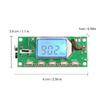
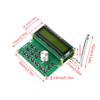
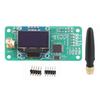
Advanced digital signal processing ( ) and FM phase-locked modulation ( ) less sound distortion and more stable performance
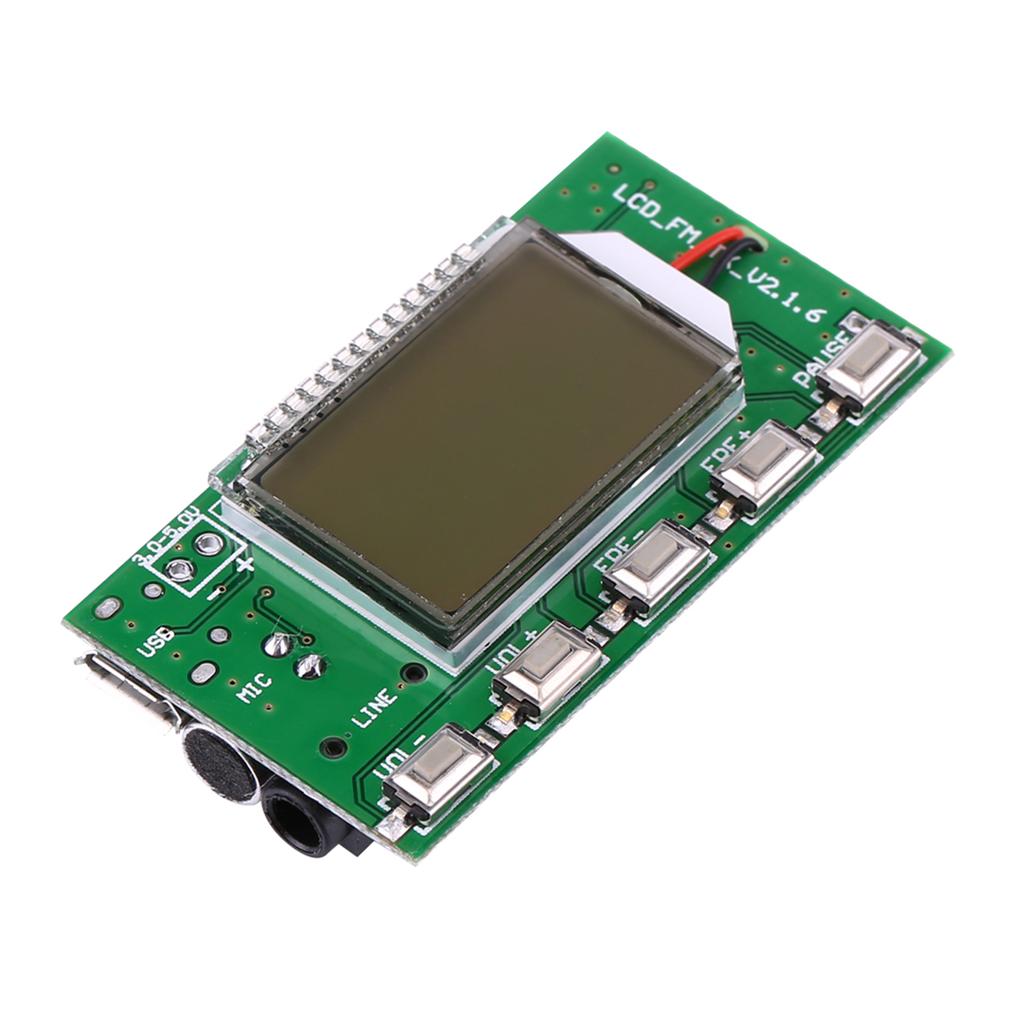
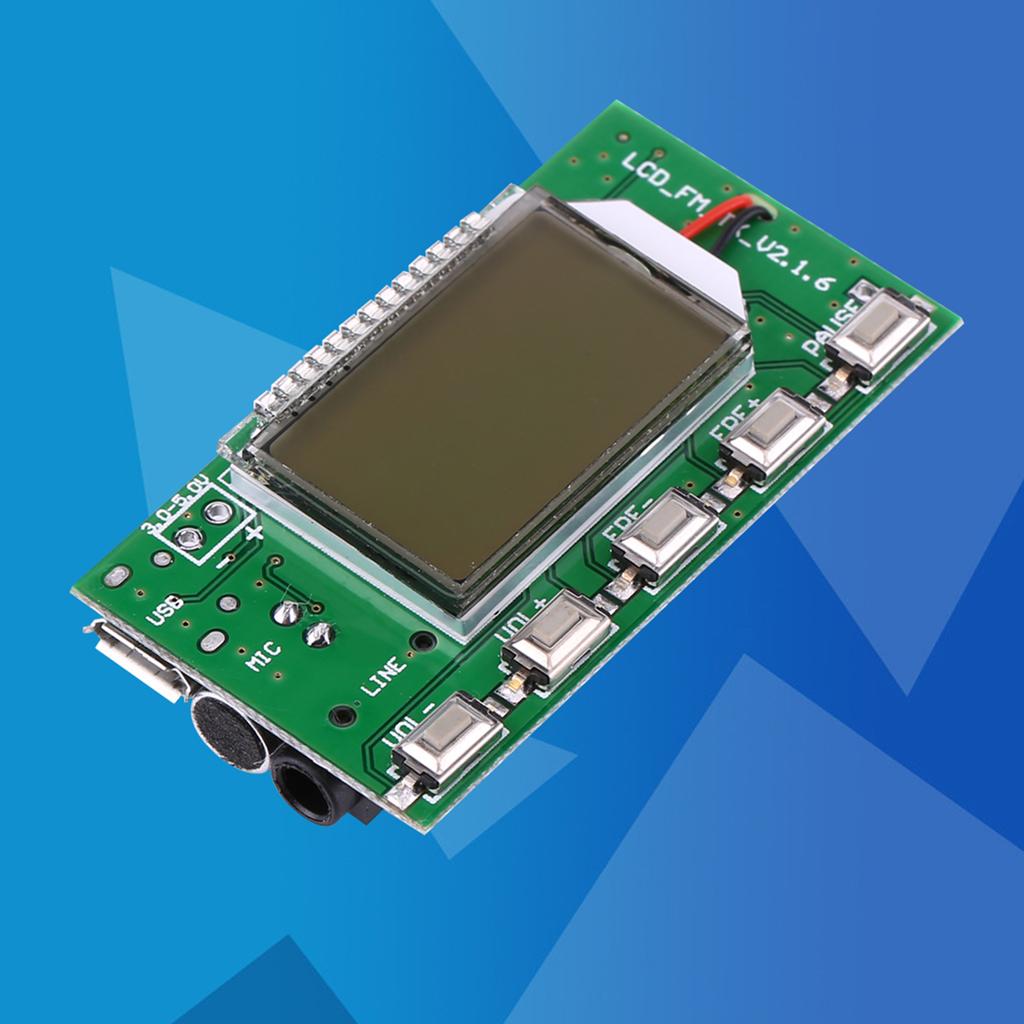
LCD display is more intuitive and accurate, and has very low power consumption and tiny noise interference
Built-in 30-class digital volume adjustment can easily complete volume adjustment by pressing buttons
Features:
Advanced digital signal processing ( ) and FM phase-locked modulation ( ) less sound distortion and more stable performance.
LCD display is more intuitive and accurate, and has very low power consumption and tiny noise interference.
Built-in 30-class digital volume adjustment can easily complete volume adjustment by pressing buttons.
Automatic storing data when the power is out.
Automatic ing from multichannel inputs.
Using quartz for quency stabilization, and emission quency will not drift when temperature changes.
Support serial port control.
Specifications:
Output Power: 100mW
quency Response: 50Hz to 18KHz
Emission quency: 87.0MHz to 108.0MHz(close campus broa ast), 76.0MHz to 108.0MHz(open campus broa ast)
quency Adjustment: 0.1MHz each time press button press, 1.0 MHz each time press(press and hold) button
Modulation Mode: Standard FM
Channel: LINECelsiusUSB (stereo), MIC (single channel)
Equivalent Noise: more than 30dB
Input Voltage: 3V to 5V
Current: 35mA
Emission Distance: 100 mete (for reference only, tested with 75cm on open ground).
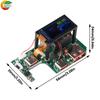
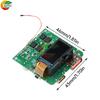
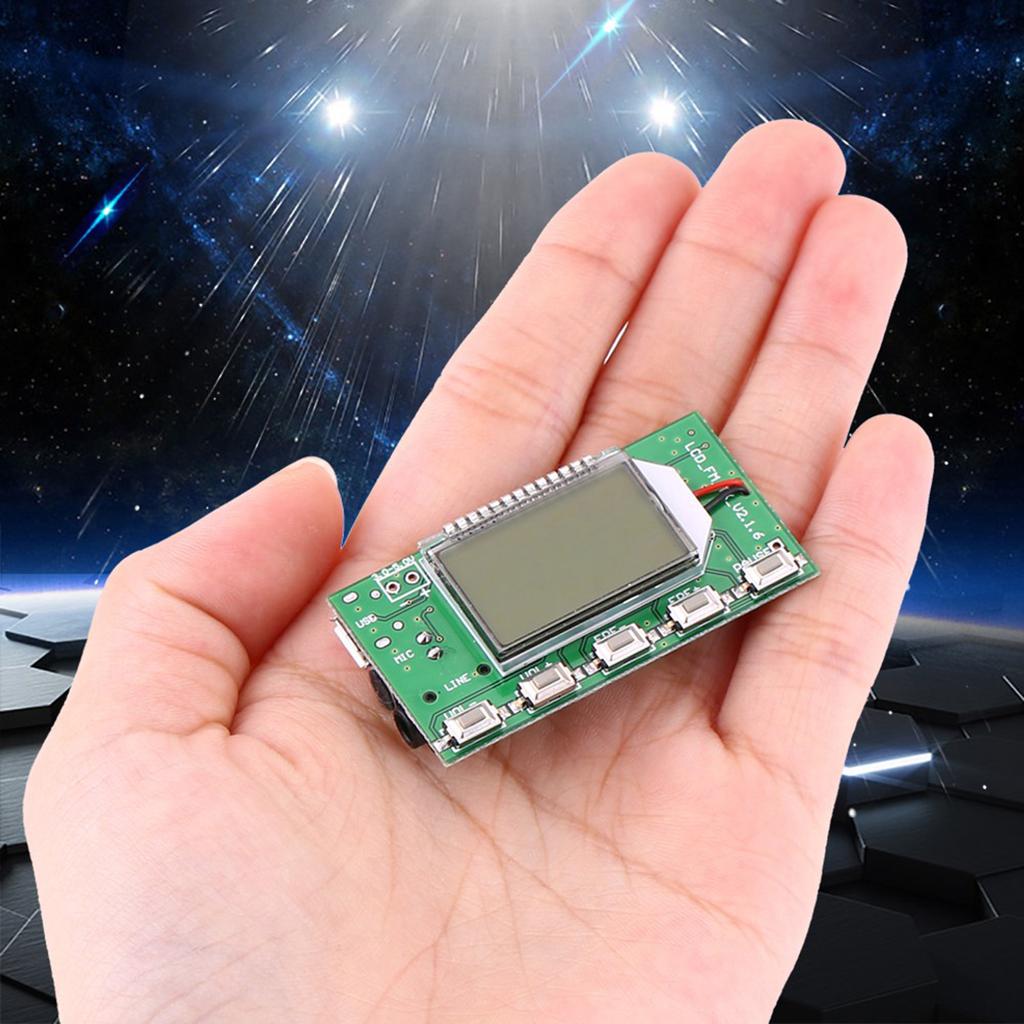
Size: 49 x 26.5mm Celsius 1.93 x 1.04
Display Size: 24 x 15mm Celsius 0.94 x 0.59
Suitable for: FM radio, wireless microphone, computer emission (connect through USB)
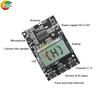
Wiring:
Instruction:
1, Use battery or step-down type regulated power supply as power source. -mode power supply without filter such as power bank, phone , voltage regulated - module can NOT be used because the high quency conve ion interference of -mode power supply will affect this module.
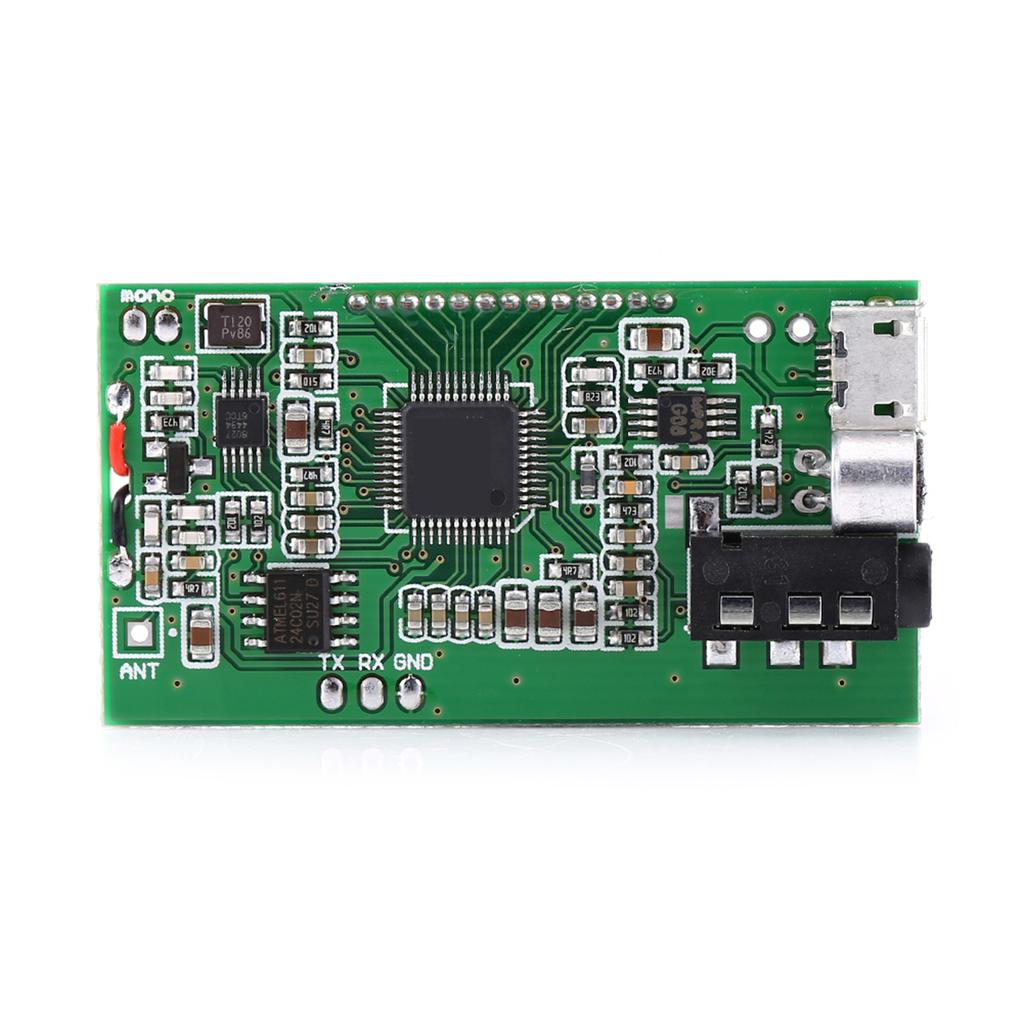
2, If you need USB broa ast function, you need to plug in USB cable and connect module to a computer.Since a USB port of computer outputs 5V, the USB port can be a power supply for module.Computer will automatically install driver, and give a name to this module as CD002 sound equipment. Enabled the CD002 equipment in computer voice settings and computer can be emitted by means of FM through this module.
3, If you need LINE channel as a source of sound emission, plug on end of cable into 3.5mm socket, and the other end into your equipment (e.g. mobile phone), then the module will automatic to LINE channel.
4, If you need this module MIC as a source of sound emission, simply unplug the USB and LINE, and module automatically es to MIC channel as the source of FM. This module with high sensitivity electret microphone can be applied in the wireless microphone as needs.Adjust the emitting volume to achieve the best effect of sound pickup.
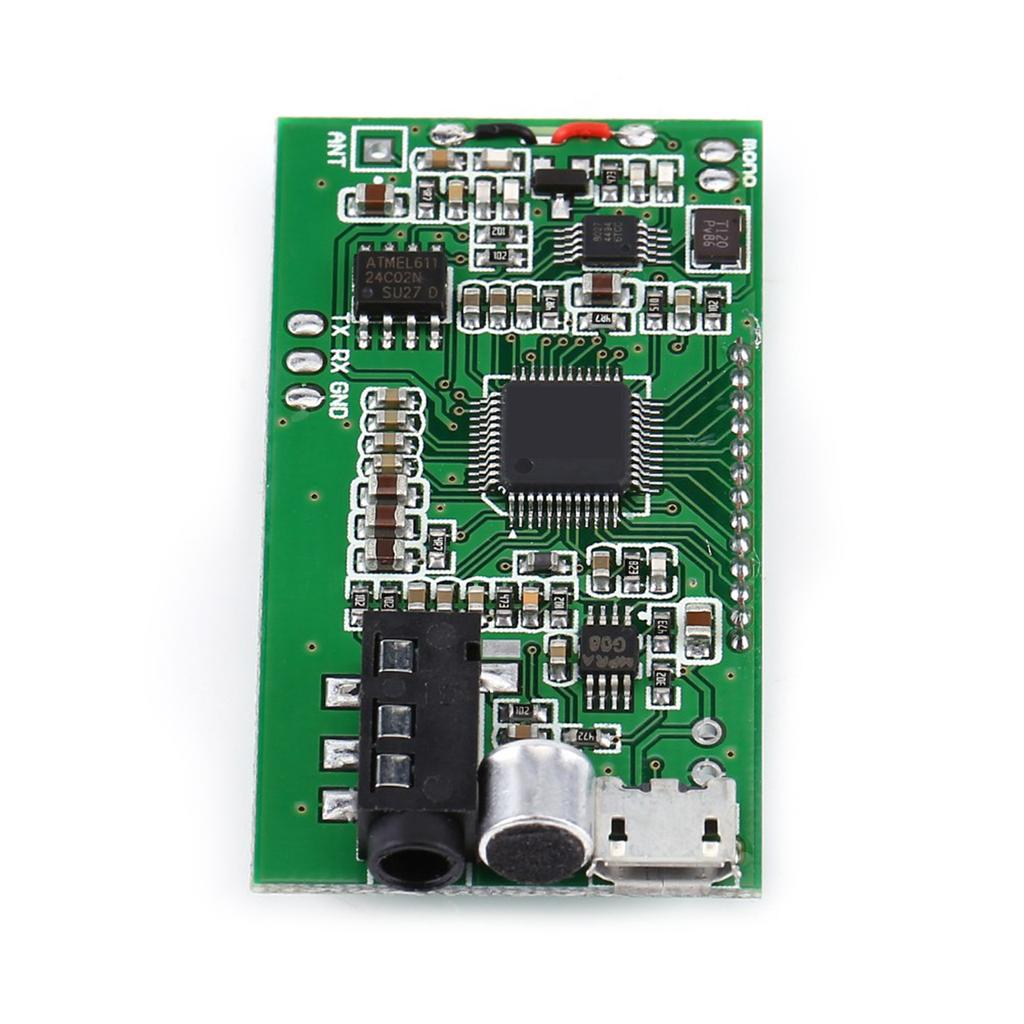
5, Module has TTL voltage serial port control interface. If need TTL serial port to communicate with this module, connect UART_ , UART_TX and GND. You can use computer serial port or MCU to control module instead of pressing buttons. Note that the computer serial port voltage is not TTL voltage , so when communicating with computer, a 323 to TTL voltage adaptor or a USB to TTL voltage serial module is needed. Serial port control requires certain computer professional knowledge and skills, so you can skip this part if you are not sure.
User Settings:
1, Backlight Setting:
Press and hold + - together then power on to set backlight, and if module displays B1 , backlight will be turned on always; if it displays B0 , backlight will be turned on for 20 seconds then off. Restart module to enable setting(default B0 ).
2, OpenCelsiusClose Campus Broa ast:
Press and hold VOL+, VOL- together t





 No-delivery refund