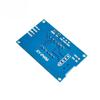
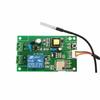
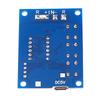
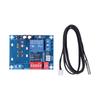
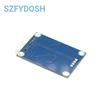
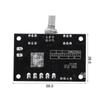
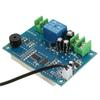
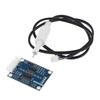
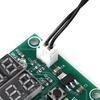
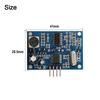
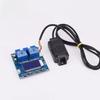
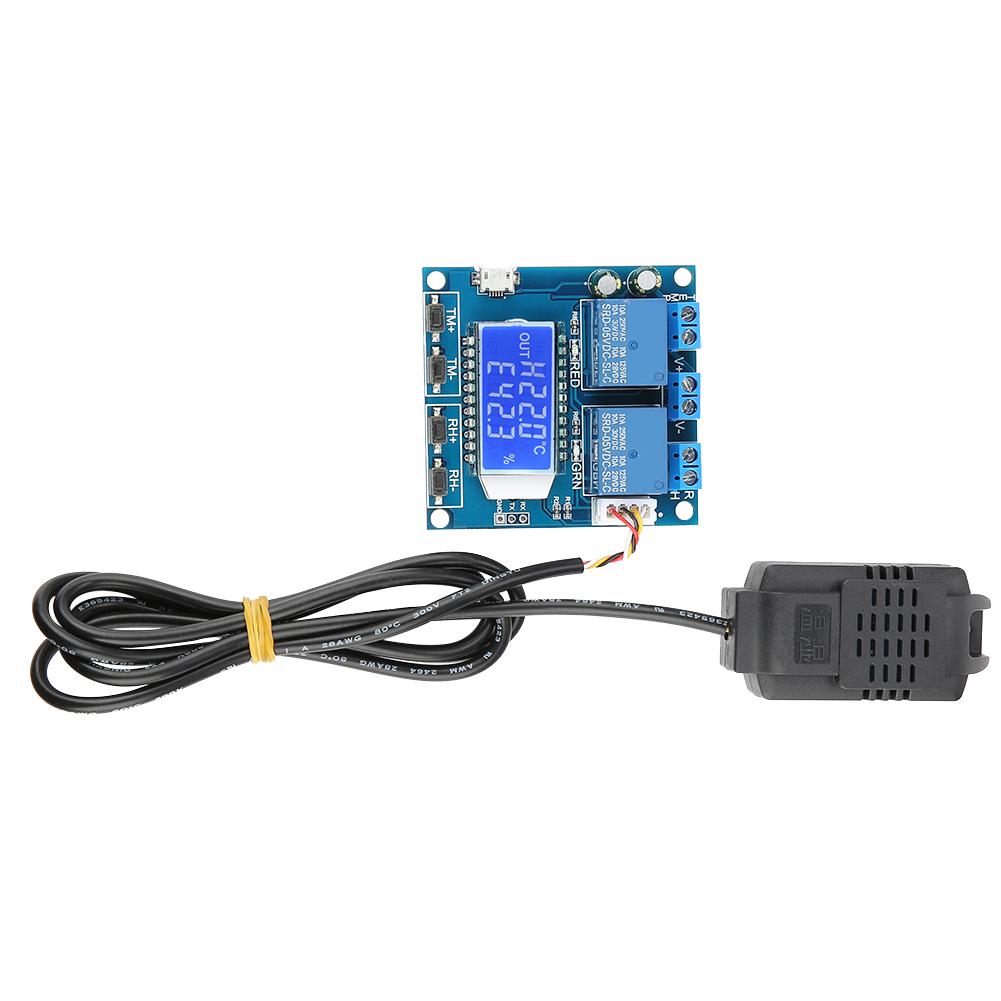
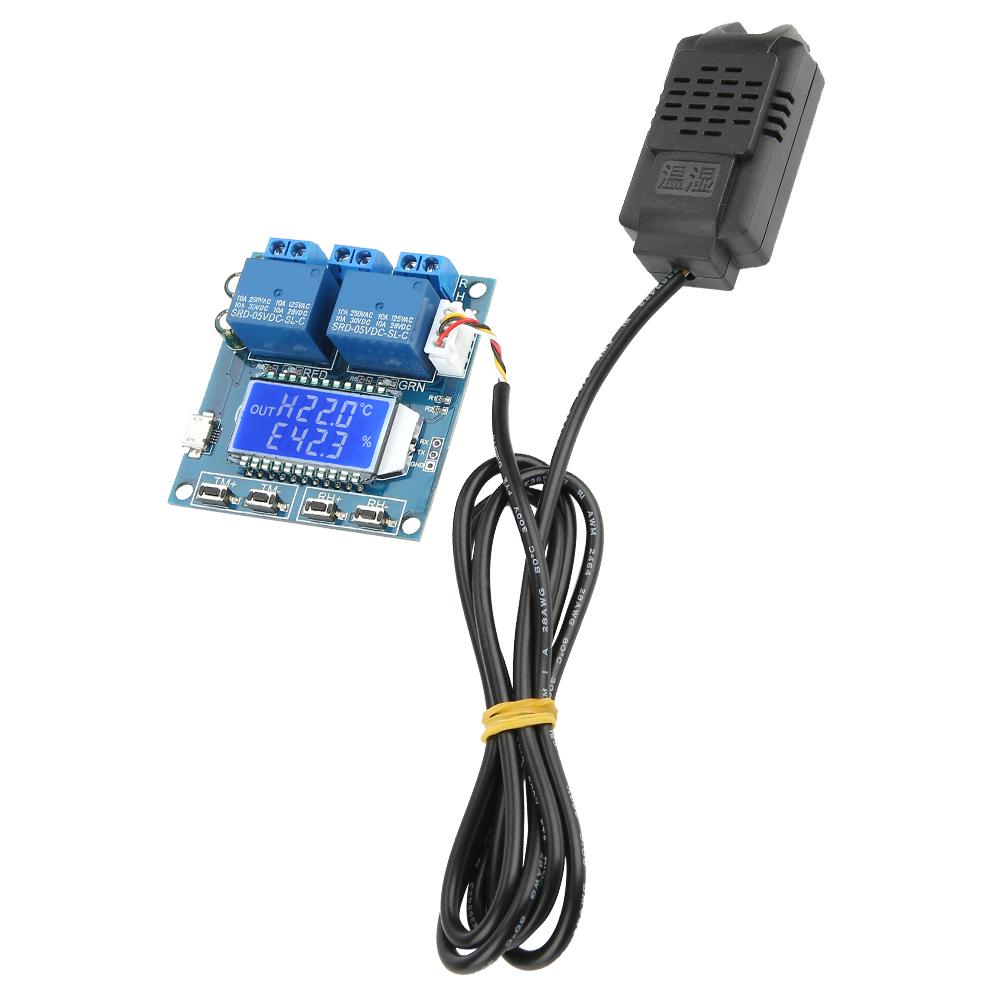
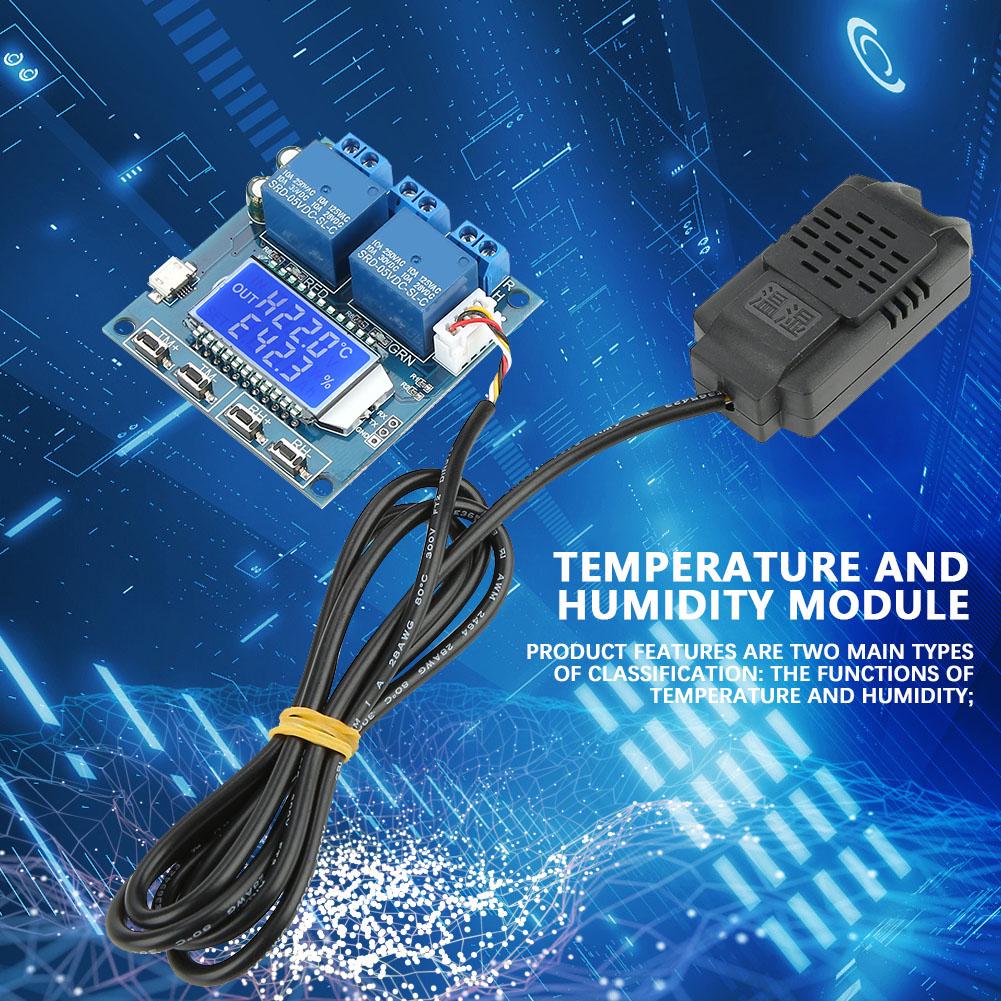
Product features are two main types of classification: the functions of temperature and humidity;
The automatic identification of work mode
Temperature correction function OFE (-10.0 . 10 celsius ):
Features:
1.Product features are two main types of classification: the functions of temperature and humidity;
2.Function of temperature are as follows:
The automatic identification of work mode:
3.The system automatically according to the startCelsiusstop temperature, identify work mode;
Start temperature > stop temperature, cooling mode C .
Start temperature < stop temperature, heating mode H .
4.Cooling mode:
When the temperature more than Start temperature, relay conduction, red led on, refrigeration equipment begin to work;
When the temperature less than Stop temperature, relay disconnect, red led off, refrigeration equipment stop to work;
5.Heating mode:
When the temperature less than Start temperature,relay conduction, red led on,heating equipment begin to work;
When the temperature more than Stop temperature, relay disconnect, red led off, heating equipment stop to work;
6.Temperature correction function OFE (-10.0 . 10 celsius ):
7.The system is working for a time and may be biased, through this function correction, the actual temperature = measuring temperature + calibration value;
How to set up startupCelsiusStop humidity:
1. In the running interface, press + key3More than seconds, enter Starting humidity Set up the interface, the test can pass. + -Key modifies parameters, waiting for parameters to be modified, waiting.6sAutomatically quit and save.
2. In the running interface, press - key3More than seconds, enter Stop humidity Set up the interface, the test can pass. + -Key modifies parameters, waiting for parameters to be modified, waiting.6sAutomatically quit and save.
interface description:
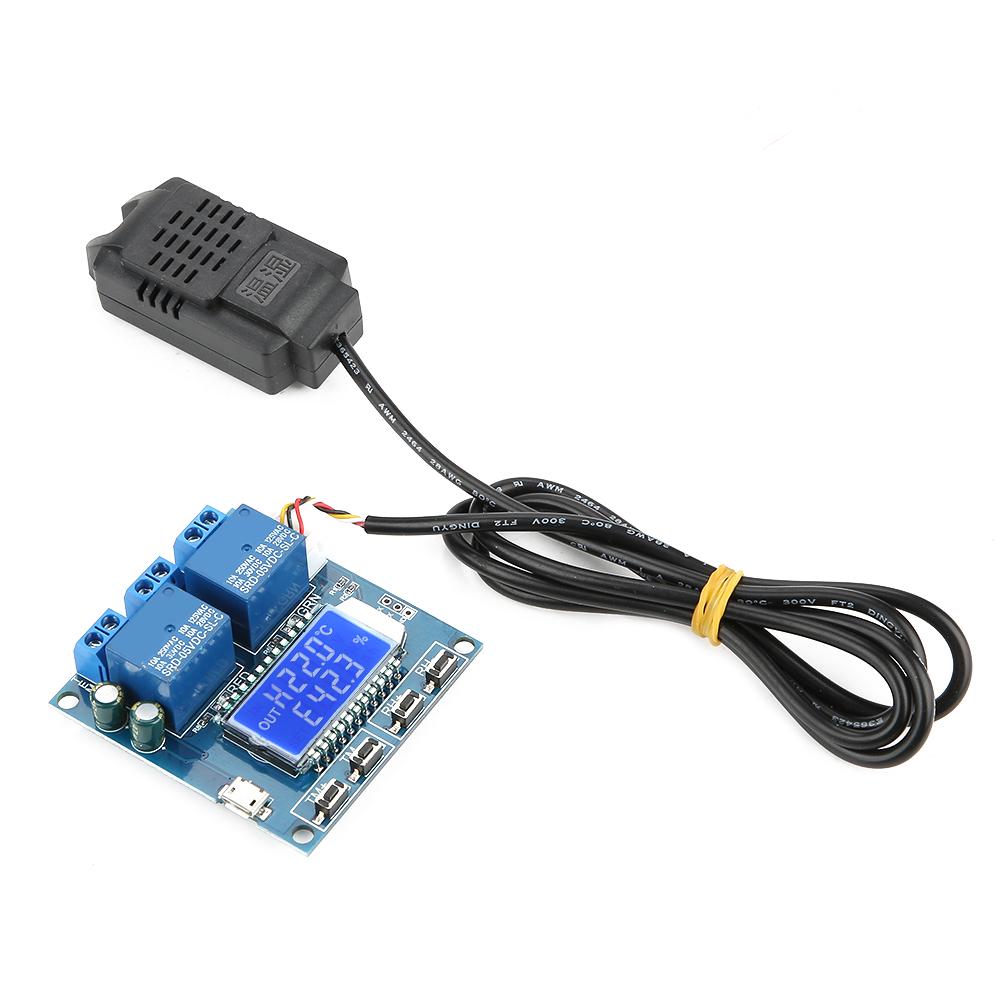
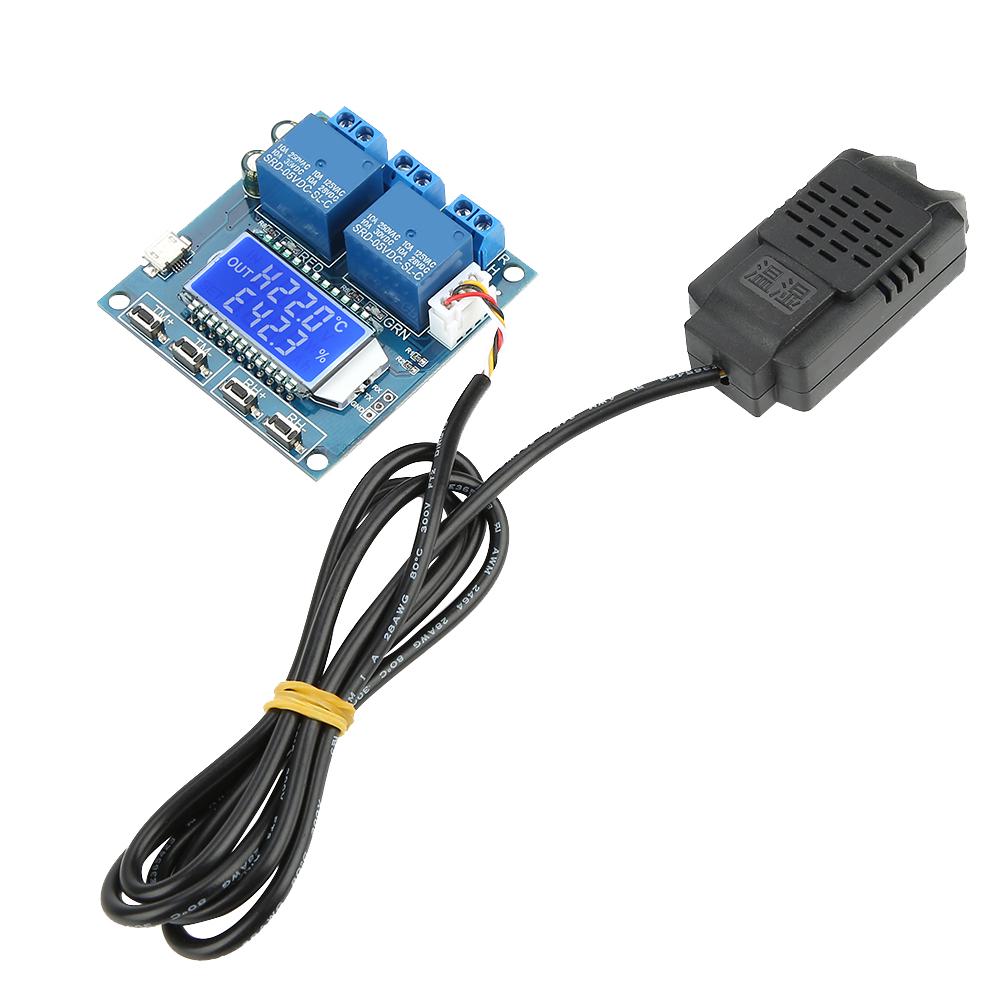
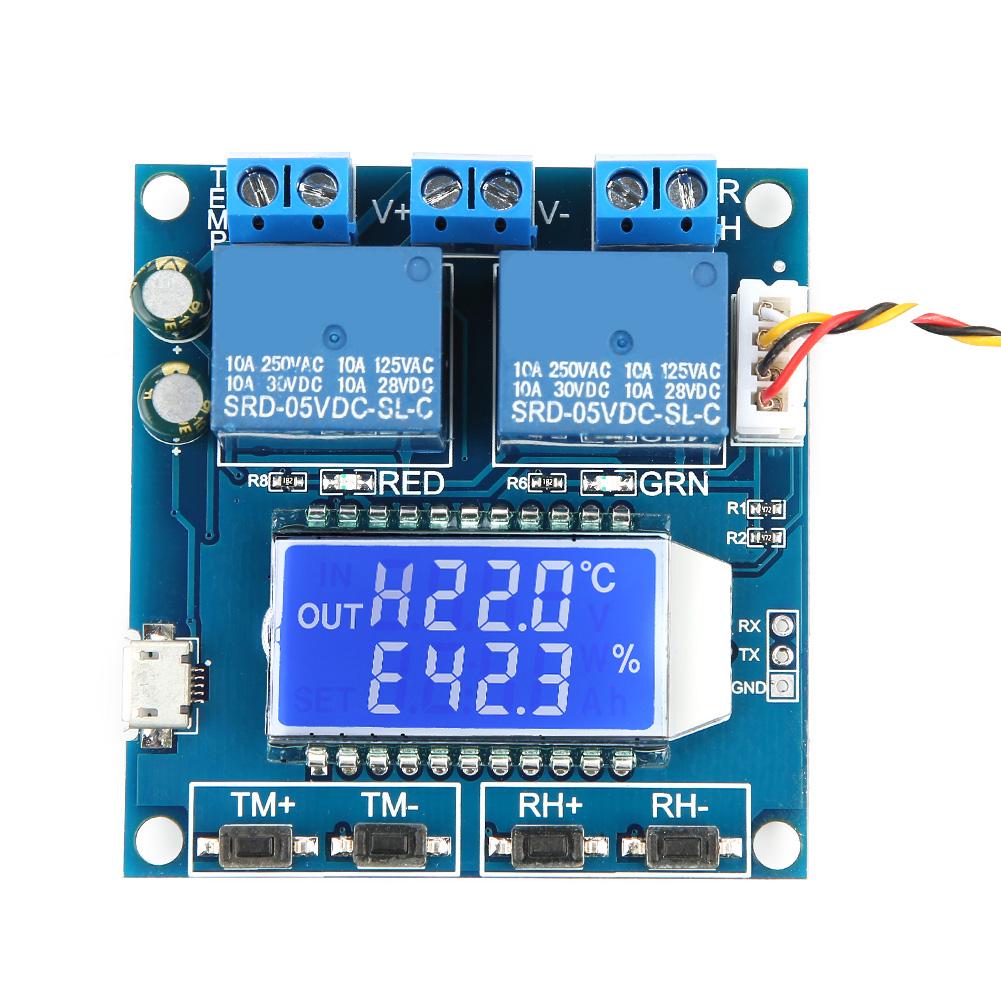
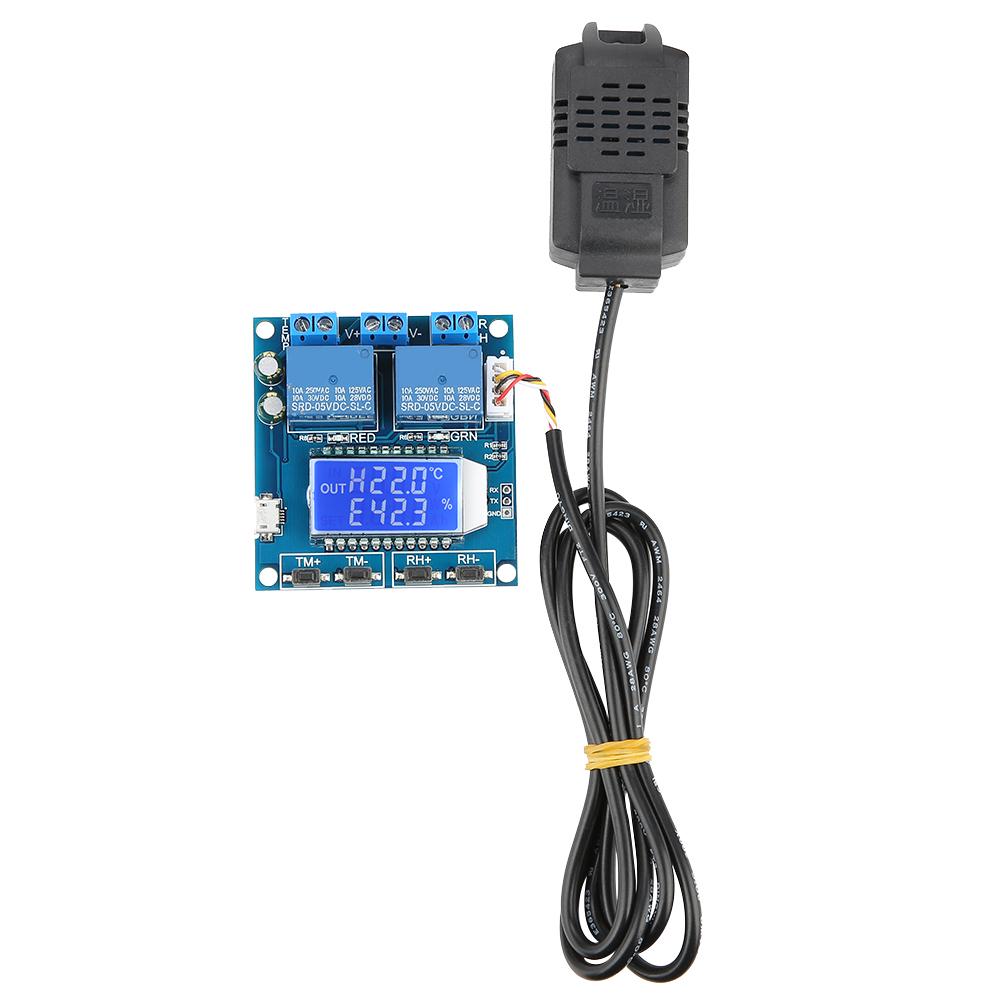
The working mode shows that when the temperature is startedCelsiusHumidity and stopping temperatureCelsiusAfter the humidity and other parameters are set, the temperature isCelsiusThe current mode will be displayed synchronously in front of humidity HCelsiusC , ECelsiusd );
Any relay is turned on, and the upper left corner of the interface is displayed OUT If the temperature relay is turned on, the temperature mode of the scintillation display is displayed. HCelsiusC As a reminder, if the humidity relay is turned on, the humidity mode will be displayed ECelsius As a reminder.
Other functions:
1. Parameter remote readingCelsiusSet up:
Can pass through UART Set the starting temperature.CelsiusHumidity and stopping temperatureCelsiusHumidity and temperatureCelsiusHumidity correction and other parameters.
2. temperatureCelsiusHumidity real-time report:
If the temperature is turned onCelsiusHumidity reporting function. 1sThe interval will detect temperature.CelsiusHumidity and relay status UART It is transmitted to the terminal for data collection.
3. Relay enable(Default opening):
If the relay is turned off, the relay remains in a state of disconnection.
How to modify temperatureCelsiusCorrection of humidity:
1. In the running interface,Double click TM+ key Enter the correction value setting interface, downlink display correction value type, uplink display specific value;OFE Temperature correction value Humidity correction value)
2. By passing short Click TM Key, toggle the parameters to be modified, through + -Key, modify specific value; support press short press;
3. When the parameters are modified,Double click TM+ The key is to exit the correction value and set up the interface and save the data.
How to open itCelsiusTurn off relay enable :
In the running interface, short press TM- Key, open or close temperature Relay enable(on: open up OFF: shut down)After returning to the operating interface, if the temperature relay is in a closed state, the temperature & lsquo; & rsquo; flashes to indicate a warning.
In the running interface, shor



 No-delivery refund